Click any text to edit it right here · click an image or link to jump to its setting
- Replace the placeholder links: Header link, "View in browser" link, Featured image, Button link, Story 1 link, Story 2 link, Story 3 link, X (Twitter), LinkedIn, YouTube, Unsubscribe link, Email preferences link.
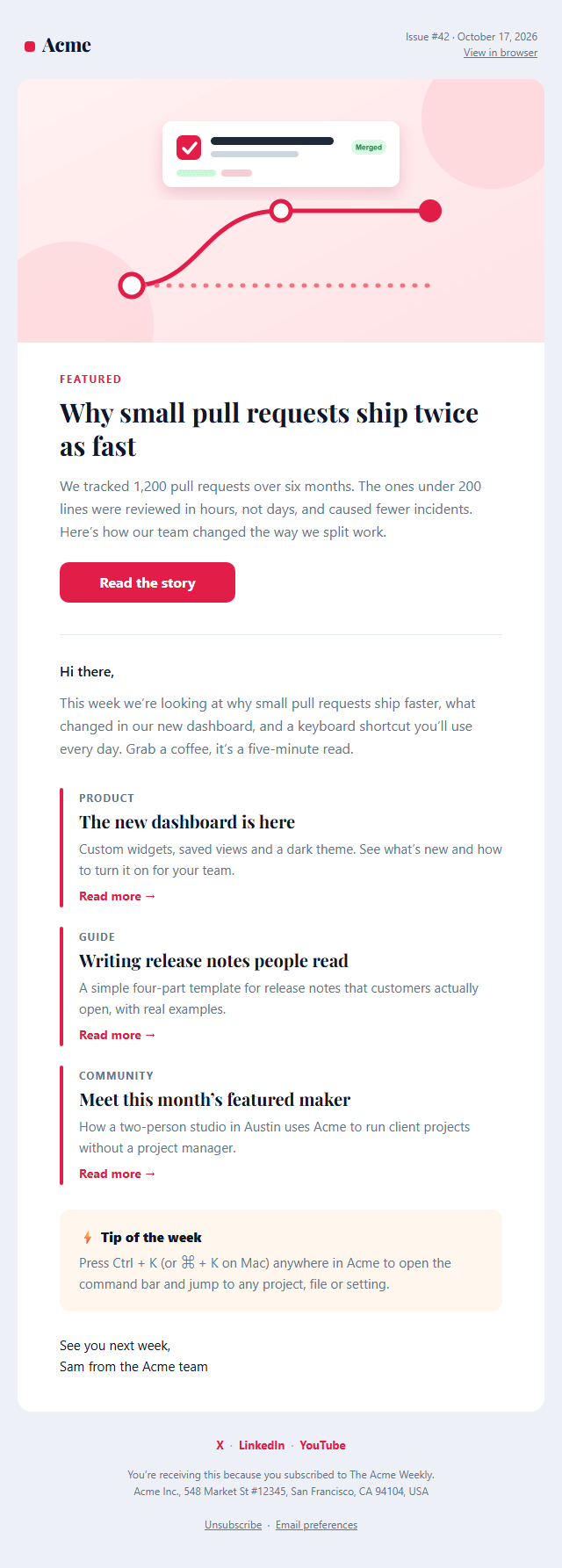
Newsletter Email
Responsive · Dark mode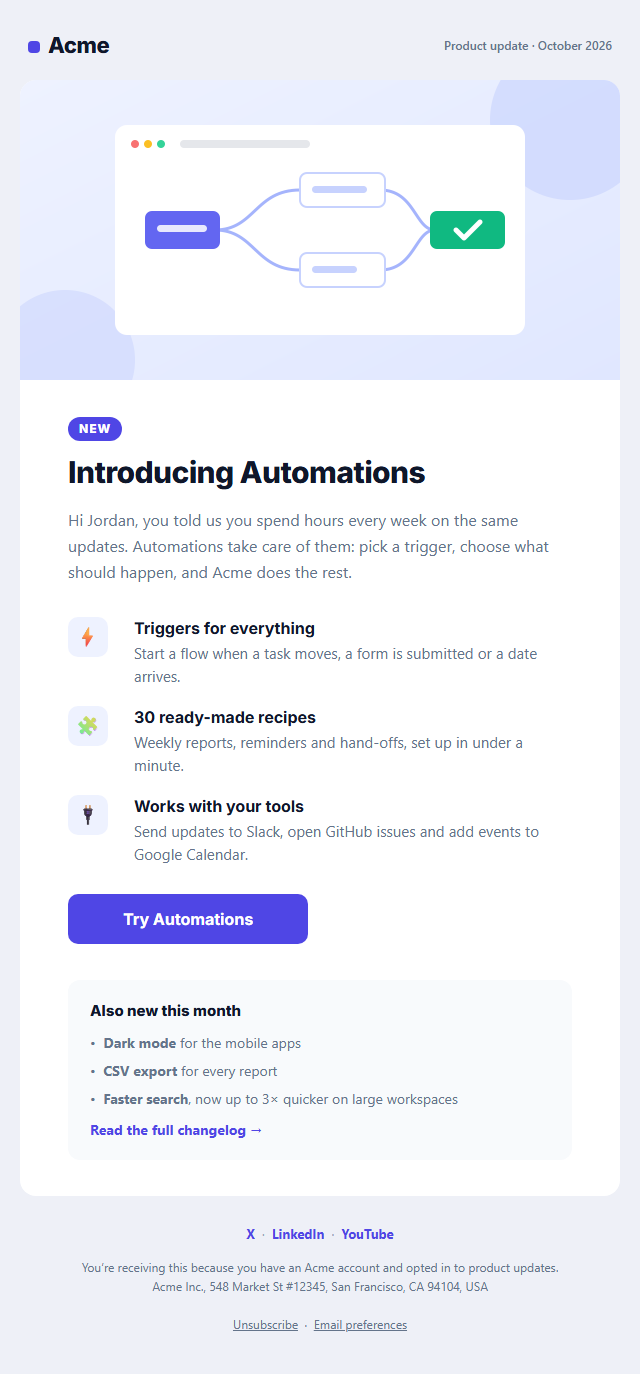
Product Update Email
Responsive · Dark mode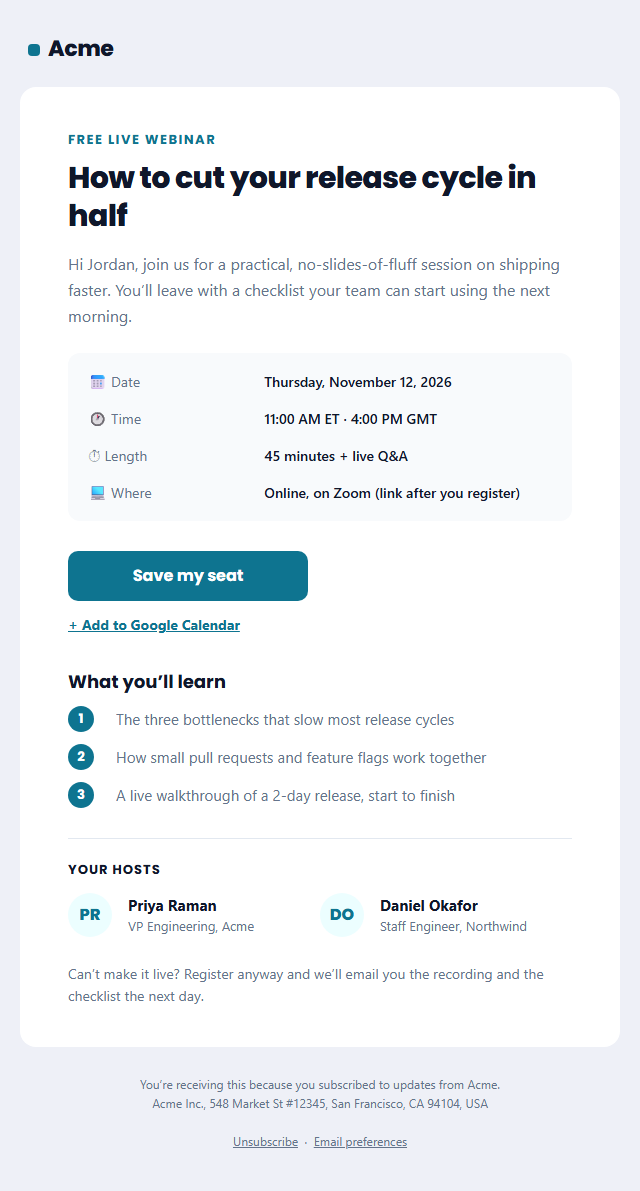
Webinar Invitation Email
Responsive · Dark mode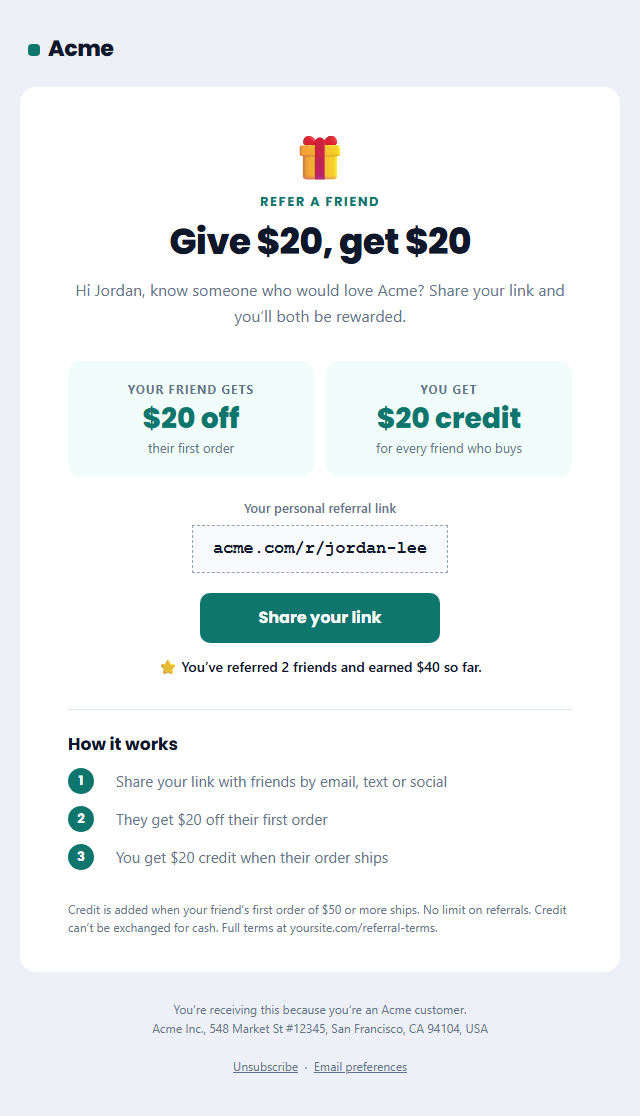
Refer a Friend Email
Responsive · Dark mode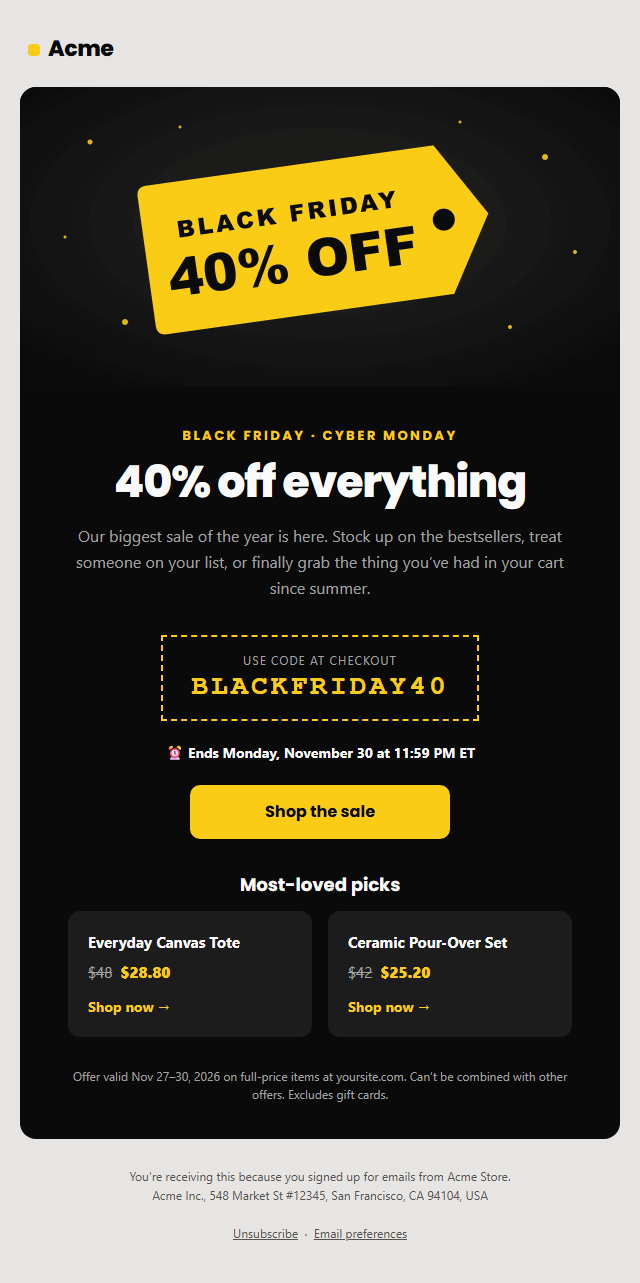
Black Friday Sale Email
Responsive · Dark mode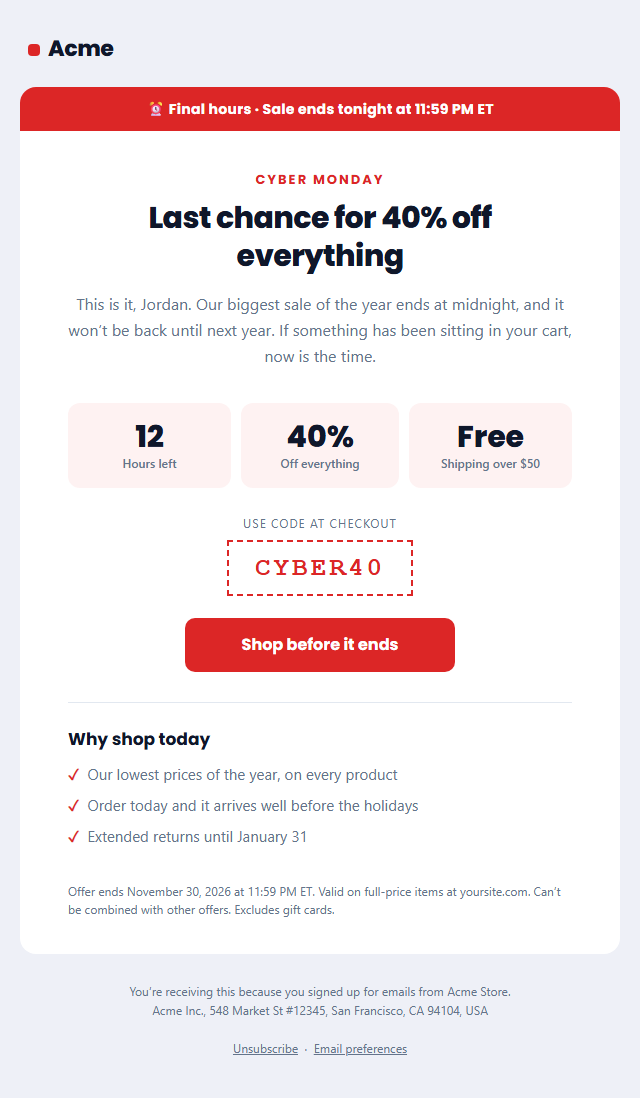
Last Chance Sale Email
Responsive · Dark modeNewsletter Email — Free Responsive HTML Email Template
Marketing · v1.0.0 · Updated 2026-10-17 · Gmail, Outlook & Apple Mail · Dark mode
What's included
Features
About this template
Newsletter Email — Free Responsive HTML Newsletter Template
Newsletter Email is a free, responsive HTML newsletter template for weekly and monthly emails, blog digests, product updates and creator newsletters. It has a masthead with the issue number, date and a "View in browser" link, a featured story with a large image and button, an editor's intro, three story summaries with "Read more" links, a highlighted tip box, a sign-off, social links and a CAN-SPAM-ready footer.
A layout people can skim
Most newsletter readers skim, so the structure does the work: one big featured story to grab attention, a short personal intro, then three summaries with a coloured rule, small tag, headline and one or two lines each. The tip box gives regular readers a reason to scroll to the end. Leave a story title empty to hide it, or switch whole sections off.
Editorial typography
Headlines default to Playfair Display, a serif with a magazine feel, over a clean system font for body text, with Georgia as the fallback where web fonts don't load. Change the fonts and the accent colour to match your brand in seconds.
Coded for real inboxes
Nested tables and inline styles hold the layout together in Gmail, Apple Mail, Yahoo and Outlook, and the featured button is a VML "bulletproof" button for Outlook on Windows. A dark palette, a hidden preheader and a plain-text version are included, and the editor warns you if the email grows close to Gmail's 102 KB clipping limit.
Compliant by default
Newsletters are commercial email, so the footer includes the reason people are receiving it, your postal address, an unsubscribe link and an email-preferences link, as US CAN-SPAM and the Gmail and Yahoo bulk-sender rules require.
Write your issue in the browser, then paste the HTML into Mailchimp, Kit (ConvertKit), Beehiiv, Brevo, MailerLite or Klaviyo, or fork it into My Code. New subscriber? Greet them first with the Welcome Email.
Extend with AI
Take This Email Further With AI
Give this prompt to an AI assistant to write your own version of the Newsletter Email email: draft ten subject lines and preheaders, adapt the copy for a customer segment, translate it, convert it to MJML or React Email, or write the plain-text version. Then paste the result back into the editor above to check it in desktop, mobile and dark mode.
Prompt to recreate it
Copy this into your AI assistant of choice to build the effect from scratch, or as a jumping-off point for your own variant:
Create a responsive HTML email: “Newsletter Email”, a marketing email.

Purpose: A weekly or monthly newsletter: masthead with issue number and date, an editor’s intro, a featured story with image and button, three article summaries with links, a highlighted tip box, social links and a CAN-SPAM-ready footer with unsubscribe.

Inbox text:
- Subject line: “The Acme Weekly #42: shipping faster with smaller PRs”
- Preheader (hidden preview text): “This week: smaller pull requests, a new dashboard and one tip that saves an hour a week.”

Content, top to bottom:
- Editor’s intro
- Featured story
- More stories (leave a title empty to hide it)
- Tip box
Lead with the offer in the first line, with one main button and one quiet secondary link.

Build it like a professional email developer:
- Table-based layout, 600px wide on desktop and fluid on mobile (width 100%, max-width 600px).
- Inline CSS on every element, with one small style block only for media queries and dark mode (prefers-color-scheme).
- A bulletproof, Outlook-safe call-to-action button (padded table cell with a VML fallback), never an image.
- Colours: brand and button #e11d48, button text #ffffff, page background #eef0f7. Web-safe font stack with a fallback after the brand font.
- Every image has alt text and explicit width and height. Use PNG icons, never SVG, because Gmail and Outlook drop them.
- Hidden preheader text, a plain-text version, and a legal footer with the postal address, the reason the person is receiving it and a working unsubscribe link.

Finish with a short checklist of what to test in Gmail, Outlook for Windows, Apple Mail, mobile and dark mode.
Want to tighten it up first? Run this prompt through the AI Prompt Studio to score it across 8 quality dimensions, catch anti-patterns, and tune the wording for Claude, ChatGPT, or Gemini before you paste it in.
Why use it
Why Use the Newsletter Email Template
How it’s different
How It’s Different From Other Free Email Templates
Step by step
How to Use
- 1Pick your email platformChoose Mailchimp, Klaviyo, HubSpot or Brevo under Merge tags so first names and unsubscribe links export in its syntax, or keep plain {{first_name}} tokens.
- 2Edit the contentFill in the editor’s intro, featured story, more stories, tip box and social links, or click any text in the preview to jump to its field. Switch the featured story, tip box and social links on or off.
- 3Add your brandUpload or paste your logo and images, set the brand colour and the light and dark palettes, pick fonts, or apply your saved brand kit.
- 4Preview and checkSwitch between desktop, mobile and dark mode, and fix anything the pre-send checks flag, such as placeholder links or missing alt text.
- 5Export or forkCopy the HTML into Mailchimp, Klaviyo, HubSpot, Brevo or your own code, copy the plain-text version, download a ZIP with images, or fork it into My Code.
Real-world uses
Common Use Cases
Promote it
Social Post Templates to Match the Newsletter Email Email
An email works harder with a post behind it. Announce the newsletter email campaign on social media with matching free templates in the same editor: Tip of the Day, Numbered List Post, Year in Review. Use the same brand colours and fonts, export the post as an image at the right size for each network, and link to the same offer or page.
Got questions?
Frequently Asked Questions
Edit the template and open the HTML tab and click "Copy". In Mailchimp choose "Code your own" and paste it; in Kit (ConvertKit) and MailerLite create a custom HTML template; in Beehiiv use an HTML block. Then replace the unsubscribe link with the platform's merge tag, such as *|UNSUB|* in Mailchimp.
Three to five is a good range for a weekly email. This template has one featured story plus three summaries, and you can hide any of them by leaving the title empty.
Yes. Newsletters are commercial email under US CAN-SPAM, and Gmail and Yahoo require bulk senders to offer easy unsubscribe. The footer includes an unsubscribe link, a preferences link and your postal address.
1200 × 600 px, shown at 600 px wide, stays sharp on retina screens. Keep the file under about 200 KB, host it online or upload it here, and always fill in the alt text.
Outlook for Windows ignores web fonts, so headlines fall back to Georgia, and the template forces a safe font instead of Times New Roman. Apple Mail, iOS Mail and some Android clients show Playfair Display.
It saves an editable copy of your Newsletter Email in My Code, the UI Snippets code editor: the email markup goes in the HTML panel and its CSS (mobile and dark-mode rules plus fonts) in the CSS panel, so you can keep refining the code and save your own versions.
Yes. It is free for personal and commercial email, with no sign-up and no watermark. Everything runs in your browser, and your edits are saved locally.