Click any text to edit it right here · click an image or link to jump to its setting
- Replace the placeholder links: Header link, Button link, Unsubscribe link, Email preferences link.
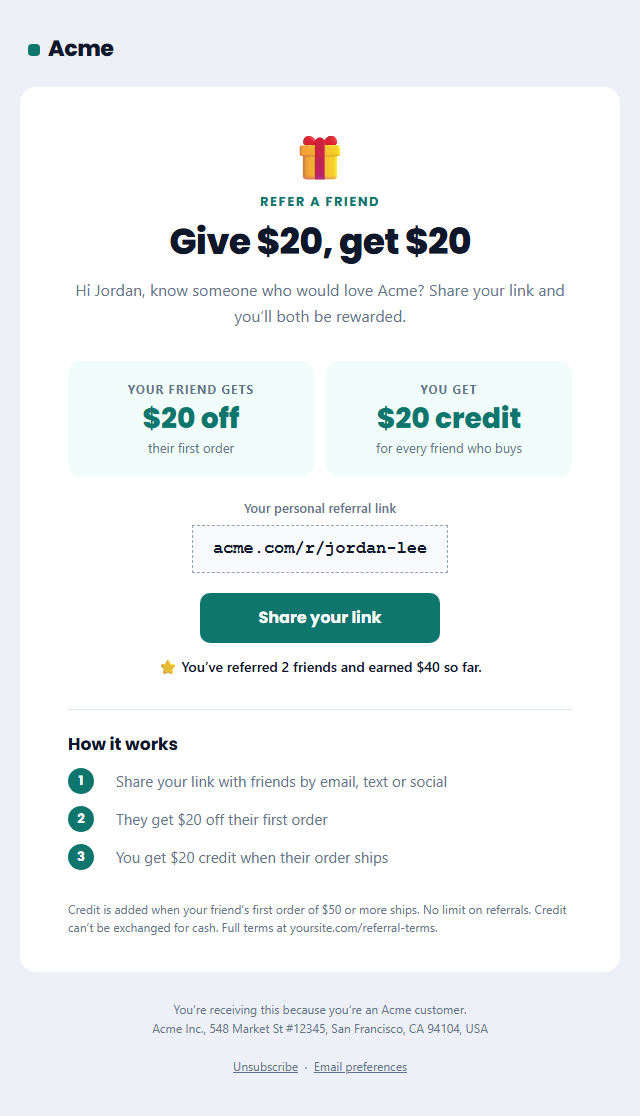
Refer a Friend Email
Responsive · Dark mode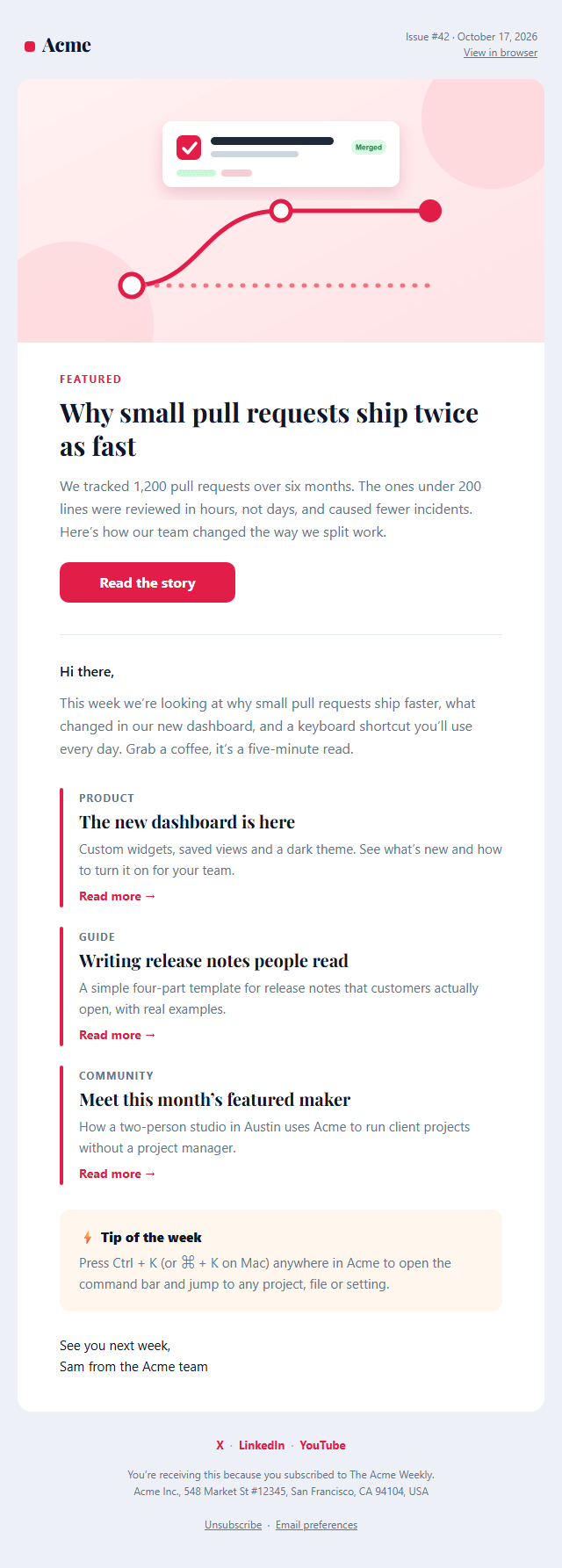
Newsletter Email
Responsive · Dark mode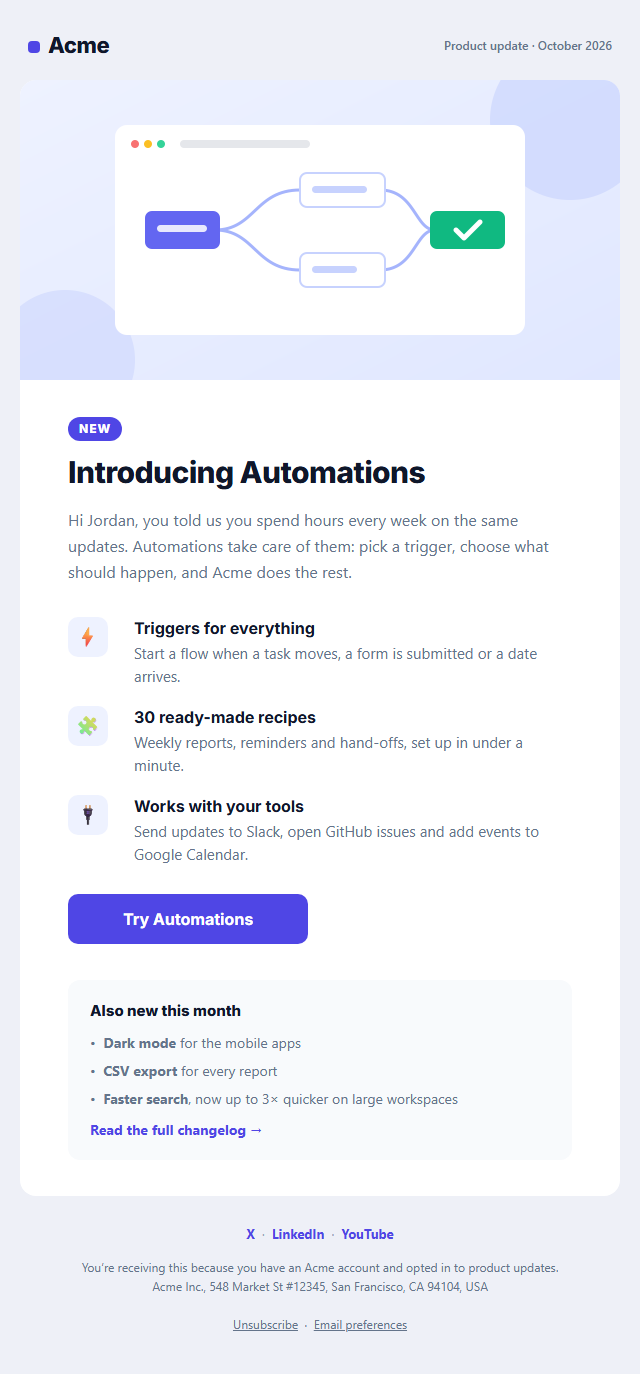
Product Update Email
Responsive · Dark mode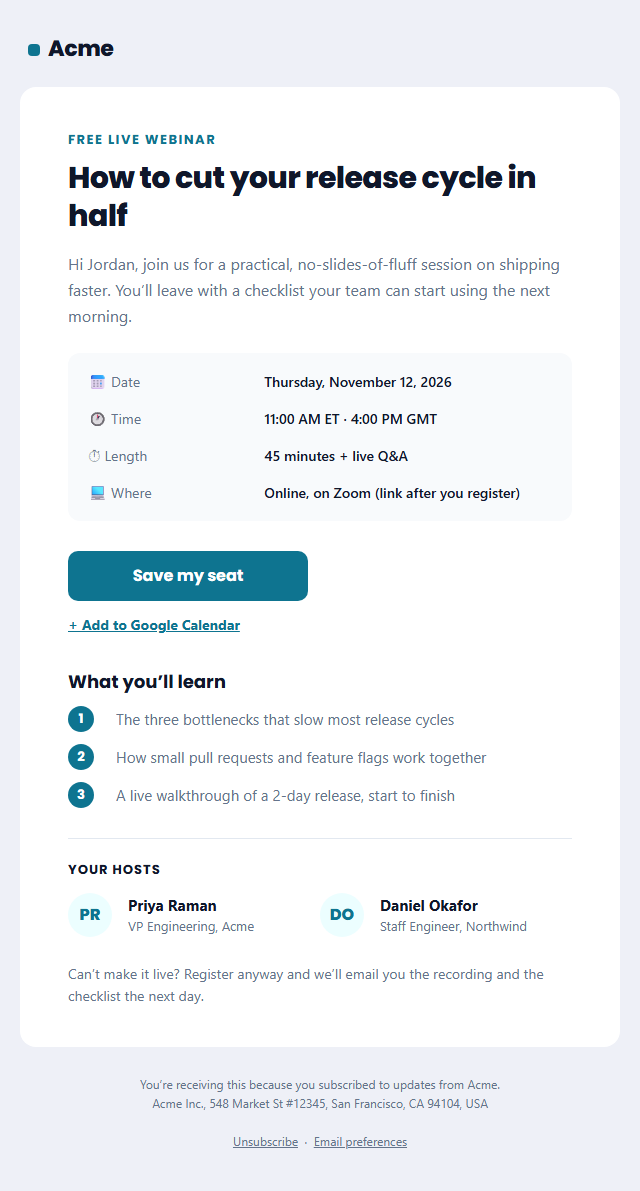
Webinar Invitation Email
Responsive · Dark mode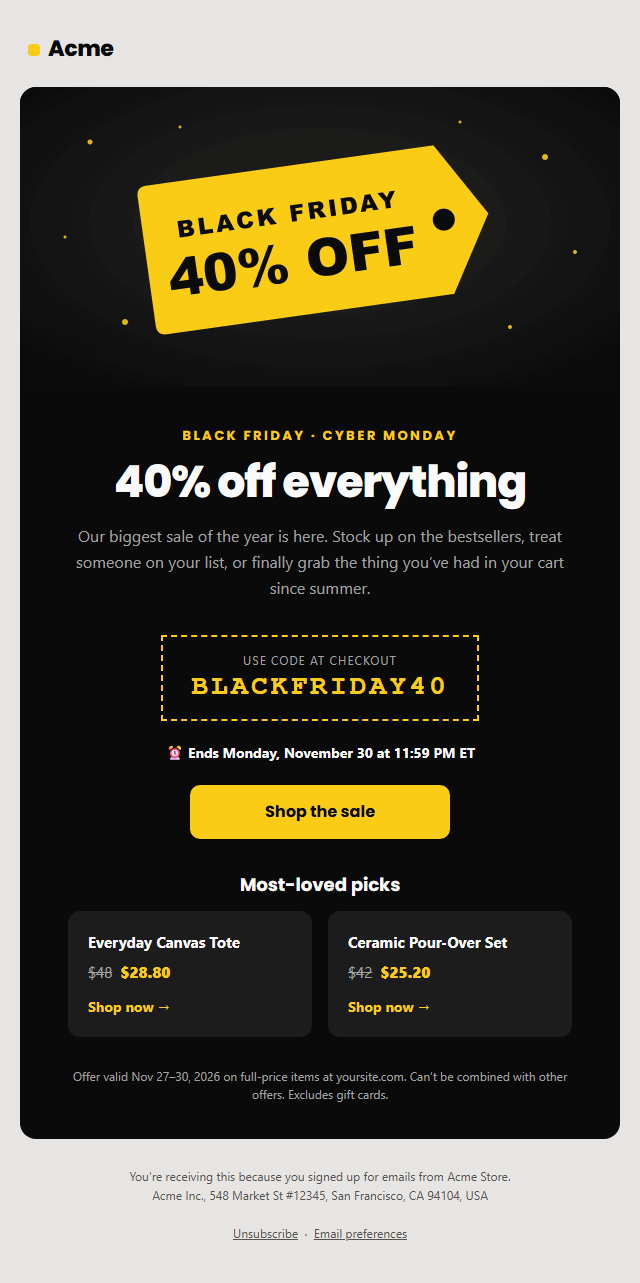
Black Friday Sale Email
Responsive · Dark mode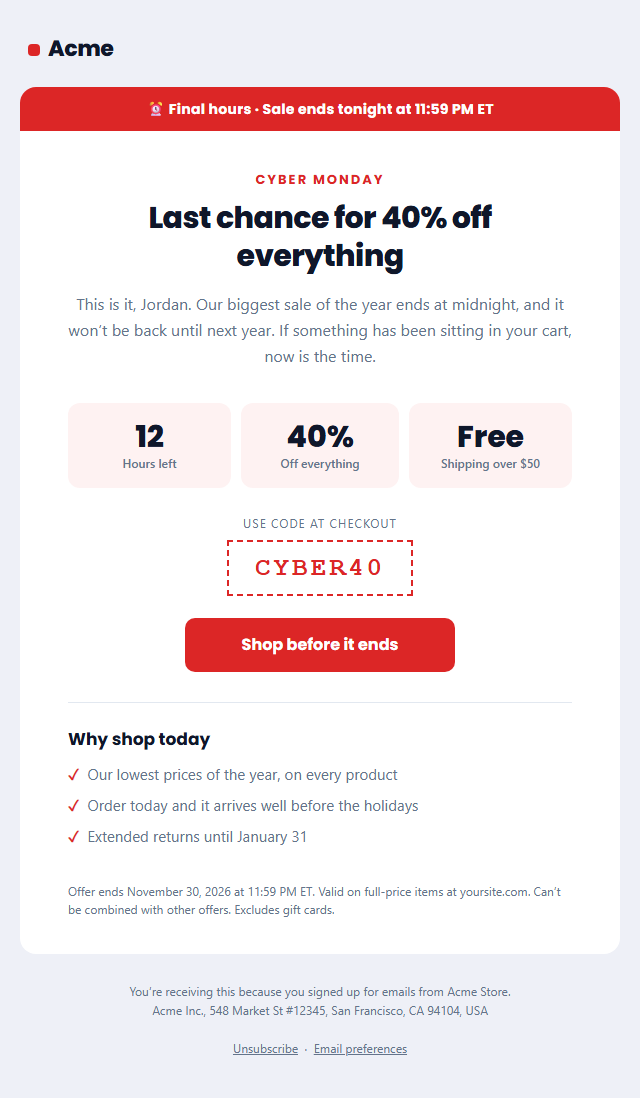
Last Chance Sale Email
Responsive · Dark modeRefer a Friend Email — Free Responsive HTML Email Template
Marketing · v1.0.0 · Updated 2026-10-20 · Gmail, Outlook & Apple Mail · Dark mode
What's included
Features
About this template
Refer a Friend Email — Free Referral Program Email Template
Refer a Friend Email is a free, responsive HTML template for promoting a referral programme. Referred customers tend to trust a brand faster and stay longer, because a friend vouched for it, which makes "give and get" programmes one of the most cost-effective ways to grow.
The double-sided offer, front and centre
A gift icon and a "Give $20, get $20" headline make the deal clear instantly. Two reward cards spell it out: what the friend gets and what the customer gets. Below, the customer's personal referral link sits in a copy-friendly box, with a big "Share your link" button and an optional tracker line ("You've referred 2 friends and earned $40") that rewards people who have already shared.
Simple steps and clear terms
A numbered "How it works" section explains the programme in three short steps, and a terms line covers the rules: minimum order, when credit is added and that credit can't be exchanged for cash. Clear terms build trust and prevent disputes later.
Works with any referral tool
Copy the HTML into Klaviyo, Mailchimp, HubSpot or Customer.io, and fill the referral link and tracker from a referral platform such as ReferralCandy, Friendbuy, Rewardful or your own system. Built with tables and inline styles, an Outlook-safe button, a dark palette and a plain-text version, and the footer has the unsubscribe link and postal address that marketing email needs. Send it after a happy moment, such as a delivered order or a 5-star Review Request, or a high NPS Survey score.
Why use it
Why Use the Refer a Friend Email Template
How it’s different
How It’s Different From Other Free Email Templates
Step by step
How to Use
- 1Pick your email platformChoose Mailchimp, Klaviyo, HubSpot or Brevo under Merge tags so first names and unsubscribe links export in its syntax, or keep plain {{first_name}} tokens.
- 2Edit the contentFill in the message & button, rewards and how it works, or click any text in the preview to jump to its field. Switch the how it works on or off.
- 3Add your brandUpload or paste your logo, set the brand colour and the light and dark palettes, pick fonts, or apply your saved brand kit.
- 4Preview and checkSwitch between desktop, mobile and dark mode, and fix anything the pre-send checks flag, such as placeholder links or missing alt text.
- 5Export or forkCopy the HTML into Mailchimp, Klaviyo, HubSpot, Brevo or your own code, copy the plain-text version, download a ZIP with images, or fork it into My Code.
Real-world uses
Common Use Cases
Got questions?
Frequently Asked Questions
A clear double-sided offer, the customer's personal link, one button to share, short steps and simple terms. Sending it at a happy moment, such as after a delivery or a great review, makes a big difference.
After a customer has had a good experience, for example a few days after delivery, after a high NPS score or a positive review, or when they hit a milestone in your product.
Use your referral platform's merge variable in the link field and the button, for example a personalised URL from ReferralCandy, Friendbuy or Rewardful, or generate the link in your own code.
Yes. It promotes your business, so it is commercial email under US CAN-SPAM and needs an unsubscribe link and postal address. Both are in the footer.
Include a short summary, such as the minimum order and when rewards are added, and link to the full terms. Clear rules prevent disputes and build trust.
It saves an editable copy of your Refer a Friend Email in My Code, the UI Snippets code editor: the email markup goes in the HTML panel and its CSS (mobile and dark-mode rules plus fonts) in the CSS panel, so you can keep refining the code and save your own versions.
Yes. It is free for personal and commercial email, with no sign-up and no watermark. Everything runs in your browser, and your edits are saved locally.