Marketing Email Templates
6 free marketing email templates. Newsletters, product updates, sales, last-chance reminders, webinar invitations and referral emails. Responsive, Outlook-safe and dark mode ready: edit in your browser, then copy the HTML, download a ZIP or fork it into My Code.
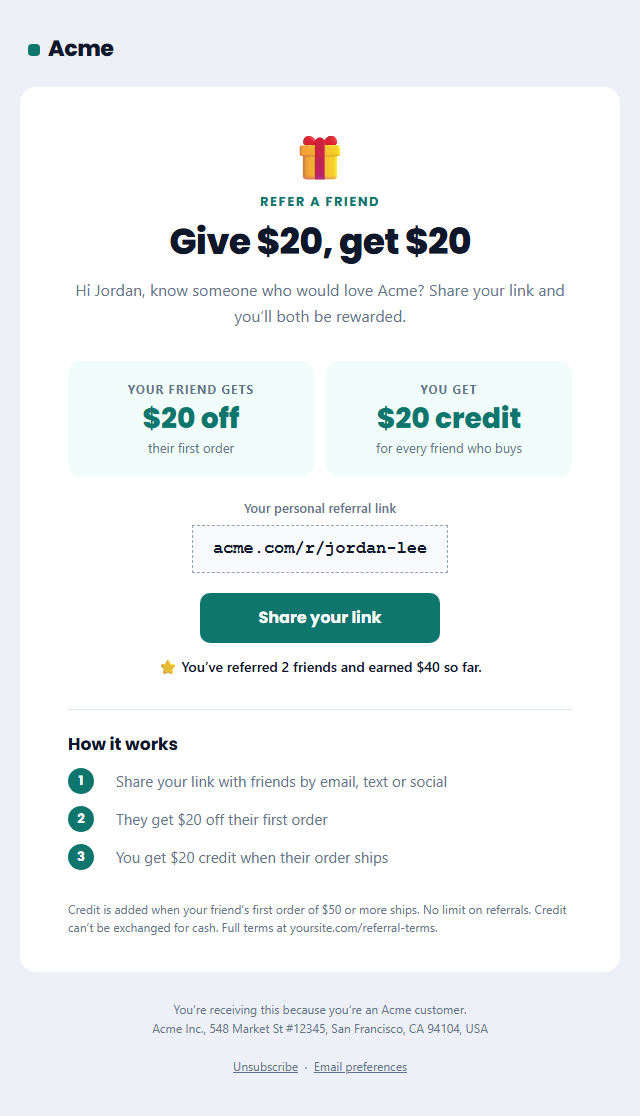
Refer a Friend Email
Responsive · Dark mode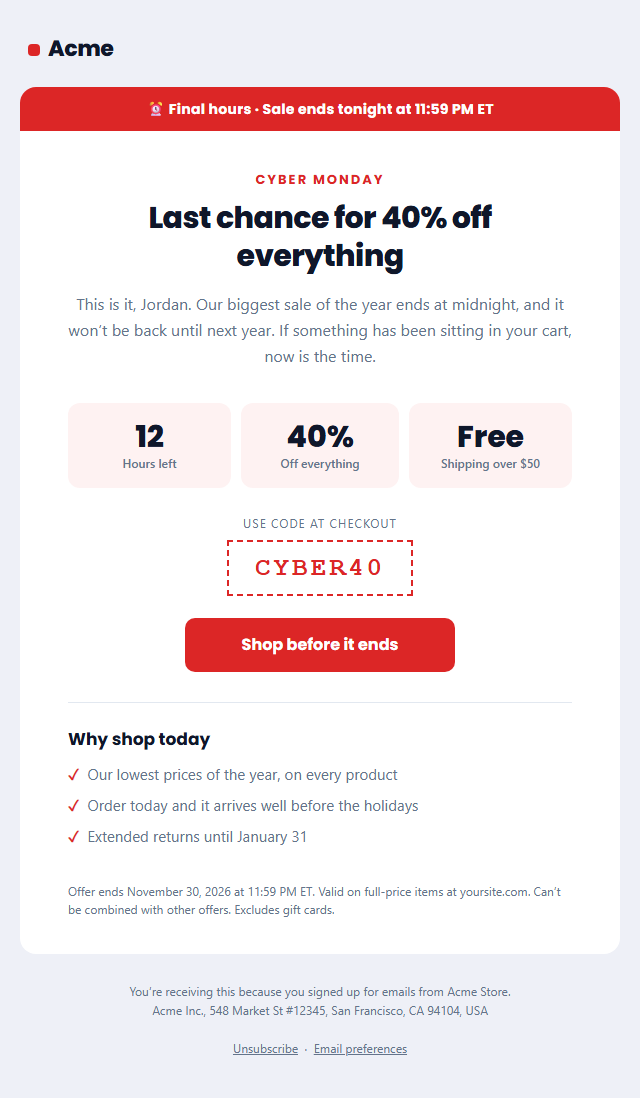
Last Chance Sale Email
Responsive · Dark mode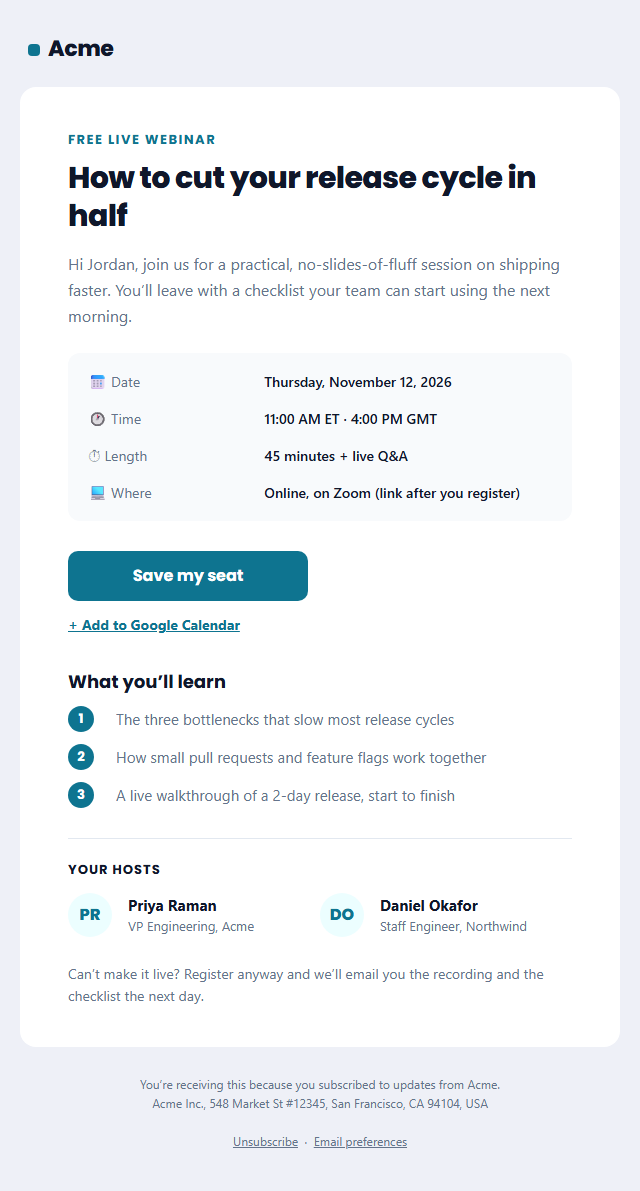
Webinar Invitation Email
Responsive · Dark mode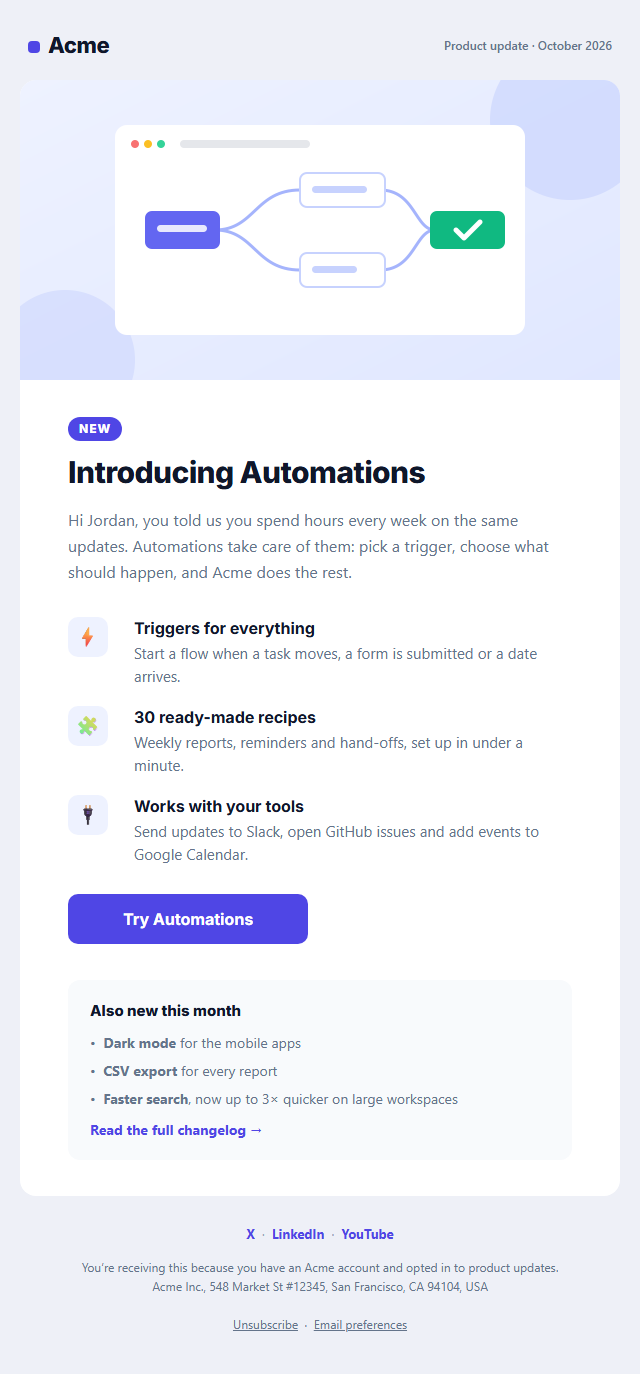
Product Update Email
Responsive · Dark mode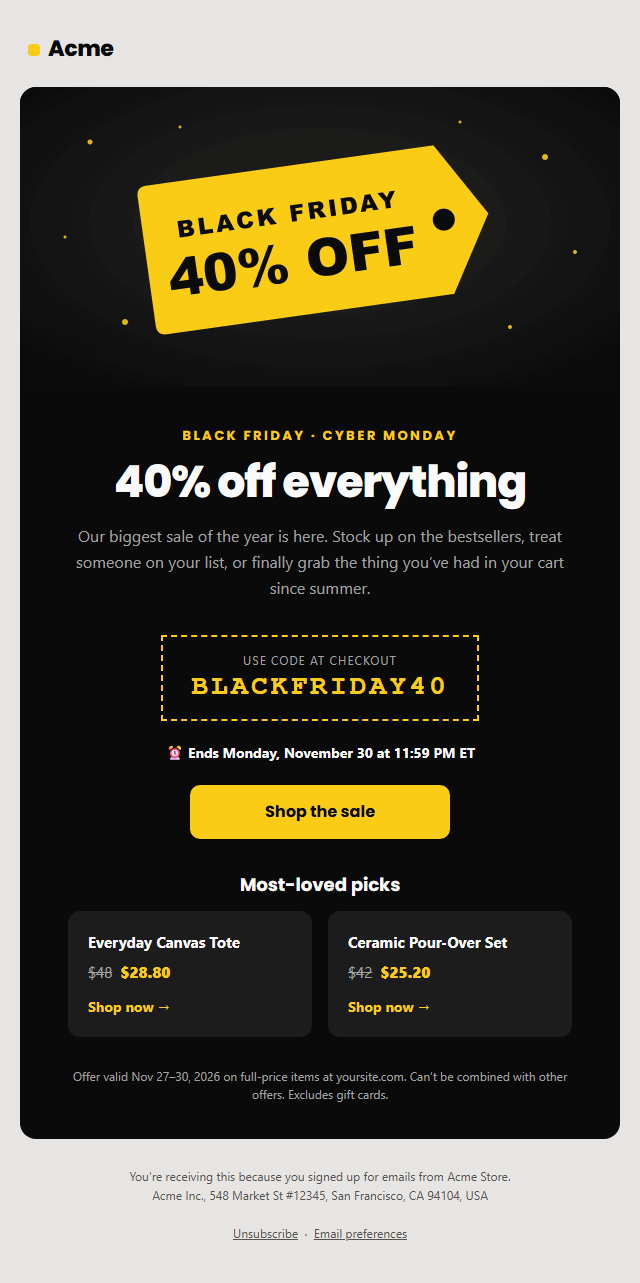
Black Friday Sale Email
Responsive · Dark mode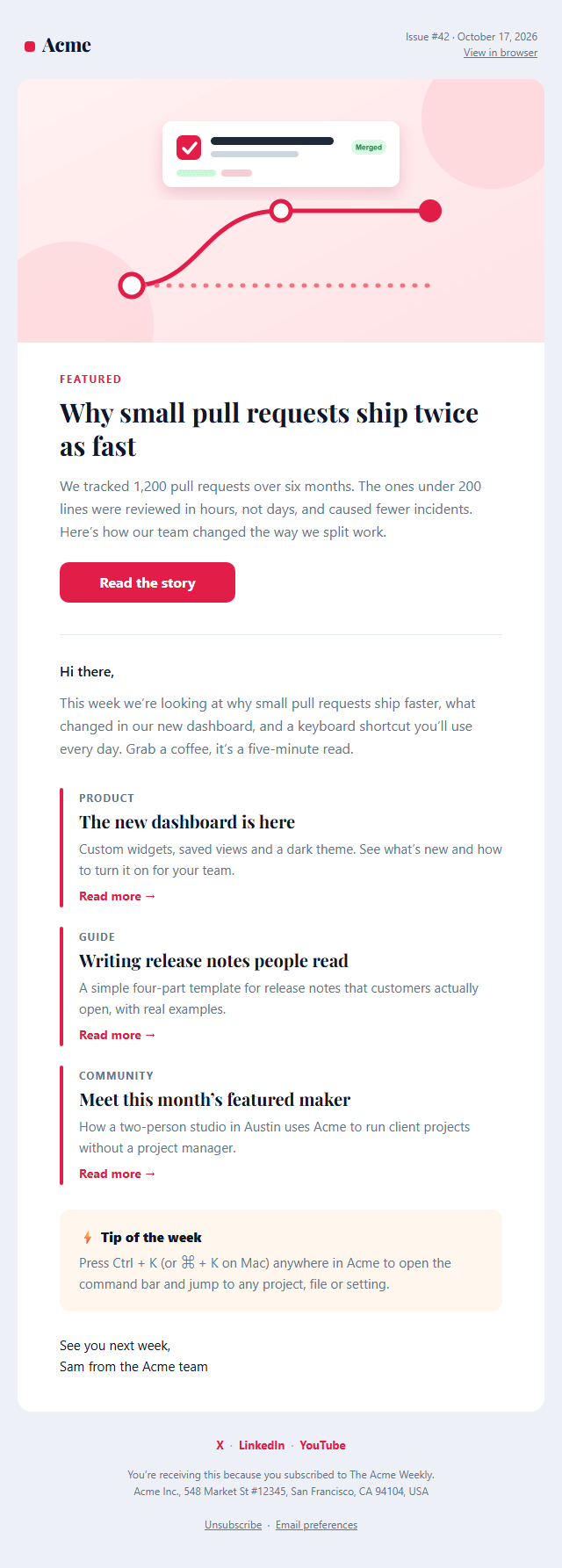
Newsletter Email
Responsive · Dark modeMarketing Email Templates
6 templates · Gmail, Outlook & Apple Mail · Dark mode · Copy HTML
About these templates
Marketing Email Templates
Marketing emails compete with dozens of others in the same inbox, so they have to communicate in seconds: a clear hierarchy, one main call to action, and design that survives Gmail, Outlook and dark mode. These templates are built around that, with your brand colour and fonts and footers that already meet the US CAN-SPAM rules and the Gmail and Yahoo bulk-sender requirements.
Use the Newsletter for weekly or monthly digests, the Product Update to announce new features, and the Webinar Invitation to fill live sessions and demos, and the Refer a Friend email to grow through your happiest customers. For sales, the Black Friday Sale email launches the offer and the Last Chance Sale email closes it: Black Friday 2026 is November 27 and Cyber Monday is November 30. Paste the HTML into Mailchimp, Klaviyo, HubSpot, Kit, Beehiiv, Brevo, Omnisend or Shopify Email.
Marketing emails work when they are specific: one offer, one audience and one button. Write the subject line and the first sentence for the person who will open it, give the sale or announcement a clear deadline and repeat the main button at the end for people who read to the bottom. Keep the width to about 600 pixels, include a plain-text version and always add an unsubscribe link and your business address. Every template here is built with tables and inline styles, so it renders the same in Gmail, Outlook and Apple Mail.
Newsletter Email: A weekly or monthly newsletter: masthead with issue number and date, an editor’s intro, a featured story with image and button, three article summaries with links, a highlighted tip box, social links and a CAN-SPAM-ready footer with unsubscribe.
Product Update Email: A SaaS product update and feature announcement email: a month label in the header, a feature image, a "New" label and headline, a short intro, three feature highlights with icons, a "Try it now" button, an "Also new" changelog list with a link to the full release notes, and social links.
Webinar Invitation Email: A webinar and online event invitation: a "free live webinar" label, the session title and promise, a details box with date, time, length and platform, a "Save my seat" button, an "Add to calendar" link, a three-point agenda, two speakers with initials avatars and a recording note for people who can’t attend live.
Refer a Friend Email: A referral programme email built around a "give and get" offer: two reward cards (what your friend gets, what you get), the customer's personal referral link in a copy-friendly box, three numbered steps, a "Share your link" button, a referral tracker line and the programme terms.
Black Friday Sale Email: A bold Black Friday / Cyber Monday promo email on a dark card: hero image, big discount headline, a dashed promo-code box, an "ends" deadline line, a shop button, two product picks with was/now prices, the fine print and a CAN-SPAM footer with unsubscribe.
Last Chance Sale Email: A final-hours sale reminder for Cyber Monday, the end of a Black Friday sale or any flash sale: an urgent banner, a big "ends tonight" headline, three countdown boxes (hours, minutes, items left or anything else), a promo code, a shop button and short reasons to buy now.
Real-world uses
Best Uses for Marketing Email Templates
How it’s different
How These Email Templates Are Different
Step by step
How to Use
- 1Pick a templateOpen one of the marketing templates above. Your edits are saved in your browser as you go.
- 2Write the emailFill in the sender name, subject, preheader and content, or click any text in the preview to jump to its field. Switch sections on or off.
- 3Add your brandUpload or paste your logo and images, set the brand colour and the light and dark palettes, choose fonts, or apply your saved brand kit.
- 4Preview and checkSwitch between desktop, mobile and dark mode, and fix anything the pre-send checks flag.
- 5ExportCopy the HTML into your email service, download a ZIP with images, copy the plain-text version, or fork it into My Code.
Got questions?
Frequently Asked Questions
In the US, CAN-SPAM requires an honest sender and subject line, a working unsubscribe link and a valid postal address. Gmail and Yahoo also require bulk senders to support one-click unsubscribe. Every marketing template here includes an unsubscribe link, a preferences link and an address field.
Pick your platform under Merge tags in the editor, then copy the HTML from the Export menu. In Mailchimp choose "Code your own"; in Klaviyo create an HTML template. First names and the unsubscribe link are converted to the platform's syntax automatically.
Keep the HTML under 102 KB, or Gmail clips the message and hides the rest, including your unsubscribe link. The editor shows the size and warns you when you get close.
Choose a rhythm you can keep, such as weekly or every two weeks for a newsletter, and add promotional emails around real events. Consistency matters more than volume, and your unsubscribe and reply rates tell you when you are sending too often.
Set up SPF, DKIM and DMARC for your sending domain, send only to people who asked for your emails, include a plain-text version and an unsubscribe link, and avoid misleading subject lines. A clean, well-coded template also helps because it avoids broken layouts that look suspicious.
Newsletter Email: A weekly or monthly newsletter: masthead with issue number and date, an editor’s intro, a featured story with image and button, three article summaries with links, a highlighted tip box, social links and a CAN-SPAM-ready footer with unsubscribe. Product Update Email: A SaaS product update and feature announcement email: a month label in the header, a feature image, a "New" label and headline, a short intro, three feature highlights with icons, a "Try it now" button, an "Also new" changelog list with a link to the full release notes, and social links. Webinar Invitation Email: A webinar and online event invitation: a "free live webinar" label, the session title and promise, a details box with date, time, length and platform, a "Save my seat" button, an "Add to calendar" link, a three-point agenda, two speakers with initials avatars and a recording note for people who can’t attend live. Refer a Friend Email: A referral programme email built around a "give and get" offer: two reward cards (what your friend gets, what you get), the customer's personal referral link in a copy-friendly box, three numbered steps, a "Share your link" button, a referral tracker line and the programme terms. Black Friday Sale Email: A bold Black Friday / Cyber Monday promo email on a dark card: hero image, big discount headline, a dashed promo-code box, an "ends" deadline line, a shop button, two product picks with was/now prices, the fine print and a CAN-SPAM footer with unsubscribe. Last Chance Sale Email: A final-hours sale reminder for Cyber Monday, the end of a Black Friday sale or any flash sale: an urgent banner, a big "ends tonight" headline, three countdown boxes (hours, minutes, items left or anything else), a promo code, a shop button and short reasons to buy now.
Yes. They use nested tables, inline styles, a 600 px container with Outlook conditional comments, a VML "bulletproof" button for Outlook on Windows, and an Arial override so Outlook doesn't fall back to Times New Roman. Each includes a dark palette and a plain-text version.
Yes, for most of them. Templates without a badge are free for personal and commercial email, with no account and no watermark. Templates with a Patreon badge can be previewed and edited by anyone; exporting them needs the supporter passcode. Everything runs in your browser.