Click any text to edit it right here · click an image or link to jump to its setting
- Replace the placeholder links: Header link, Button link, Changelog link, X (Twitter), LinkedIn, YouTube, Unsubscribe link, Email preferences link.
Product Update Email — Free Responsive HTML Email Template
Marketing · v1.0.0 · Updated 2026-10-19 · Gmail, Outlook & Apple Mail · Dark mode
What's included
Features
About this template
Product Update Email — Free Feature Announcement Email Template
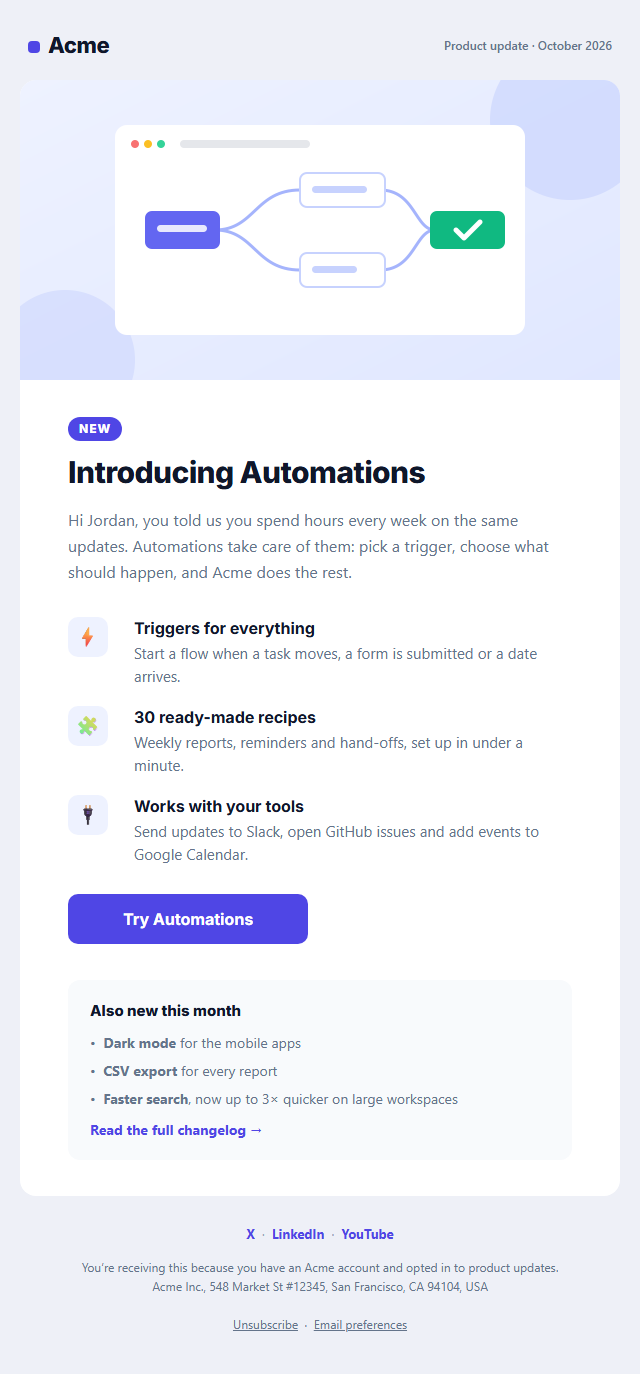
Product Update Email is a free, responsive HTML template for announcing new features, releases and improvements to your users. Good product update emails bring people back into your app to try what's new, and they show that your product keeps getting better, which helps retention.
What's in the email
A header with your logo and a "Product update · October 2026" label, a feature image or screenshot, a "New" badge and headline, and a short intro that explains the problem the feature solves. Three highlights with icons, titles and one-line descriptions explain what it does, followed by a "Try it" button. An "Also new this month" box lists smaller improvements and links to your full changelog, and social links sit in the footer.
Clear hierarchy that survives every inbox
One big feature, three highlights and one button keep readers focused on a single action, while the changelog box covers the rest without clutter. The layout is built with tables and inline styles, the button is Outlook-safe, and the feature image has alt text for readers with images off. A dark palette and plain-text version are included.
Send it from anywhere
Copy the HTML into Mailchimp, HubSpot, Brevo, Customer.io, Loops or Intercom, or send it from your own code. Use it monthly as a release roundup, or for a single big launch. For regular content, see the Newsletter template, and for live demos of a new feature, the Webinar Invitation.
Why use it
Why Use the Product Update Email Template
How it’s different
How It’s Different From Other Free Email Templates
Step by step
How to Use
- 1Pick your email platformChoose Mailchimp, Klaviyo, HubSpot or Brevo under Merge tags so first names and unsubscribe links export in its syntax, or keep plain {{first_name}} tokens.
- 2Edit the contentFill in the feature image, announcement & button, highlights, also new and social links, or click any text in the preview to jump to its field. Switch the feature image, also new and social links on or off.
- 3Add your brandUpload or paste your logo and images, set the brand colour and the light and dark palettes, pick fonts, or apply your saved brand kit.
- 4Preview and checkSwitch between desktop, mobile and dark mode, and fix anything the pre-send checks flag, such as placeholder links or missing alt text.
- 5Export or forkCopy the HTML into Mailchimp, Klaviyo, HubSpot, Brevo or your own code, copy the plain-text version, download a ZIP with images, or fork it into My Code.
Real-world uses
Common Use Cases
Got questions?
Frequently Asked Questions
Monthly works for most SaaS products, with a separate email for major launches. Too many updates train users to ignore them, so combine small changes into a roundup.
Lead with the problem the feature solves, show it in an image, explain it in three short points and give one button to try it. Keep everything else in a short changelog list.
Send them to users who opted in to product news. Updates promote your product, so they count as marketing email and need an unsubscribe link, which is already in the footer.
Yes. Upload an animated GIF or paste its URL in the feature image field. Keep it under about 1 MB, and remember Outlook on Windows shows only the first frame, so make that frame meaningful.
Pick your platform under Merge tags, then copy the HTML from the Export menu. In HubSpot create a custom-coded email or template; in Mailchimp choose "Code your own" and paste it in.
It saves an editable copy of your Product Update Email in My Code, the UI Snippets code editor: the email markup goes in the HTML panel and its CSS (mobile and dark-mode rules plus fonts) in the CSS panel, so you can keep refining the code and save your own versions.
Yes. It is free for personal and commercial email, with no sign-up and no watermark. Everything runs in your browser, and your edits are saved locally.