Click any text to edit it right here · click an image or link to jump to its setting
- Replace the placeholder links: Header link, Registration link, Unsubscribe link, Email preferences link.
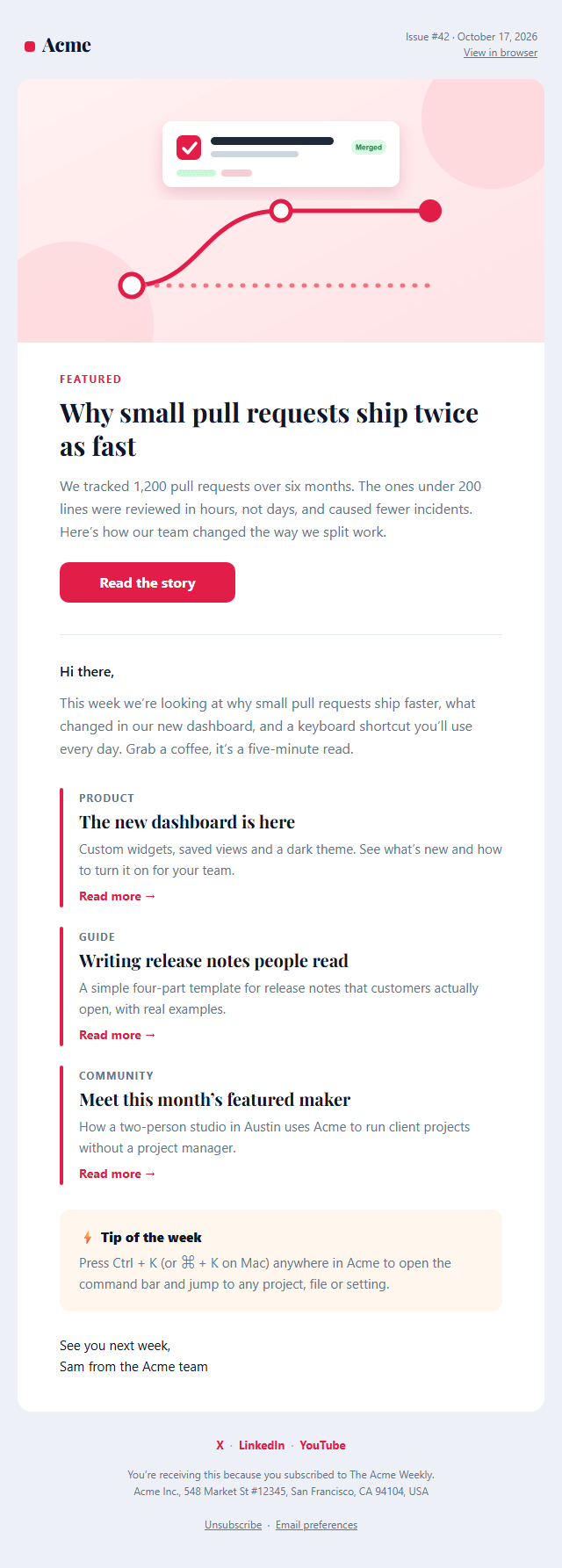
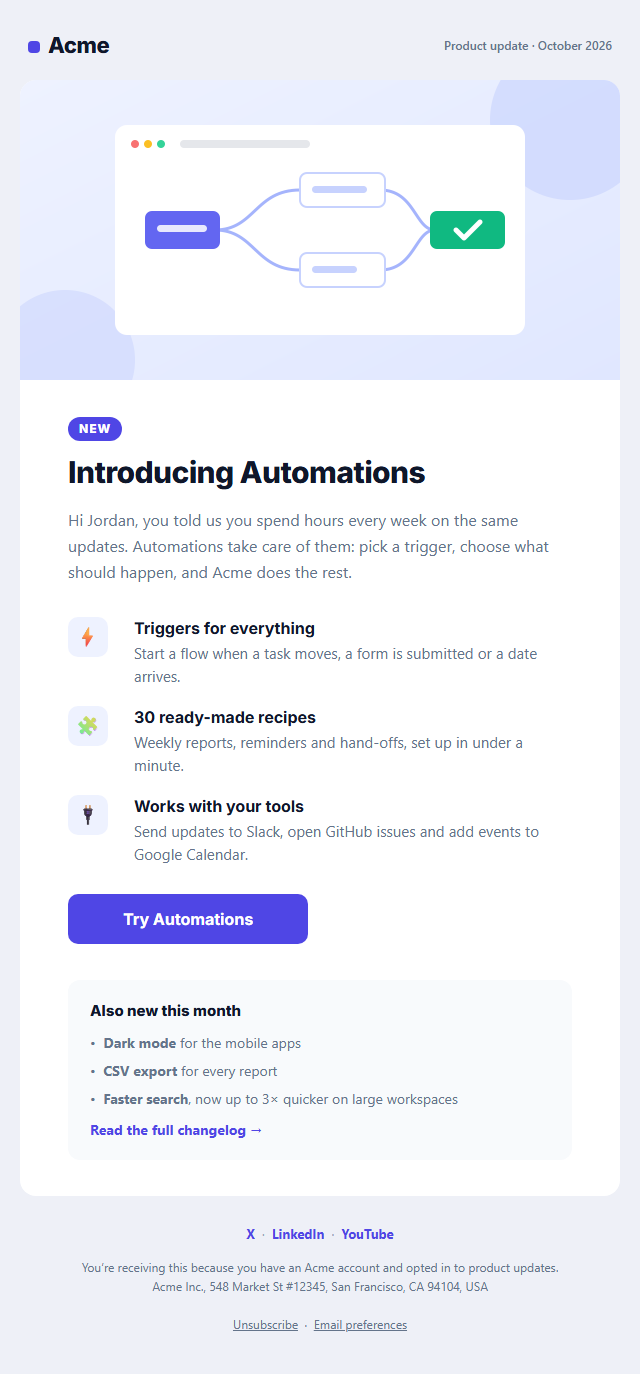
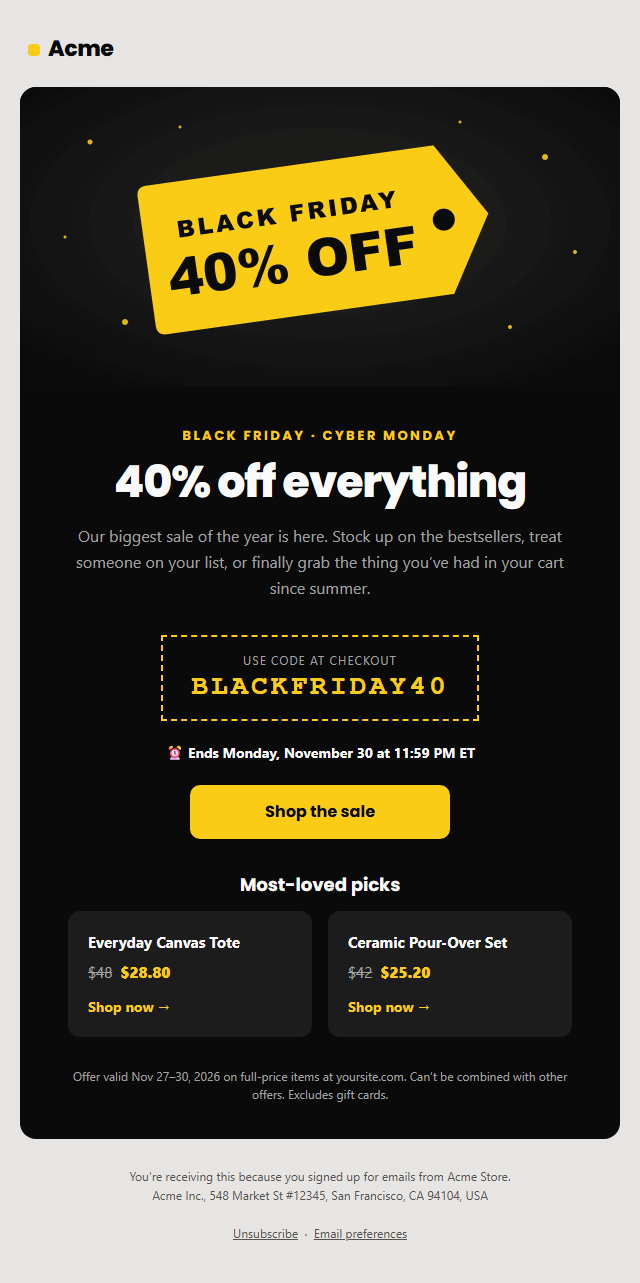
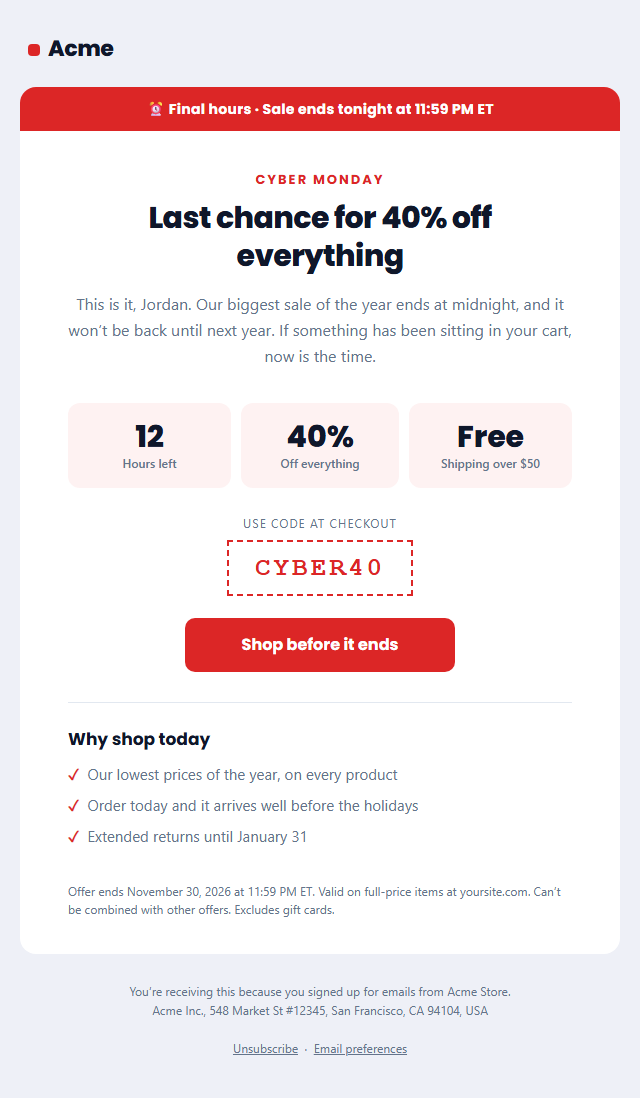
Webinar Invitation Email — Free Responsive HTML Email Template
Marketing · v1.0.0 · Updated 2026-10-19 · Gmail, Outlook & Apple Mail · Dark mode
What's included
Features
About this template
Webinar Invitation Email — Free HTML Event Invite Template
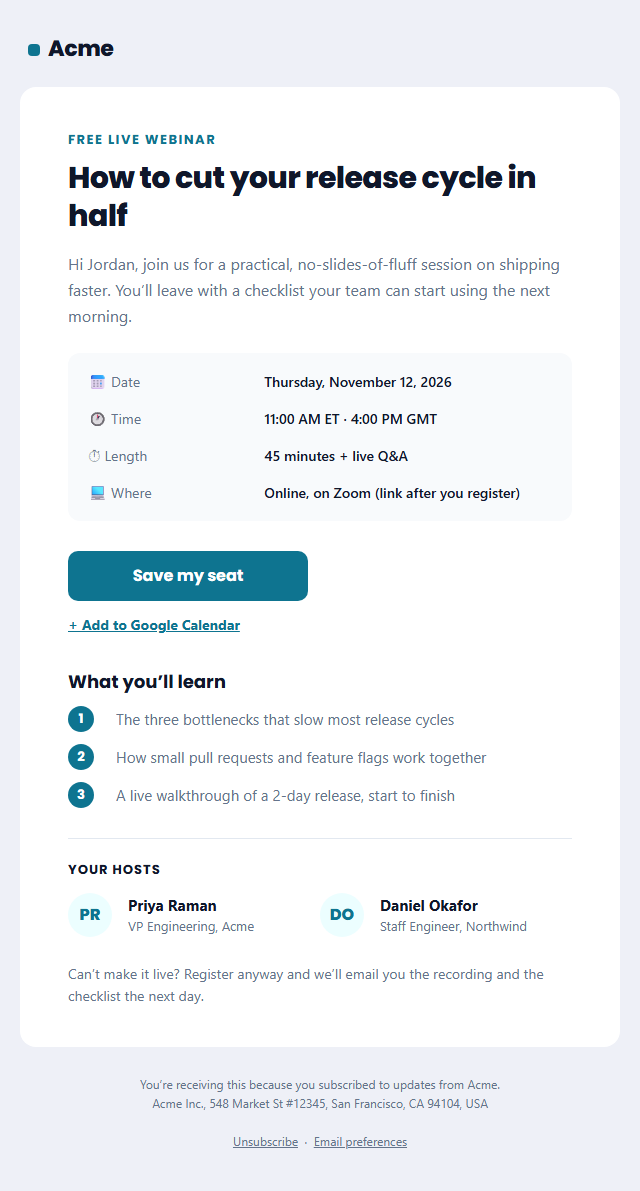
Webinar Invitation Email is a free, responsive HTML template for inviting people to a webinar, live demo, workshop or virtual event. A good invitation tells readers in seconds what they'll learn, when it happens and how to register, and makes saving the date effortless.
What's in the email
A "Free live webinar" label, the session title as the headline and a short promise of what people will take away. A details box lists the date, time (with time zones), length and where it happens, followed by a "Save my seat" button and an "Add to Google Calendar" link. A numbered three-point agenda, two hosts with initials avatars and roles, and a note that the recording will be sent to everyone who registers finish the email.
No images needed
Avatars are initials in coloured circles and every detail is real text, so the invitation looks complete even with images turned off and stays light, well under Gmail's clipping limit. The layout uses tables and inline styles, the button is Outlook-safe, and the hosts stack on phones. A dark palette and plain-text version are included.
Promote it everywhere
Link the button to Zoom, Livestorm, GoTo Webinar, Riverside or your own landing page, and copy the HTML into HubSpot, Mailchimp, Brevo or Customer.io. Use it for the invitation, then resend it as a reminder the day before. For launch announcements, pair it with the Product Update template.
Why use it
Why Use the Webinar Invitation Email Template
How it’s different
How It’s Different From Other Free Email Templates
Step by step
How to Use
- 1Pick your email platformChoose Mailchimp, Klaviyo, HubSpot or Brevo under Merge tags so first names and unsubscribe links export in its syntax, or keep plain {{first_name}} tokens.
- 2Edit the contentFill in the invitation & button, event details, agenda and speakers, or click any text in the preview to jump to its field. Switch the agenda and speakers on or off.
- 3Add your brandUpload or paste your logo, set the brand colour and the light and dark palettes, pick fonts, or apply your saved brand kit.
- 4Preview and checkSwitch between desktop, mobile and dark mode, and fix anything the pre-send checks flag, such as placeholder links or missing alt text.
- 5Export or forkCopy the HTML into Mailchimp, Klaviyo, HubSpot, Brevo or your own code, copy the plain-text version, download a ZIP with images, or fork it into My Code.
Real-world uses
Common Use Cases
Got questions?
Frequently Asked Questions
Send the first invitation one to two weeks before the event, a reminder a few days before, and a final reminder on the day or an hour before. Registrations often peak in the last few days.
For Google Calendar, use a link like https://calendar.google.com/calendar/render?action=TEMPLATE&text=Title&dates=20261112T160000Z/20261112T164500Z, with times in UTC. For Outlook and Apple Calendar, host an .ics file and link to it instead.
Yes, if your audience is international. Give the time in your main audience's zone first and one or two others, such as "11:00 AM ET · 4:00 PM GMT".
The template uses initials avatars so it works without images. To use photos, fork it to My Code and replace the initials cell with an image tag, or add an Image section with a photo of your hosts.
Yes. Event invitations sent to a marketing list are commercial email under US CAN-SPAM, so they need an unsubscribe link and your postal address. Both are already in the footer.
It saves an editable copy of your Webinar Invitation Email in My Code, the UI Snippets code editor: the email markup goes in the HTML panel and its CSS (mobile and dark-mode rules plus fonts) in the CSS panel, so you can keep refining the code and save your own versions.
Yes. It is free for personal and commercial email, with no sign-up and no watermark. Everything runs in your browser, and your edits are saved locally.