Click any text to edit it right here · click an image or link to jump to its setting
- Replace the placeholder links: Header link, Survey link (the score is added at the end), Button link, Unsubscribe link, Email preferences link.
NPS Survey Email
Responsive · Dark mode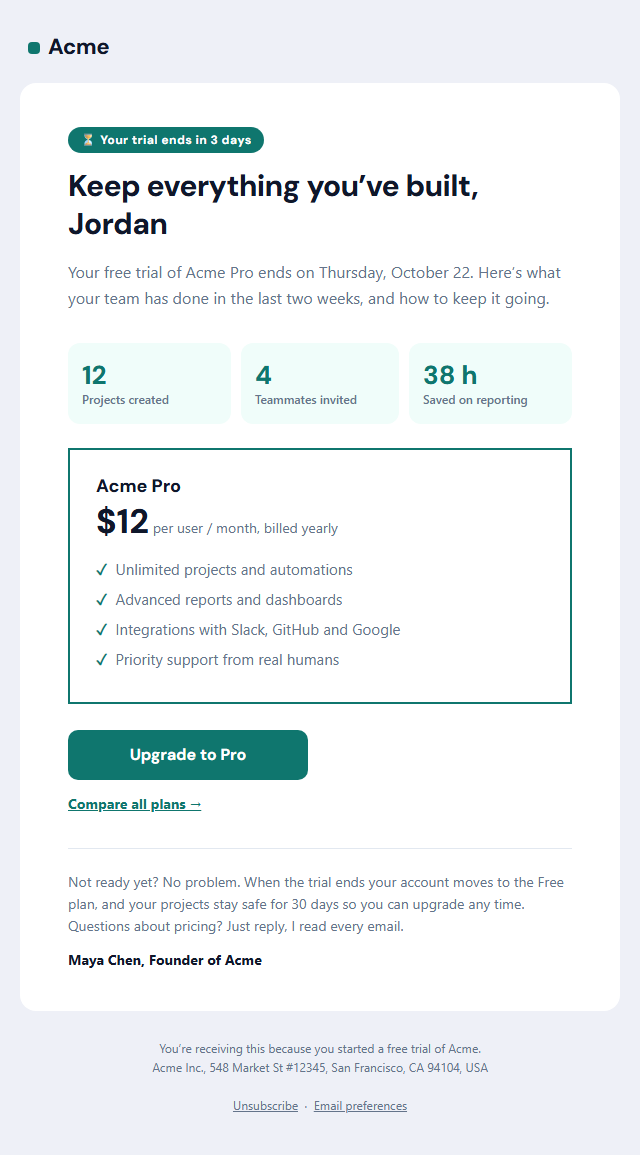
Trial Ending Email
Responsive · Dark mode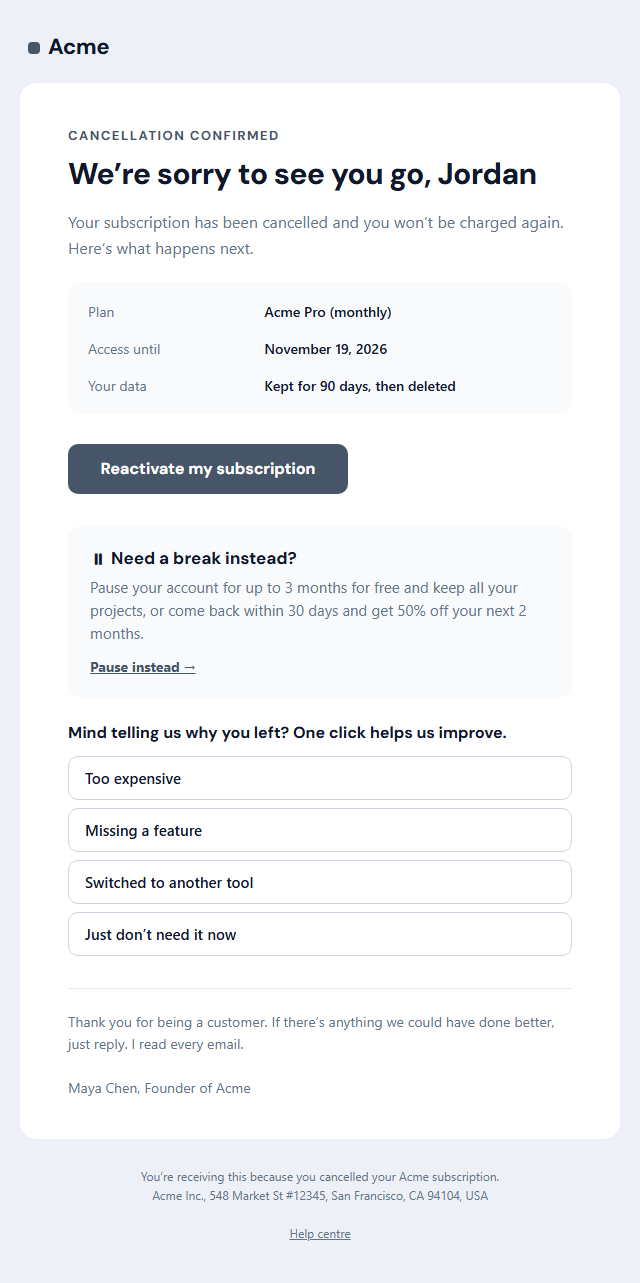
Subscription Cancellation Email
Responsive · Dark mode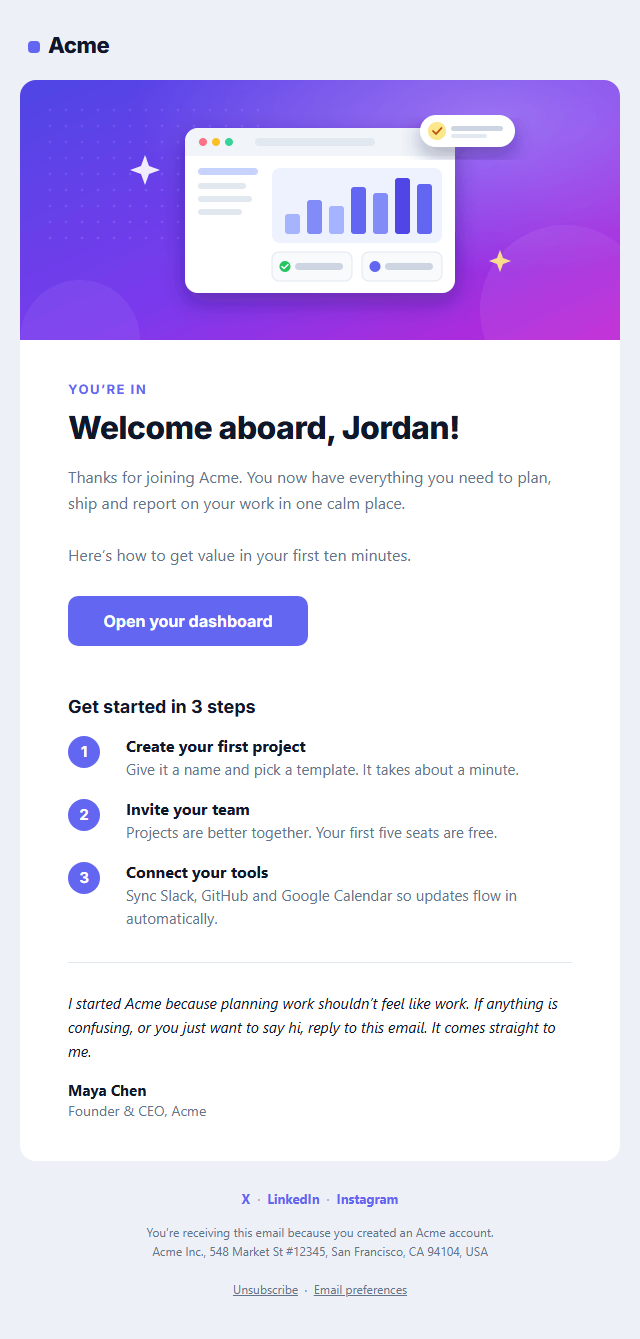
Welcome Email
Responsive · Dark mode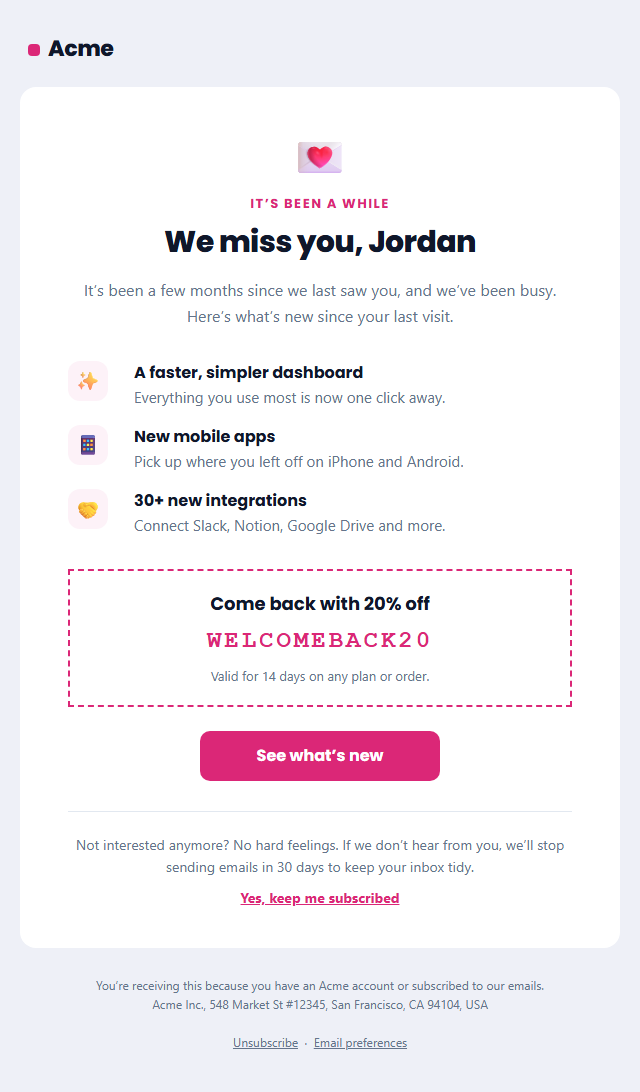
Re-engagement Email (We Miss You)
Responsive · Dark mode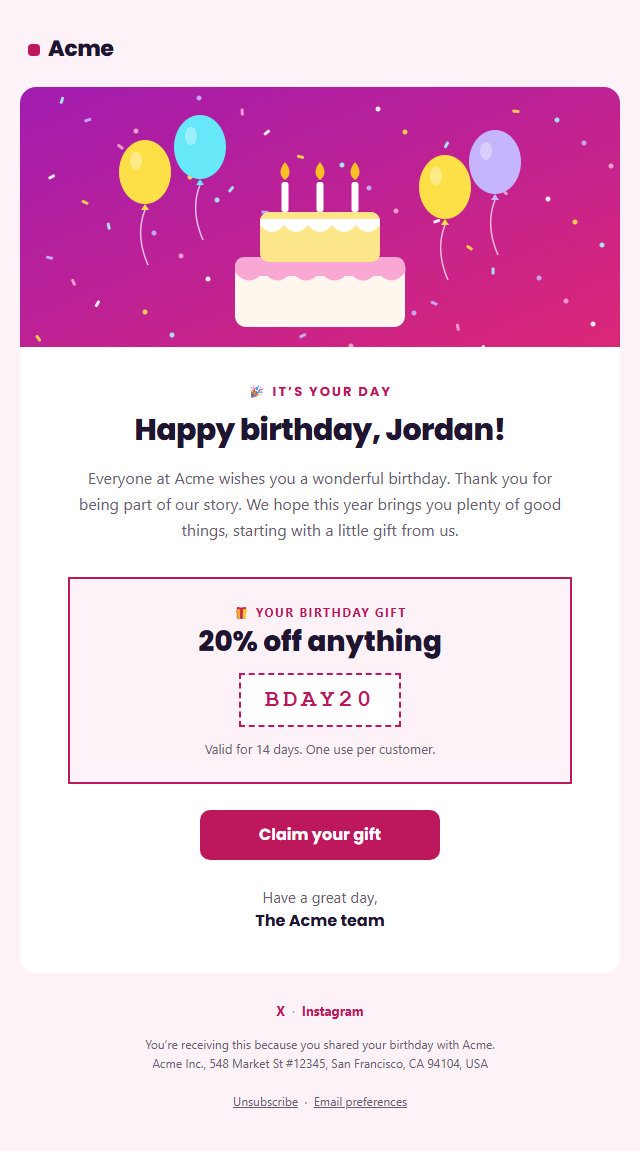
Birthday Email
Responsive · Dark modeNPS Survey Email — Free Responsive HTML Email Template
Onboarding & Lifecycle · v1.0.0 · Updated 2026-10-20 · Gmail, Outlook & Apple Mail · Dark mode
What's included
Features
About this template
NPS Survey Email — Free Net Promoter Score Feedback Email Template
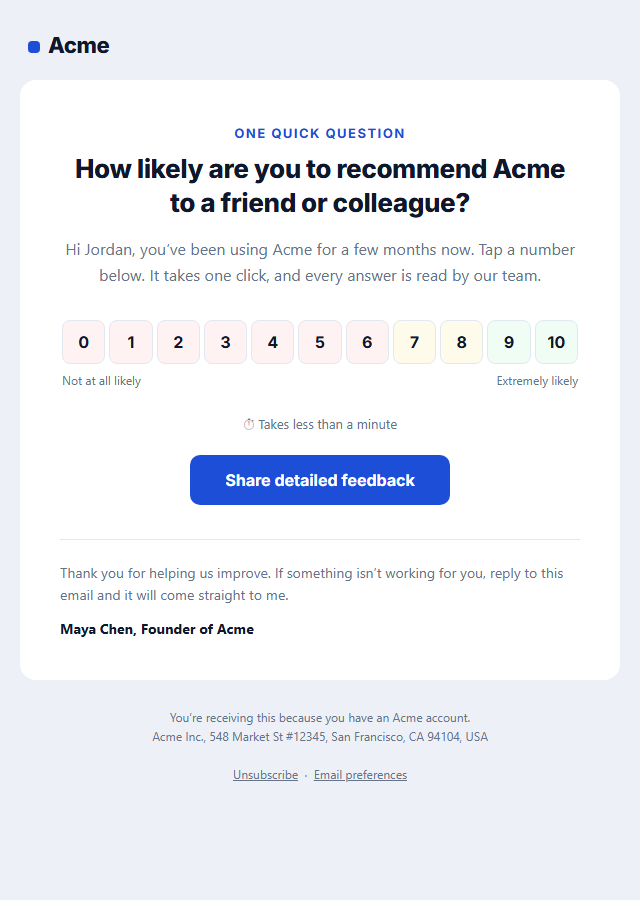
NPS Survey Email is a free, responsive HTML template for measuring Net Promoter Score (NPS) right inside the inbox. It asks the classic question, "How likely are you to recommend us to a friend or colleague?", with a row of eleven clickable scores from 0 to 10. One click records the answer, which is why one-question, in-email surveys get far more responses than a link to a long form.
One click from the inbox
Email can't run forms reliably, so each number is a normal link: the score is added to the end of your survey link, for example …&score=9, and your survey tool or landing page records it and can ask a follow-up question. Scores 0 to 6 have a light red tint, 7 and 8 amber and 9 and 10 green, a subtle nod to how NPS groups detractors, passives and promoters, with "Not at all likely" and "Extremely likely" labels under the ends of the scale.
How NPS works
Net Promoter Score is the percentage of promoters (9–10) minus the percentage of detractors (0–6), giving a number from −100 to 100. It's one of the most widely used customer loyalty metrics, and tracking it over time shows whether customer experience is improving. The optional "Share detailed feedback" button lets people who want to say more go straight to a longer form.
Works with your survey tool
Use it with Delighted, Typeform, SurveyMonkey, Hotjar, Qualtrics, Google Forms or your own endpoint, and send it from Customer.io, HubSpot, Intercom, Klaviyo or your own code. Built with tables and inline styles, an Outlook-safe button, a dark palette and a plain-text version that lists a link for each score. Send it after a customer has had time to experience your product, for example 30 to 90 days after sign-up, and use the Review Request template for product reviews.
Why use it
Why Use the NPS Survey Email Template
How it’s different
How It’s Different From Other Free Email Templates
Step by step
How to Use
- 1Pick your email platformChoose Mailchimp, Klaviyo, HubSpot or Brevo under Merge tags so first names and unsubscribe links export in its syntax, or keep plain {{first_name}} tokens.
- 2Edit the contentFill in the question & message and score scale, or click any text in the preview to jump to its field.
- 3Add your brandUpload or paste your logo, set the brand colour and the light and dark palettes, pick fonts, or apply your saved brand kit.
- 4Preview and checkSwitch between desktop, mobile and dark mode, and fix anything the pre-send checks flag, such as placeholder links or missing alt text.
- 5Export or forkCopy the HTML into Mailchimp, Klaviyo, HubSpot, Brevo or your own code, copy the plain-text version, download a ZIP with images, or fork it into My Code.
Real-world uses
Common Use Cases
Got questions?
Frequently Asked Questions
An email that asks one question, how likely the customer is to recommend you on a scale of 0 to 10, so you can calculate your Net Promoter Score. The best NPS emails let people answer with one click from the inbox.
Subtract the percentage of detractors (scores 0 to 6) from the percentage of promoters (scores 9 and 10). Passives (7 and 8) count toward the total responses but not either group. The result ranges from −100 to 100.
Each number links to your survey link with the score added at the end, for example https://yoursite.com/survey?score=9. Your survey tool or landing page reads the score, records it and can ask an optional follow-up question.
After customers have had enough time to form an opinion, such as 30 to 90 days after sign-up or a week after delivery, and then every few months. Avoid surveying the same person too often.
It is safest to include one, especially if you survey customers regularly, so the footer has an unsubscribe link and your postal address.
It saves an editable copy of your NPS Survey Email in My Code, the UI Snippets code editor: the email markup goes in the HTML panel and its CSS (mobile and dark-mode rules plus fonts) in the CSS panel, so you can keep refining the code and save your own versions.
Yes. It is free for personal and commercial email, with no sign-up and no watermark. Everything runs in your browser, and your edits are saved locally.