Click any text to edit it right here · click an image or link to jump to its setting
- Replace the placeholder links: Header link, Hero image, Button link, X (Twitter), LinkedIn, Instagram, Unsubscribe link, Email preferences link.
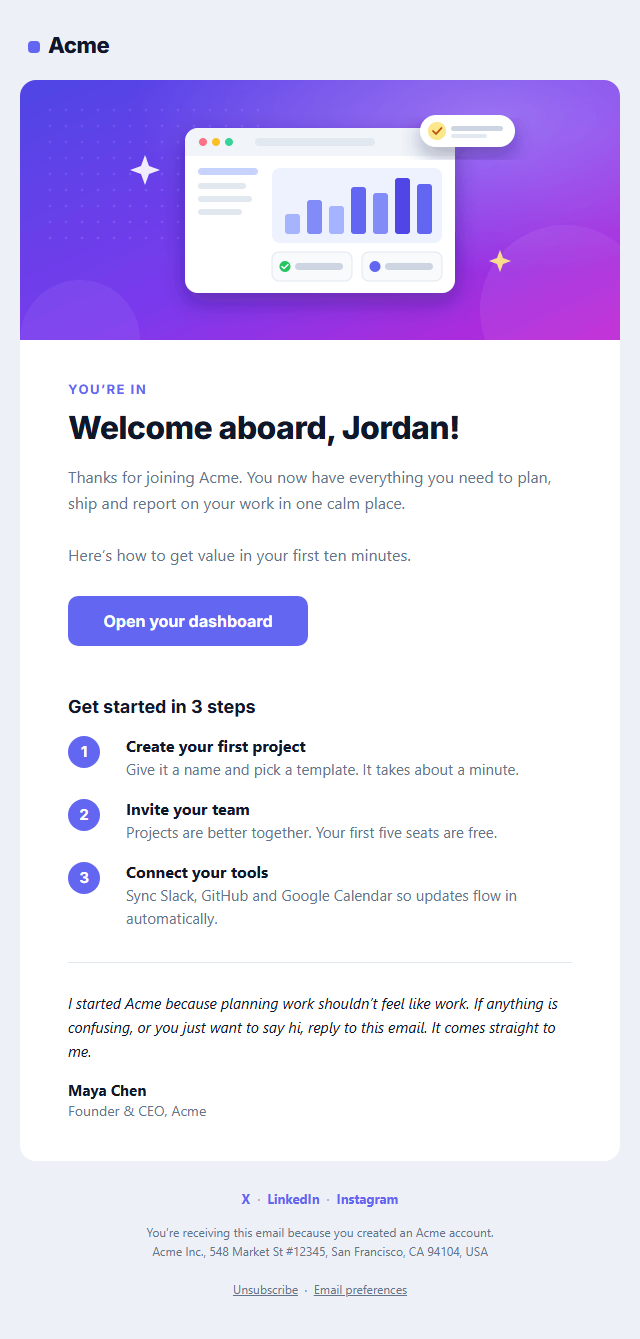
Welcome Email
Responsive · Dark mode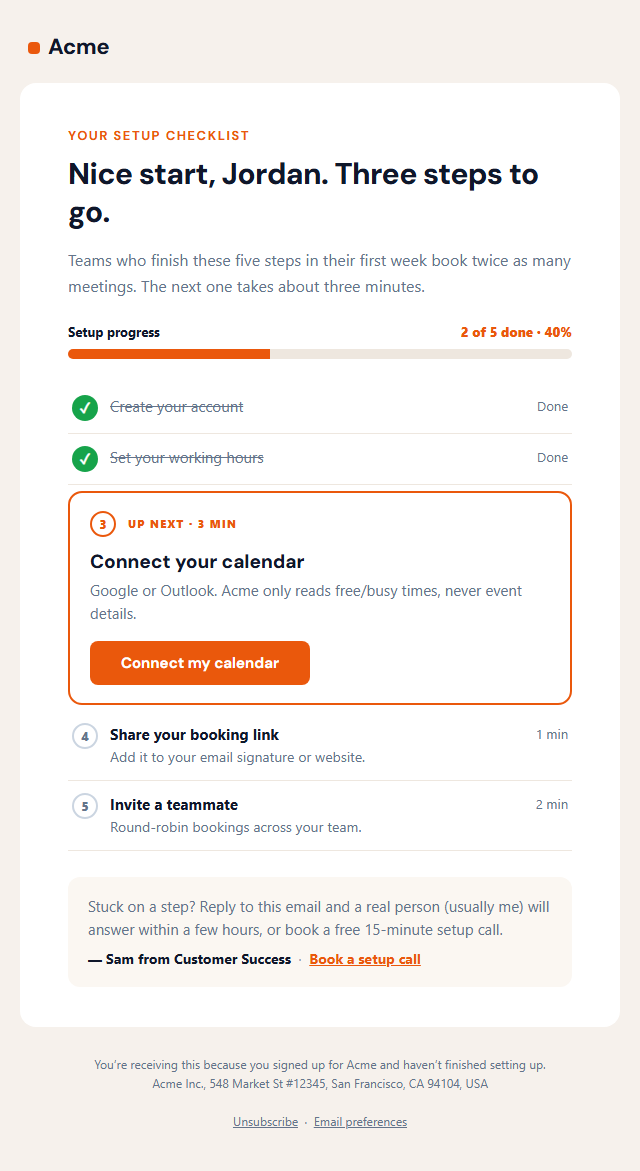
Getting Started Checklist Email
Responsive · Dark mode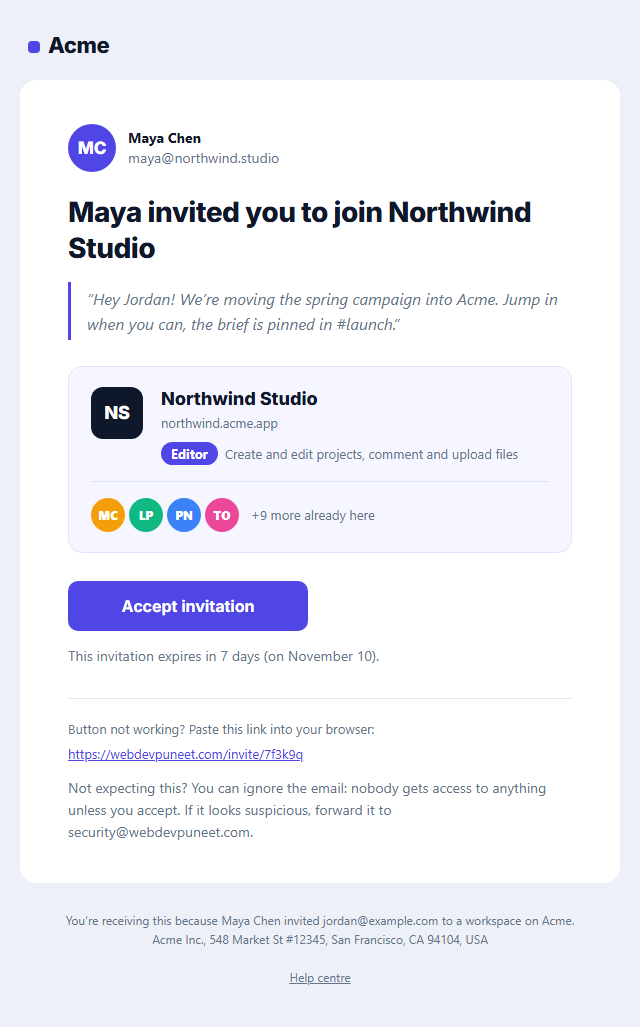
Team Invitation Email
Responsive · Dark mode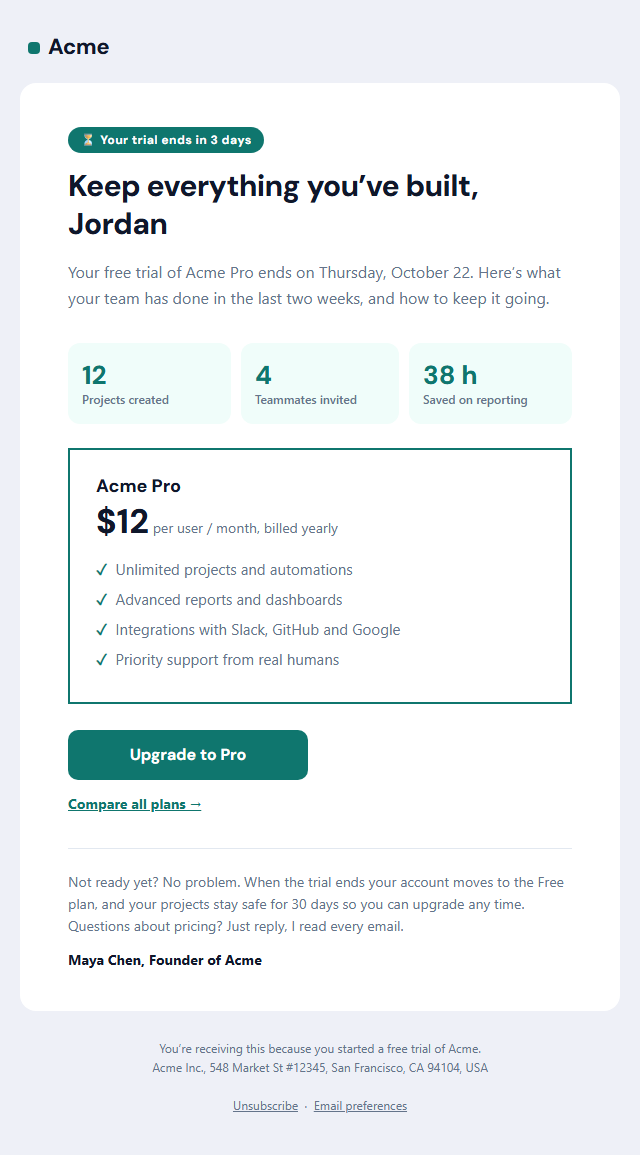
Trial Ending Email
Responsive · Dark mode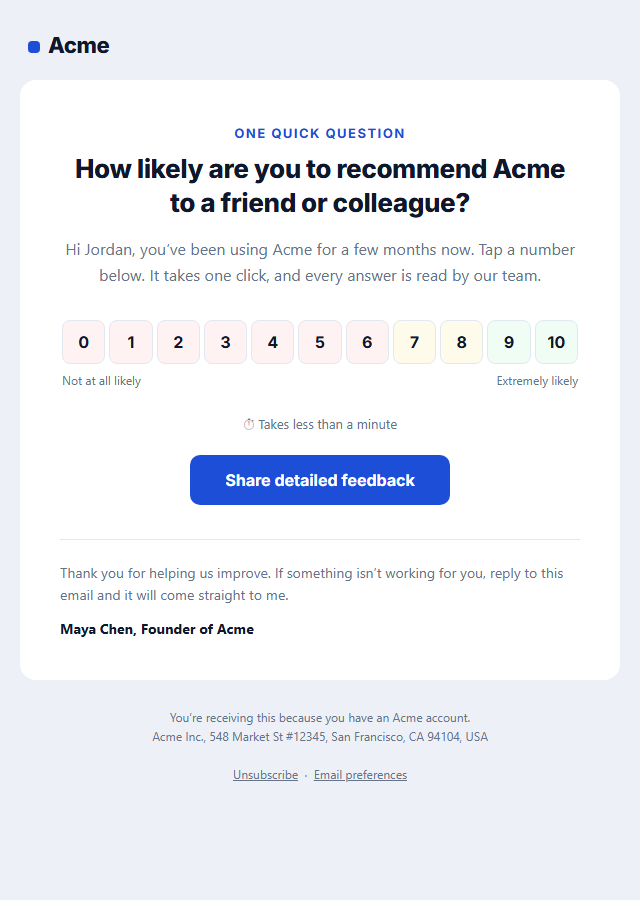
NPS Survey Email
Responsive · Dark mode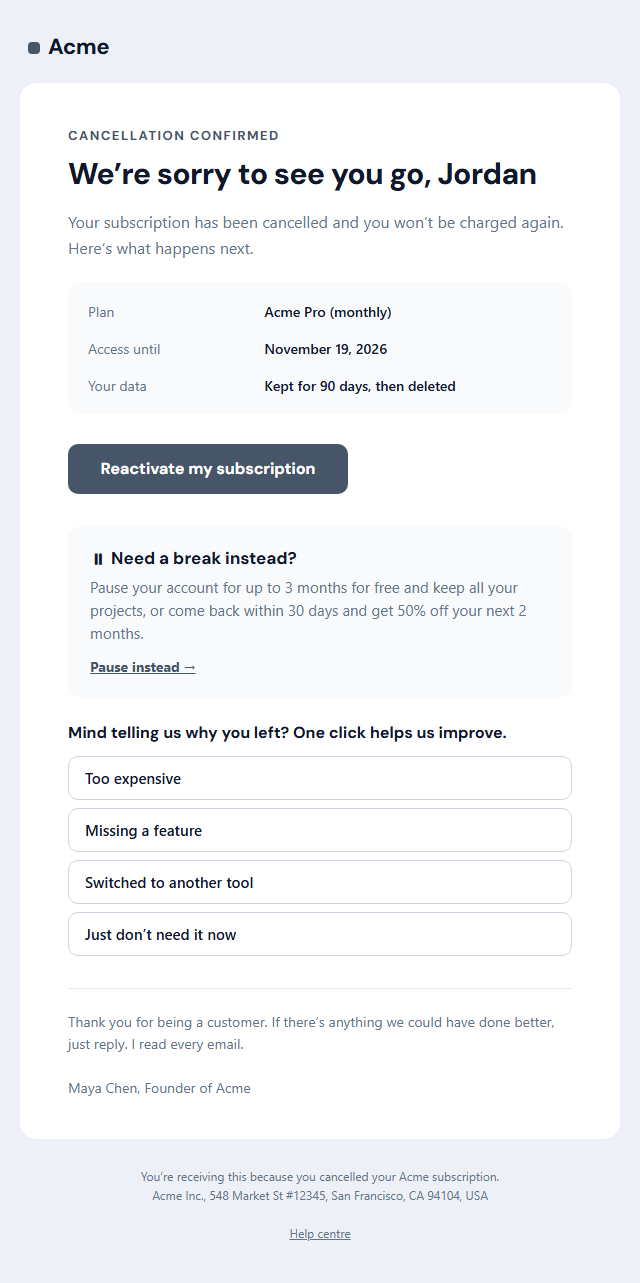
Subscription Cancellation Email
Responsive · Dark modeWelcome Email — Free Responsive HTML Email Template
Onboarding & Lifecycle · v1.0.0 · Updated 2026-10-16 · Gmail, Outlook & Apple Mail · Dark mode
What's included
Features
About this template
Welcome Email — Free Responsive HTML Welcome Email Template
Welcome Email is a free, responsive HTML welcome email template for SaaS products, apps, online stores and newsletters. It follows the structure that onboarding teams use: a logo header, a hero image, a warm headline, a short intro, one clear call-to-action button, three numbered getting-started steps, a personal note from the founder, social links and a compliant footer.
Built the way email has to be built
Email clients are not browsers. Outlook for Windows renders with Microsoft Word's engine, Gmail strips many styles, and every client handles images differently. This template uses nested tables for layout, inline styles on every element, role="presentation" on layout tables for screen readers, and a fixed 600 px container wrapped in Outlook-only conditional comments, so it holds its shape from Apple Mail to Outlook 2019.
A button that works in Outlook
The call to action is a "bulletproof" button: a VML rounded rectangle for Outlook on Windows and a styled link everywhere else, so it stays clickable with rounded corners even when images are blocked. On phones it stretches to the full width for an easy tap.
Dark mode included
The template declares color-scheme: light dark and ships a dark palette for Apple Mail, iOS Mail and Outlook (using prefers-color-scheme and Outlook.com's [data-ogsc] selector). You can edit both palettes and switch the preview to dark to check contrast.
Inbox details handled
A hidden preheader sets the preview text next to your subject line, padded so clients don't pull in body copy. Web fonts load where supported, with safe fallbacks, and Outlook is forced to Arial instead of Times New Roman. The footer has the unsubscribe link and postal address that US CAN-SPAM requires for commercial email, and a plain-text version is generated alongside the HTML.
Edit everything in the browser, then copy the HTML into Mailchimp, Klaviyo, HubSpot, Brevo or your own sending code, or fork it into My Code to keep working on the markup. Need images for your social posts too? See Social Post Templates.
Extend with AI
Take This Email Further With AI
Give this prompt to an AI assistant to write your own version of the Welcome Email email: draft ten subject lines and preheaders, adapt the copy for a customer segment, translate it, convert it to MJML or React Email, or write the plain-text version. Then paste the result back into the editor above to check it in desktop, mobile and dark mode.
Prompt to recreate it
Copy this into your AI assistant of choice to build the effect from scratch, or as a jumping-off point for your own variant:
Create a responsive HTML email: “Welcome Email”, an onboarding email.

Purpose: A responsive SaaS welcome email: logo header, hero image, headline, intro, an Outlook-safe call-to-action button, three numbered getting-started steps, a personal note from the founder, social links and a CAN-SPAM-ready footer, with dark mode built in.

Inbox text:
- Subject line: “Welcome to Acme — let’s get you set up”
- Preheader (hidden preview text): “Three quick steps to your first project, plus a note from our founder.”

Content, top to bottom:
- Hero
- Message & button
- Getting-started steps
- Personal note

Headline: “Welcome aboard, {{first_name}}!”. Main button: “Open your dashboard”.
One primary action only, with short body text, so a new user knows exactly what to do next.

Build it like a professional email developer:
- Table-based layout, 600px wide on desktop and fluid on mobile (width 100%, max-width 600px).
- Inline CSS on every element, with one small style block only for media queries and dark mode (prefers-color-scheme).
- A bulletproof, Outlook-safe call-to-action button (padded table cell with a VML fallback), never an image.
- Colours: brand and button #6366f1, button text #ffffff, page background #eef0f7. Web-safe font stack with a fallback after the brand font.
- Every image has alt text and explicit width and height. Use PNG icons, never SVG, because Gmail and Outlook drop them.
- Hidden preheader text, a plain-text version, and a legal footer with the postal address, the reason the person is receiving it and a working unsubscribe link.

Finish with a short checklist of what to test in Gmail, Outlook for Windows, Apple Mail, mobile and dark mode.
Want to tighten it up first? Run this prompt through the AI Prompt Studio to score it across 8 quality dimensions, catch anti-patterns, and tune the wording for Claude, ChatGPT, or Gemini before you paste it in.
Why use it
Why Use the Welcome Email Template
How it’s different
How It’s Different From Other Free Email Templates
Step by step
How to Use
- 1Pick your email platformChoose Mailchimp, Klaviyo, HubSpot or Brevo under Merge tags so first names and unsubscribe links export in its syntax, or keep plain {{first_name}} tokens.
- 2Edit the contentFill in the hero, message & button, getting-started steps, personal note and social links, or click any text in the preview to jump to its field. Switch the hero, getting-started steps, personal note and social links on or off.
- 3Add your brandUpload or paste your logo and images, set the brand colour and the light and dark palettes, pick fonts, or apply your saved brand kit.
- 4Preview and checkSwitch between desktop, mobile and dark mode, and fix anything the pre-send checks flag, such as placeholder links or missing alt text.
- 5Export or forkCopy the HTML into Mailchimp, Klaviyo, HubSpot, Brevo or your own code, copy the plain-text version, download a ZIP with images, or fork it into My Code.
Real-world uses
Common Use Cases
Promote it
Social Post Templates to Match the Welcome Email Email
An email works harder with a post behind it. Announce the welcome email campaign on social media with matching free templates in the same editor: Meet the Team. Use the same brand colours and fonts, export the post as an image at the right size for each network, and link to the same offer or page.
Got questions?
Frequently Asked Questions
Edit the template, open the HTML tab and click "Copy", then in your email service create a campaign or automation with a "custom HTML" or "code your own" design and paste it in. Replace the unsubscribe link with your platform's merge tag (for example *|UNSUB|* in Mailchimp or {{ unsubscribe_link }} in Klaviyo) and use merge tags for the first name.
Yes. The layout uses tables and inline styles, the 600 px container and the button have Outlook-only (MSO) versions, and Outlook is forced to Arial because it ignores web fonts. Rounded corners on the card don't appear in Outlook for Windows, which is expected and doesn't break the layout.
Email images must be hosted online: most clients block or strip images embedded in the HTML. Upload your logo and hero image to your website, a CDN or your email service, then paste the https:// links into the template.
A warm thank-you, one clear next step (the button), a short list of what to do first, a way to get help or reply, and the legal footer. This template includes all of them, and you can hide sections you don't need.
Yes. Apple Mail, iOS Mail and Outlook.com use the dark palette you set. Gmail's apps apply their own automatic colour changes, which the template's colours are chosen to survive. Switch the preview to Dark to check your colours.
It saves an editable copy of your Welcome Email in My Code, the UI Snippets code editor: the email markup goes in the HTML panel and its CSS (mobile and dark-mode rules plus fonts) in the CSS panel, so you can keep refining the code and save your own versions.
Yes. It is free for personal and commercial email, with no sign-up and no watermark. Everything runs in your browser, and your edits are saved locally.