Click any text to edit it right here · click an image or link to jump to its setting
- Replace the placeholder links: Header link, Button link, Offer link, Answer link (the reason is added at the end), Help centre link.
Subscription Cancellation Email
Responsive · Dark mode
Trial Ending Email
Responsive · Dark mode
NPS Survey Email
Responsive · Dark mode
Welcome Email
Responsive · Dark mode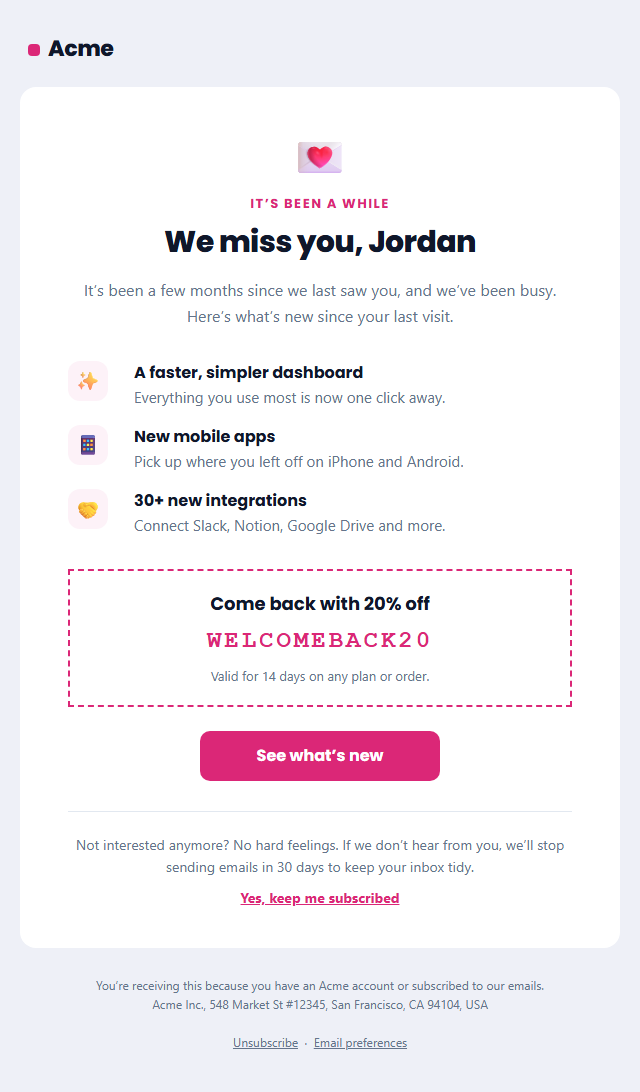
Re-engagement Email (We Miss You)
Responsive · Dark mode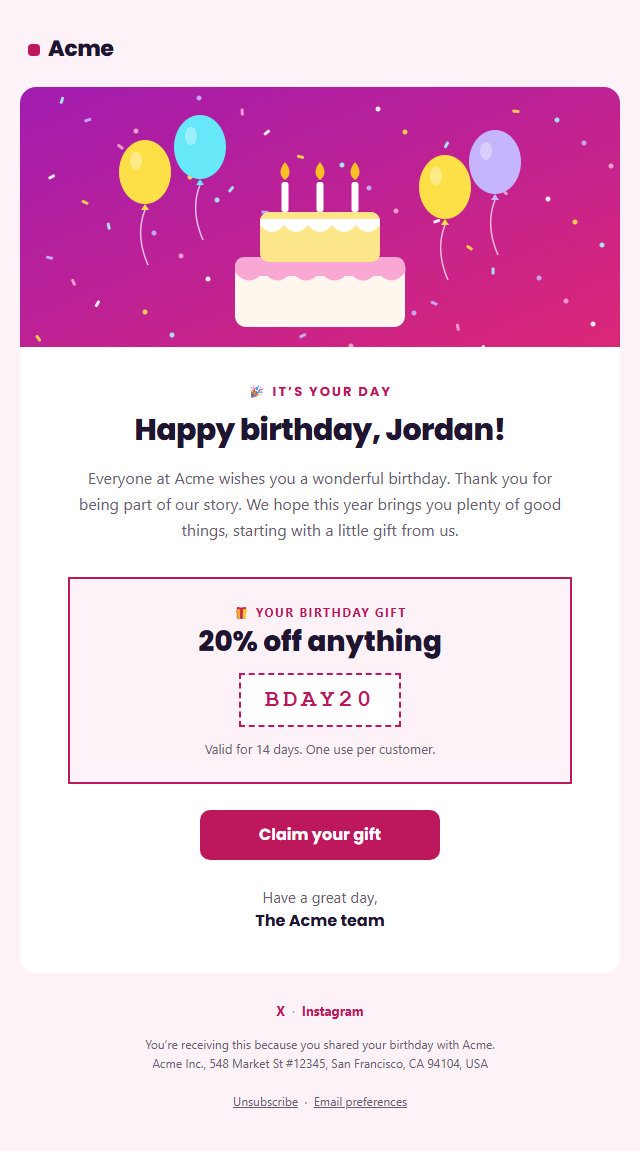
Birthday Email
Responsive · Dark modeSubscription Cancellation Email — Free Responsive HTML Email Template
Onboarding & Lifecycle · v1.0.0 · Updated 2026-10-20 · Gmail, Outlook & Apple Mail · Dark mode
What's included
Features
About this template
Subscription Cancellation Email — Free "Sorry to See You Go" Template
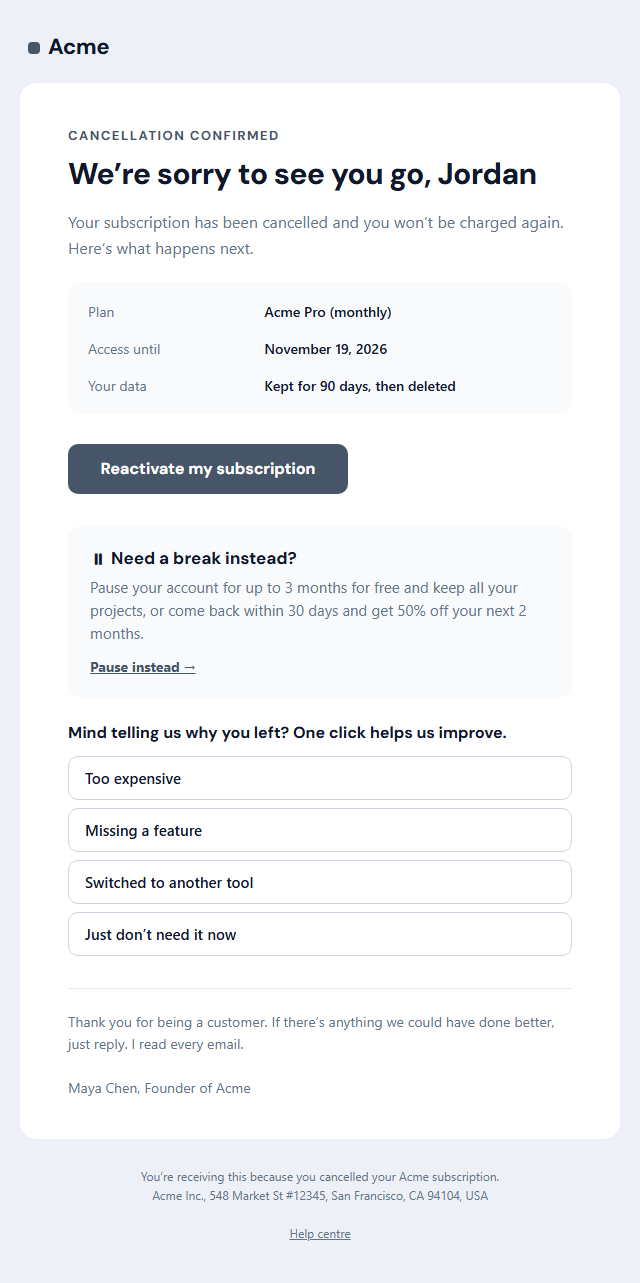
Subscription Cancellation Email is a free, responsive HTML template for confirming a cancellation gracefully. How you handle a cancellation shapes whether a customer comes back later and what they tell others, so this template confirms everything clearly, leaves the door open and learns from the exit without guilt-tripping anyone.
Clear confirmation first
A "Cancellation confirmed" label and a warm headline sit above a details box with the plan, the date access ends and what happens to their data. The first line confirms they won't be charged again, the most important thing a cancelling customer wants to hear. A "Reactivate my subscription" button is there for anyone who changes their mind.
A respectful win-back offer
The optional offer box suggests a pause instead, a popular alternative for people who are leaving for a season rather than for good, or a comeback discount if they return within 30 days. It's one short box, not a barrier: the cancellation is already done, and the email respects that.
Learn why they left in one click
The exit question lists four common reasons as one-click answers. Each links to your survey address with a short reason code (for example …reason=too-expensive), so you can track churn reasons without asking people to fill in a form. A personal sign-off from the founder invites a reply for anything more.
Works with your billing tool
Copy the HTML into Stripe, Chargebee, Recurly, Paddle or your own billing emails and swap the sample values for your variables. It confirms an account change, so it's transactional and doesn't need an unsubscribe link. If they come back later, the Re-engagement template is a good next step.
Why use it
Why Use the Subscription Cancellation Email Template
How it’s different
How It’s Different From Other Free Email Templates
Step by step
How to Use
- 1Pick your email platformChoose Mailchimp, Klaviyo, HubSpot or Brevo under Merge tags so first names and unsubscribe links export in its syntax, or keep plain {{first_name}} tokens.
- 2Edit the contentFill in the message & button, cancellation details, pause or comeback offer and exit question, or click any text in the preview to jump to its field. Switch the pause or comeback offer and exit question on or off.
- 3Add your brandUpload or paste your logo, set the brand colour and the light and dark palettes, pick fonts, or apply your saved brand kit.
- 4Preview and checkSwitch between desktop, mobile and dark mode, and fix anything the pre-send checks flag, such as placeholder links or missing alt text.
- 5Export or forkCopy the HTML into Mailchimp, Klaviyo, HubSpot, Brevo or your own code, copy the plain-text version, download a ZIP with images, or fork it into My Code.
Real-world uses
Common Use Cases
Got questions?
Frequently Asked Questions
Confirmation that the subscription is cancelled and they will not be charged again, the date access ends, what happens to their data, a way to reactivate, and optionally a pause or comeback offer and a short exit question.
Gently. A single offer, such as a pause or a discount for returning, can save some customers, but the cancellation must already be done and the email should never make it harder to leave.
Each answer links to your survey address with a short reason code added, for example …reason=too-expensive. Your survey tool or a small landing page records the answer and can ask an optional follow-up.
Yes. It confirms a change to the customer's account, so it does not need an unsubscribe link under US CAN-SPAM. Keep the offer short so the email stays mainly transactional.
Yes. Copy the HTML into your billing tool's custom cancellation email, or send it from a webhook such as Stripe's customer.subscription.deleted event, and replace the sample values with the subscription data.
It saves an editable copy of your Subscription Cancellation Email in My Code, the UI Snippets code editor: the email markup goes in the HTML panel and its CSS (mobile and dark-mode rules plus fonts) in the CSS panel, so you can keep refining the code and save your own versions.
Yes. It is free for personal and commercial email, with no sign-up and no watermark. Everything runs in your browser, and your edits are saved locally.