Click any text to edit it right here · click an image or link to jump to its setting
- Replace the placeholder links: Header link, Button link, "Stay" link, Unsubscribe link, Email preferences link.
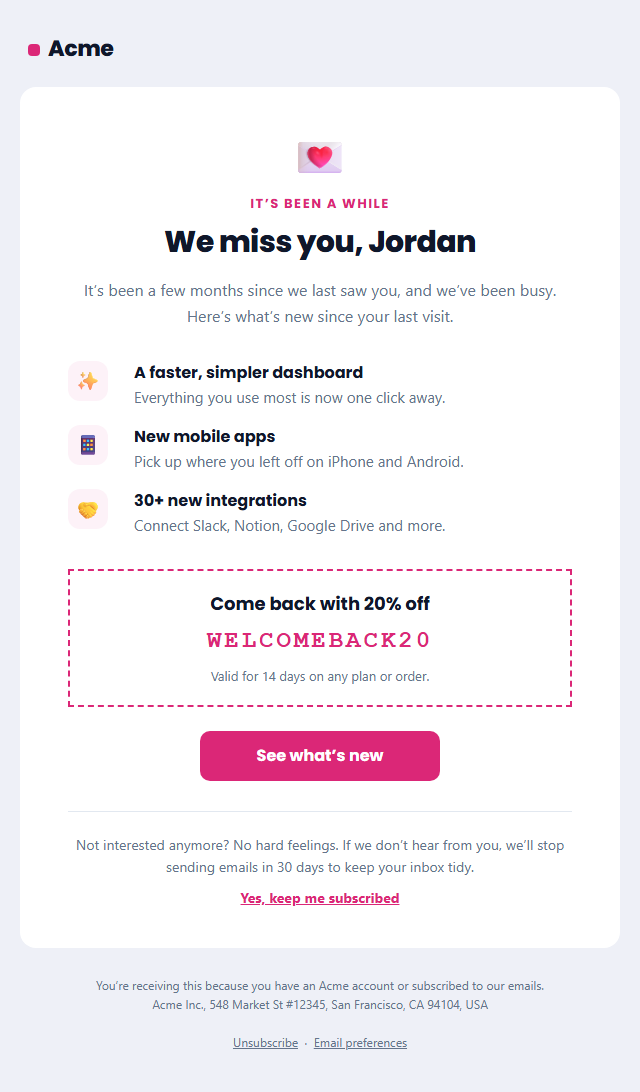
Re-engagement Email (We Miss You)
Responsive · Dark mode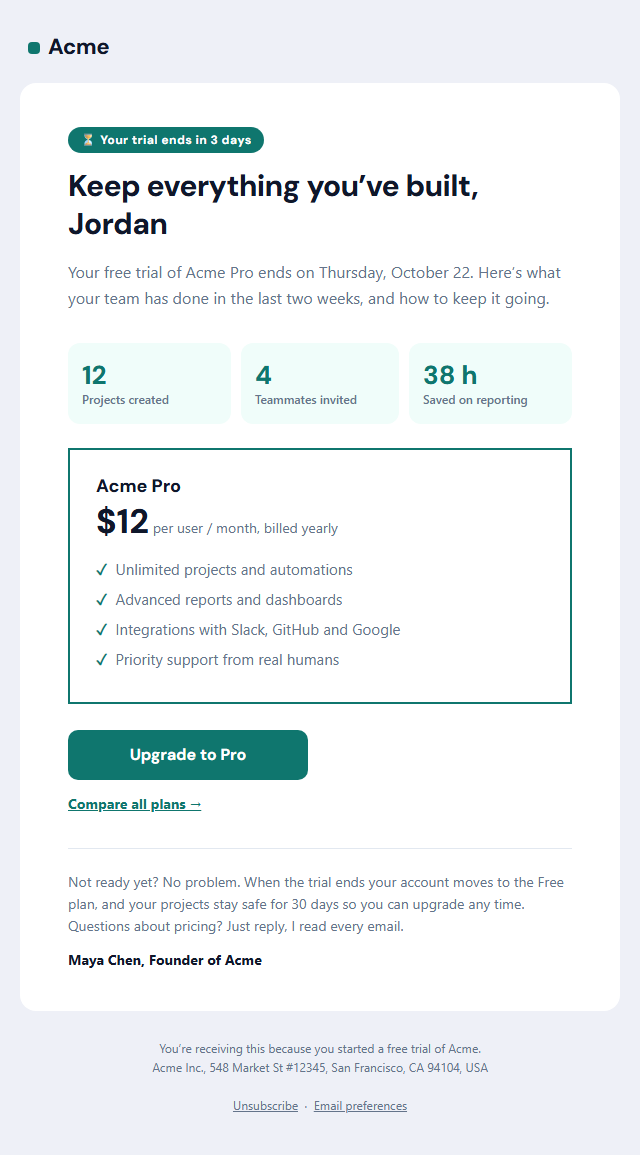
Trial Ending Email
Responsive · Dark mode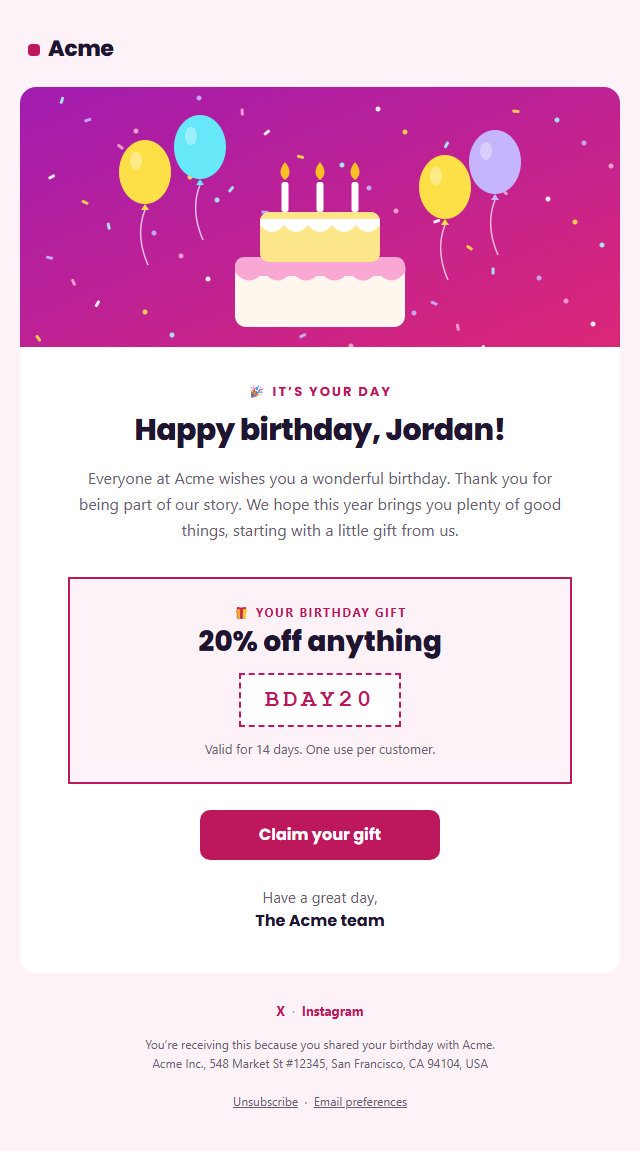
Birthday Email
Responsive · Dark mode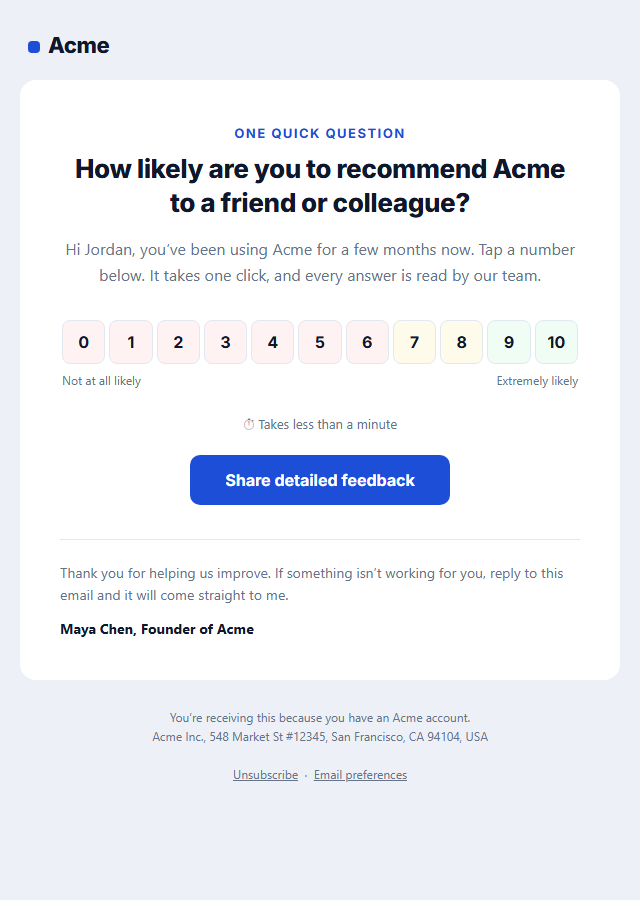
NPS Survey Email
Responsive · Dark mode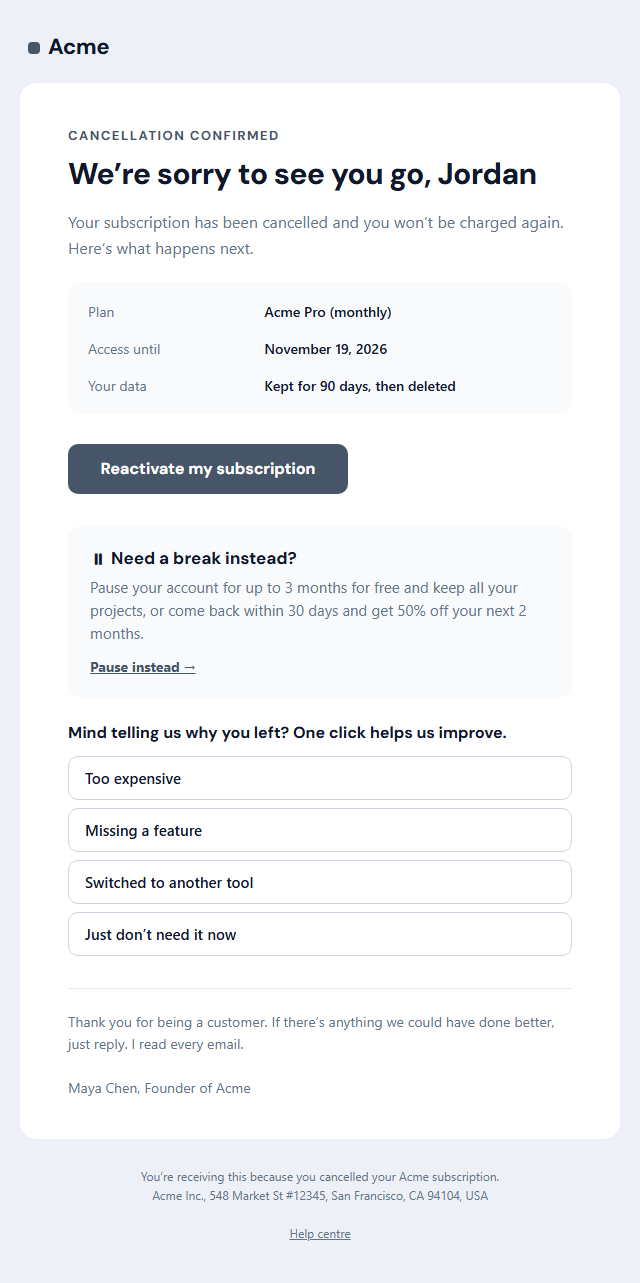
Subscription Cancellation Email
Responsive · Dark mode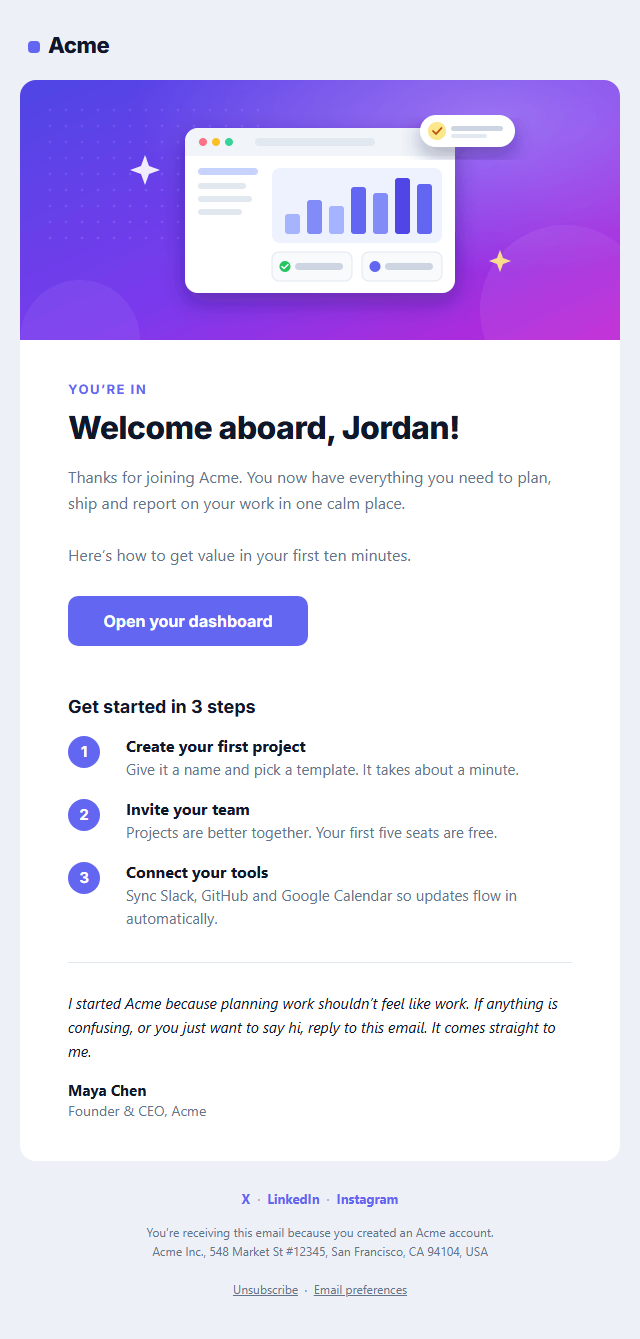
Welcome Email
Responsive · Dark modeRe-engagement Email (We Miss You) — Free Responsive HTML Email Template
Onboarding & Lifecycle · v1.0.0 · Updated 2026-10-20 · Gmail, Outlook & Apple Mail · Dark mode
What's included
Features
About this template
Re-engagement Email — Free "We Miss You" Win-Back Email Template
Re-engagement Email (We Miss You) is a free, responsive HTML template for winning back inactive customers and subscribers. It combines the three things that make win-back emails work: a warm "We miss you" headline, a short list of what's new since their last visit, and a reason to return now, here a comeback discount code. One clear button brings them back.
Honest list hygiene built in
Re-engagement emails do two jobs: they win some people back, and they find the people who will never return. Sending to inactive addresses hurts your sender reputation and deliverability with Gmail and Yahoo, so the template ends with an honest "stay or go" section: people can click "Yes, keep me subscribed", and you can stop emailing anyone who doesn't. That keeps your list healthy and your open rates honest.
What's new, not just "come back"
A plain "we miss you" rarely works on its own. Three short items with icons show what has changed (new features, new products, new content), which gives lapsed users a genuine reason to look again. The optional comeback code in a dashed box adds a time-limited incentive for customers who need a nudge.
Ready for your email platform
Built with tables and inline styles, an Outlook-safe button, a dark palette and a plain-text version. Copy it into Klaviyo, Mailchimp, HubSpot, Customer.io or Braze and trigger it for people who haven't opened, clicked, logged in or bought in 60 to 180 days, depending on your business. It's marketing email, so the footer has an unsubscribe link and postal address. For subscribers who stay, follow up with your Newsletter or a Product Update.
Why use it
Why Use the Re-engagement Email (We Miss You) Template
How it’s different
How It’s Different From Other Free Email Templates
Step by step
How to Use
- 1Pick your email platformChoose Mailchimp, Klaviyo, HubSpot or Brevo under Merge tags so first names and unsubscribe links export in its syntax, or keep plain {{first_name}} tokens.
- 2Edit the contentFill in the message & button, what’s new, comeback offer and stay or go, or click any text in the preview to jump to its field. Switch the comeback offer and stay or go on or off.
- 3Add your brandUpload or paste your logo, set the brand colour and the light and dark palettes, pick fonts, or apply your saved brand kit.
- 4Preview and checkSwitch between desktop, mobile and dark mode, and fix anything the pre-send checks flag, such as placeholder links or missing alt text.
- 5Export or forkCopy the HTML into Mailchimp, Klaviyo, HubSpot, Brevo or your own code, copy the plain-text version, download a ZIP with images, or fork it into My Code.
Real-world uses
Common Use Cases
Got questions?
Frequently Asked Questions
An email sent to customers or subscribers who have stopped opening, clicking, logging in or buying, aimed at winning them back or confirming they no longer want your emails. It is also called a win-back or "we miss you" email.
It depends on your buying cycle. Many SaaS products use 30 to 60 days without a login, stores 90 to 180 days without a purchase, and newsletters 90 days without an open. Send a short sequence of two or three emails, then remove people who do not respond.
A personal headline, what has changed since they left, an optional incentive, one clear button, and an easy way to stay subscribed or leave. This template includes all of them.
Usually yes. Continuing to email inactive addresses lowers your engagement rates and can hurt deliverability with Gmail and Yahoo. Removing or suppressing them keeps your sender reputation healthy.
Yes. It is a marketing email under US CAN-SPAM, so it needs a working unsubscribe link and your postal address. Both are already in the footer.
It saves an editable copy of your Re-engagement Email (We Miss You) in My Code, the UI Snippets code editor: the email markup goes in the HTML panel and its CSS (mobile and dark-mode rules plus fonts) in the CSS panel, so you can keep refining the code and save your own versions.
Yes. It is free for personal and commercial email, with no sign-up and no watermark. Everything runs in your browser, and your edits are saved locally.