Click any text to edit it right here · click an image or link to jump to its setting
- Replace the placeholder links: Header link, Button link, X (Twitter), Instagram, Unsubscribe link, Email preferences link.
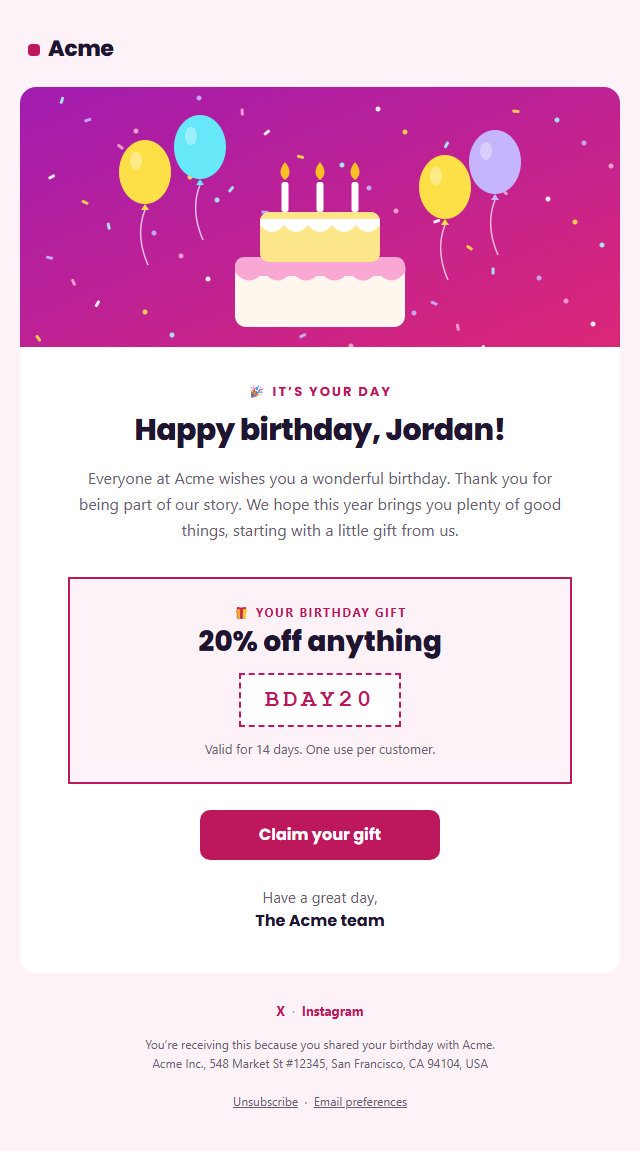
Birthday Email
Responsive · Dark mode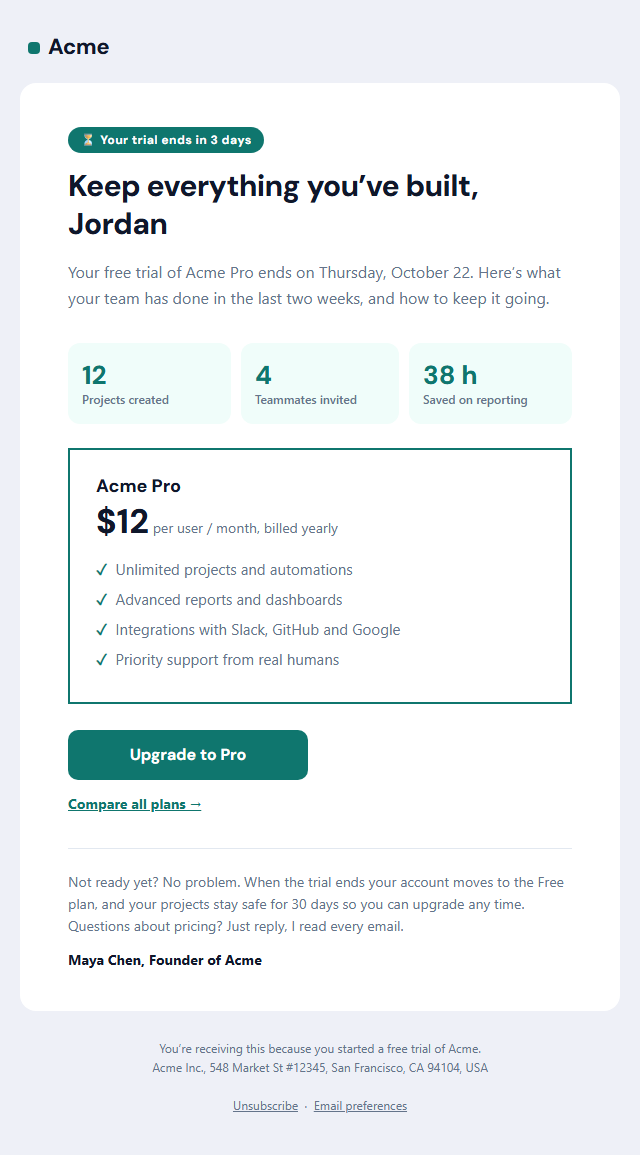
Trial Ending Email
Responsive · Dark mode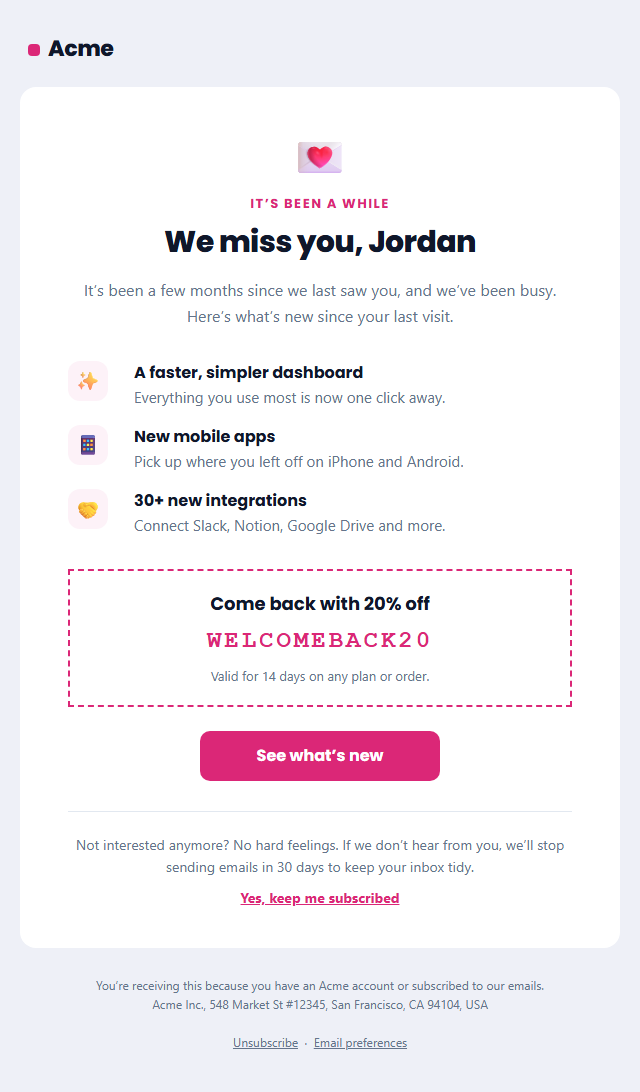
Re-engagement Email (We Miss You)
Responsive · Dark mode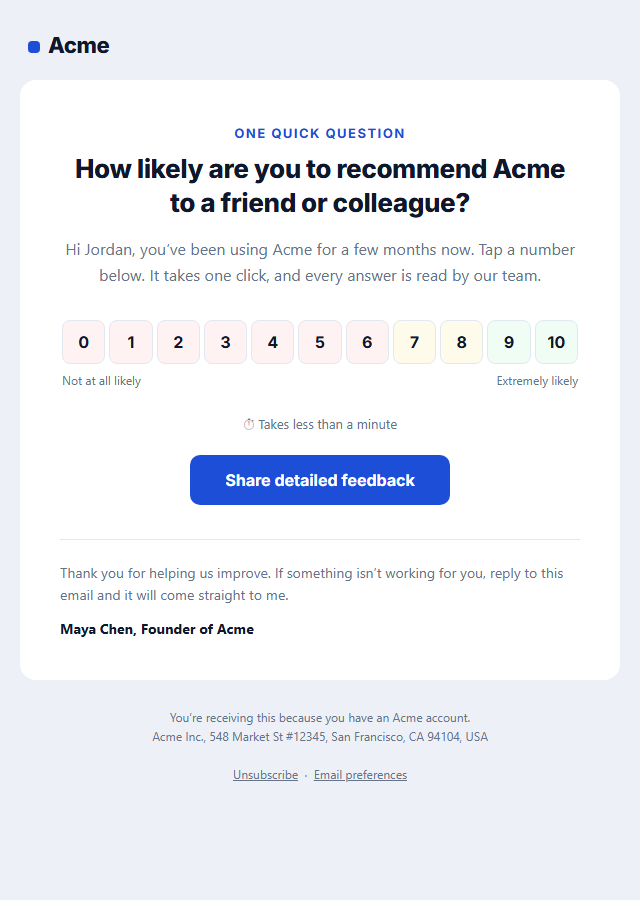
NPS Survey Email
Responsive · Dark mode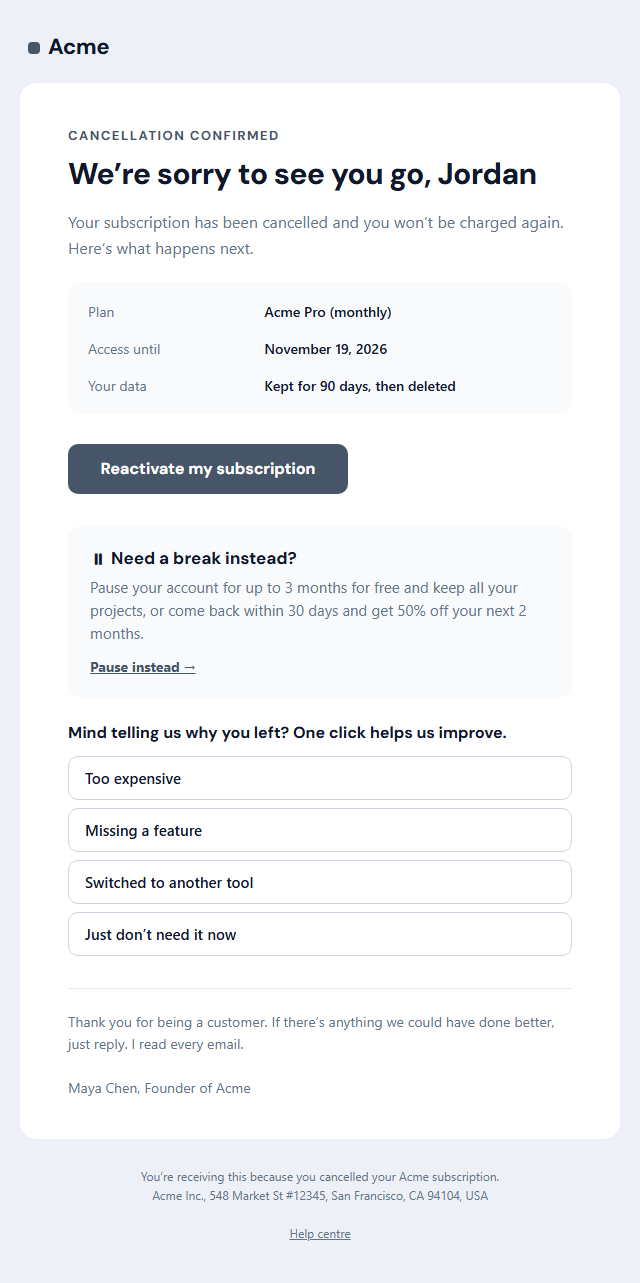
Subscription Cancellation Email
Responsive · Dark mode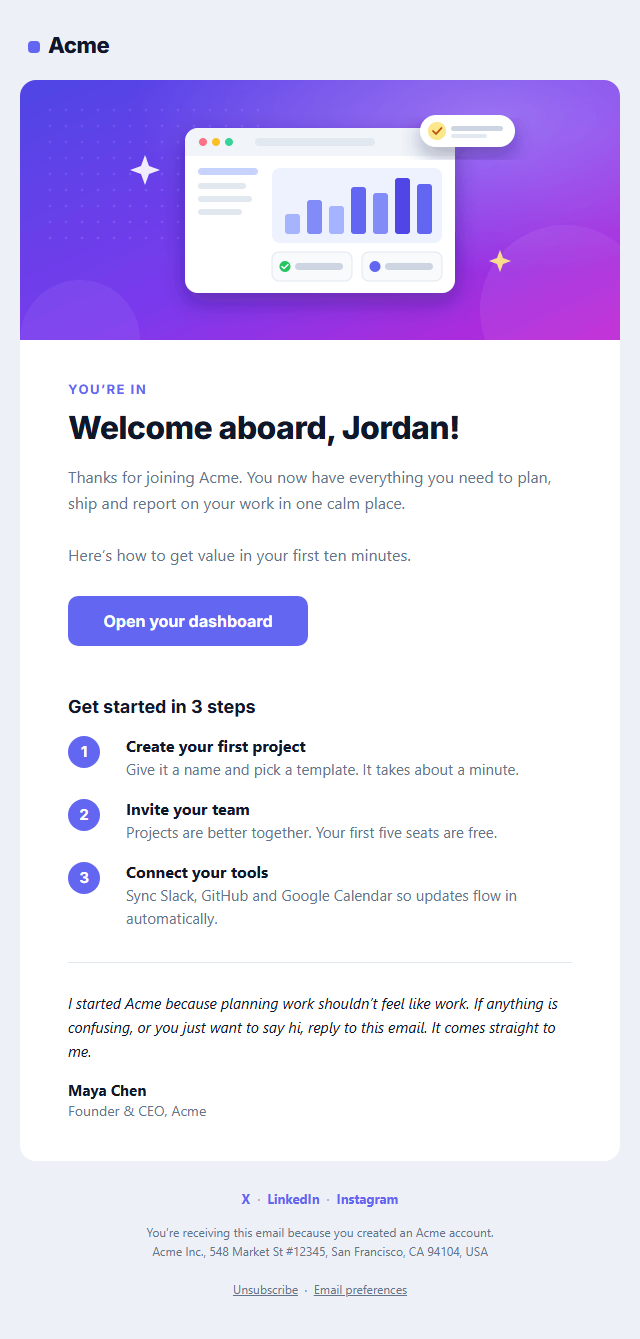
Welcome Email
Responsive · Dark modeBirthday Email — Free Responsive HTML Email Template
Onboarding & Lifecycle · v1.0.0 · Updated 2026-10-20 · Gmail, Outlook & Apple Mail · Dark mode
What's included
Features
About this template
Birthday Email — Free Birthday Coupon Email Template for Customers
Birthday Email is a free, responsive HTML template for wishing customers, members and subscribers a happy birthday, with a gift that brings them back. Birthday emails are one of the best-performing automated emails in email marketing because they're personal, expected and genuinely welcome, so they tend to see much higher opens and clicks than ordinary campaigns.
Festive without being cluttered
A confetti-and-cake hero image sets the mood, followed by an "It's your day" label, a big "Happy birthday, Jordan!" headline with a first-name merge tag and a short, warm message. The gift sits in its own bordered box: a label, the offer as a headline ("20% off anything"), the code in a dashed coupon and an expiry note. A "Claim your gift" button and a signed note finish the email.
A gift that drives action
A birthday discount or free gift gives the email a reason to act on, and a limited validity, such as 14 days or the birthday month, creates gentle urgency without feeling pushy. Switch the gift section off to send a pure greeting, or replace the code with a free item, double loyalty points or a free month.
Set it and forget it
Collect birthdays at sign-up, then set up a date-based automation in Klaviyo, Mailchimp, Shopify Email, HubSpot, Brevo or Omnisend that sends this email on the birthday or a few days before. The template is built with tables and inline styles, with an Outlook-safe button, a dark palette and a plain-text version. It's marketing email, so the footer includes an unsubscribe link and postal address. For seasonal greetings, see Holiday Greetings.
Why use it
Why Use the Birthday Email Template
How it’s different
How It’s Different From Other Free Email Templates
Step by step
How to Use
- 1Pick your email platformChoose Mailchimp, Klaviyo, HubSpot or Brevo under Merge tags so first names and unsubscribe links export in its syntax, or keep plain {{first_name}} tokens.
- 2Edit the contentFill in the hero image, message, birthday gift and social links, or click any text in the preview to jump to its field. Switch the hero image, birthday gift and social links on or off.
- 3Add your brandUpload or paste your logo and images, set the brand colour and the light and dark palettes, pick fonts, or apply your saved brand kit.
- 4Preview and checkSwitch between desktop, mobile and dark mode, and fix anything the pre-send checks flag, such as placeholder links or missing alt text.
- 5Export or forkCopy the HTML into Mailchimp, Klaviyo, HubSpot, Brevo or your own code, copy the plain-text version, download a ZIP with images, or fork it into My Code.
Real-world uses
Common Use Cases
Got questions?
Frequently Asked Questions
Keep it short and personal: use their name, wish them a happy birthday, thank them for being a customer and offer a gift with a clear way to claim it. This template follows that structure.
On the morning of their birthday works well, or a few days before if the gift is meant to be used on the day. Give the gift a validity of one to two weeks or the whole birthday month.
Add an optional birthday field (month and day are enough) to your sign-up form, account page or loyalty programme, and explain that it is for a birthday gift. Store it in your email platform as a date property.
Copy the HTML from the Export menu into a custom HTML template, then create a date-based flow or automation triggered by the birthday property. Pick your platform under Merge tags so the first name converts automatically.
Yes. It promotes your business with an offer, so it is commercial email under US CAN-SPAM and needs an unsubscribe link and your postal address. Both are in the footer.
It saves an editable copy of your Birthday Email in My Code, the UI Snippets code editor: the email markup goes in the HTML panel and its CSS (mobile and dark-mode rules plus fonts) in the CSS panel, so you can keep refining the code and save your own versions.
Yes. It is free for personal and commercial email, with no sign-up and no watermark. Everything runs in your browser, and your edits are saved locally.