Click any text to edit it right here · click an image or link to jump to its setting
- Replace the placeholder links: Header link, Button link, X (Twitter), LinkedIn, Instagram, Unsubscribe link, Email preferences link.
Holiday Greetings Email — Free Responsive HTML Email Template
Holidays & Seasonal · v1.0.0 · Updated 2026-10-19 · Gmail, Outlook & Apple Mail · Dark mode
What's included
Features
About this template
Holiday Greetings Email — Free Christmas & New Year Email Template
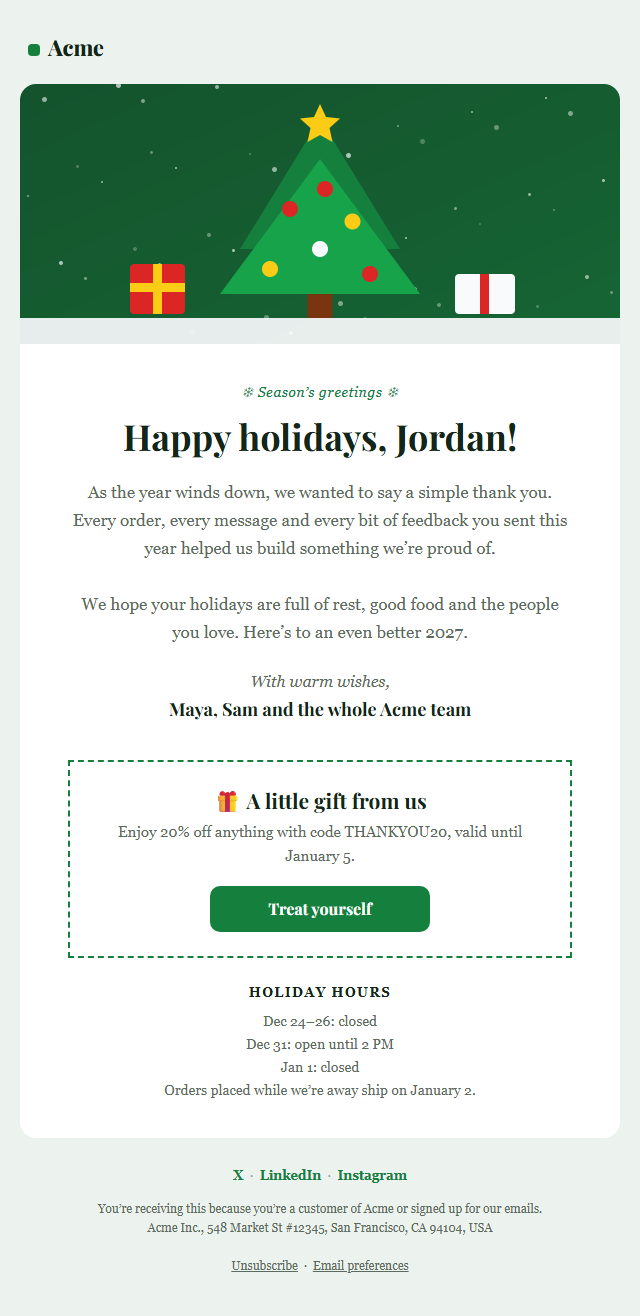
Holiday Greetings Email is a free, responsive HTML template for sending season's greetings to your customers, clients and subscribers at Christmas, over the holidays or for the New Year. It's the warmest email many brands send all year: a thank-you that strengthens relationships without the hard sell.
What's in the email
A festive hero image (or your own team photo), a "Season's greetings" label, a personal headline with the recipient's first name, and a heartfelt message with a signed sign-off from your team. You can add an optional thank-you offer in a dashed box with its own button, and your holiday opening hours, so customers know when you're closed and when orders will ship. Social links sit in the footer.
Elegant on every screen
A serif heading and body font give the email a classic, card-like feel, with safe Georgia fallbacks for Gmail and Outlook. The layout uses tables and inline styles, so it looks the same in Outlook on Windows, Gmail and Apple Mail, and the button is Outlook-safe. A deep green dark palette is included, along with a plain-text version.
More than Christmas
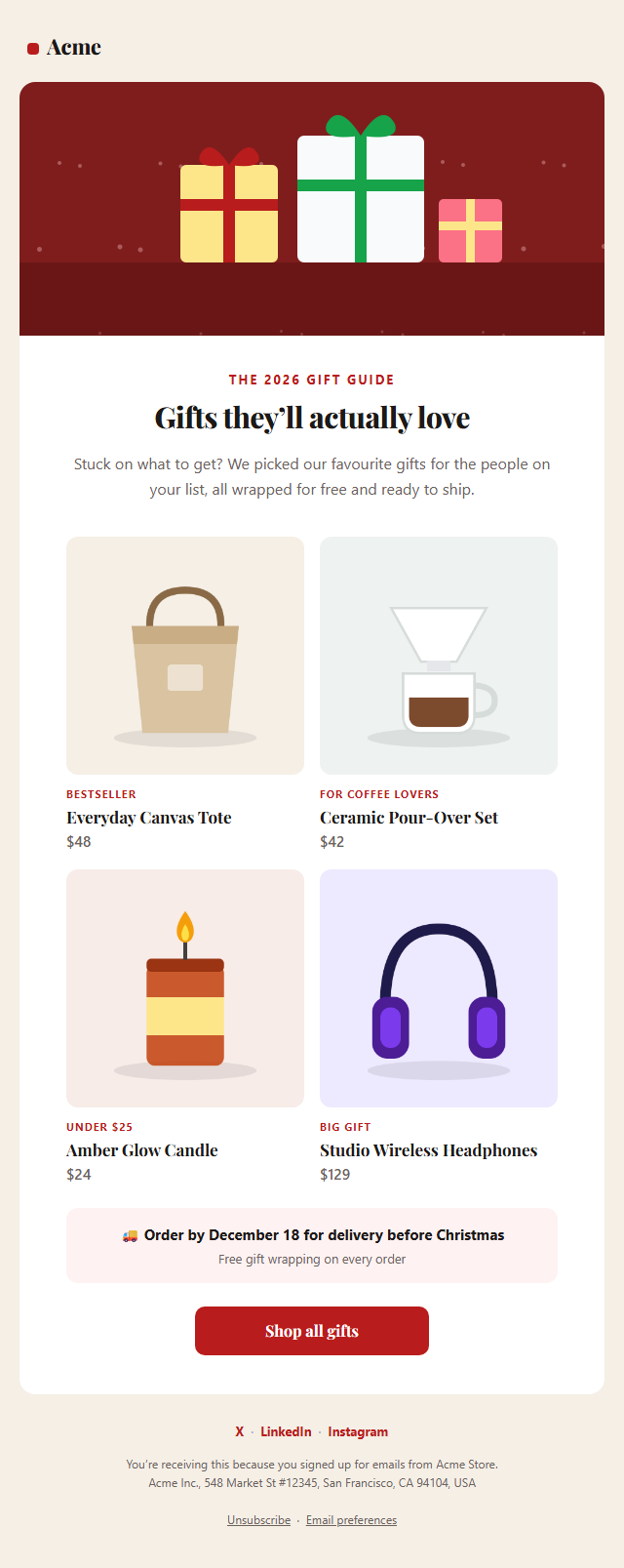
Change the image, colours and wording for Hanukkah, Diwali, Lunar New Year, Thanksgiving or a "happy new year" message. Copy the HTML into Mailchimp, Klaviyo, HubSpot or Brevo. For holiday sales, pair it with the Holiday Gift Guide template.
Why use it
Why Use the Holiday Greetings Email Template
How it’s different
How It’s Different From Other Free Email Templates
Step by step
How to Use
- 1Pick your email platformChoose Mailchimp, Klaviyo, HubSpot or Brevo under Merge tags so first names and unsubscribe links export in its syntax, or keep plain {{first_name}} tokens.
- 2Edit the contentFill in the hero image, message, thank-you offer, holiday hours and social links, or click any text in the preview to jump to its field. Switch the hero image, thank-you offer, holiday hours and social links on or off.
- 3Add your brandUpload or paste your logo and images, set the brand colour and the light and dark palettes, pick fonts, or apply your saved brand kit.
- 4Preview and checkSwitch between desktop, mobile and dark mode, and fix anything the pre-send checks flag, such as placeholder links or missing alt text.
- 5Export or forkCopy the HTML into Mailchimp, Klaviyo, HubSpot, Brevo or your own code, copy the plain-text version, download a ZIP with images, or fork it into My Code.
Real-world uses
Common Use Cases
Got questions?
Frequently Asked Questions
One to two weeks before Christmas works well, before inboxes fill with last-minute sales. A New Year version can go out on December 31 or in the first days of January.
It is optional. Many brands keep the greeting purely as a thank-you; others add a small gift code. Use the Thank-you offer switch to add or remove it without changing the rest of the email.
Yes. Change the hero image, colours, label and message for Hanukkah, Diwali, Lunar New Year, Eid, Thanksgiving or any celebration that matters to your audience.
Playfair Display loads in Apple Mail and iOS Mail. Gmail and Outlook use Georgia instead, which is a classic serif installed on almost every computer, so the card-like look is kept.
Yes, if you send it to a marketing list. It promotes your brand, so it counts as commercial email under US CAN-SPAM. The unsubscribe link and postal address are already in the footer.
It saves an editable copy of your Holiday Greetings Email in My Code, the UI Snippets code editor: the email markup goes in the HTML panel and its CSS (mobile and dark-mode rules plus fonts) in the CSS panel, so you can keep refining the code and save your own versions.
Yes. It is free for personal and commercial email, with no sign-up and no watermark. Everything runs in your browser, and your edits are saved locally.