Click any text to edit it right here · click an image or link to jump to its setting
- Replace the placeholder links: Header link, Gift 1 link, Gift 2 link, Gift 3 link, Gift 4 link, Button link, X (Twitter), LinkedIn, Instagram, Unsubscribe link, Email preferences link.
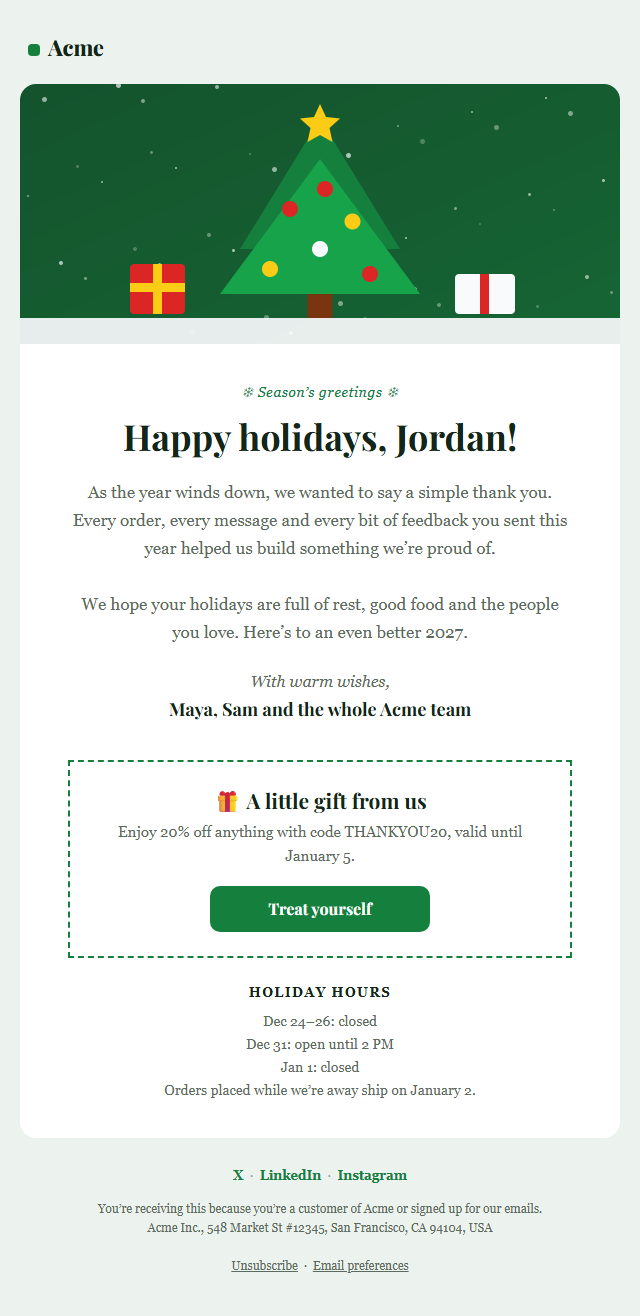
Holiday Gift Guide Email — Free Responsive HTML Email Template
Holidays & Seasonal · v1.0.0 · Updated 2026-10-19 · Gmail, Outlook & Apple Mail · Dark mode
What's included
Features
About this template
Holiday Gift Guide Email — Free Christmas Product Grid Template
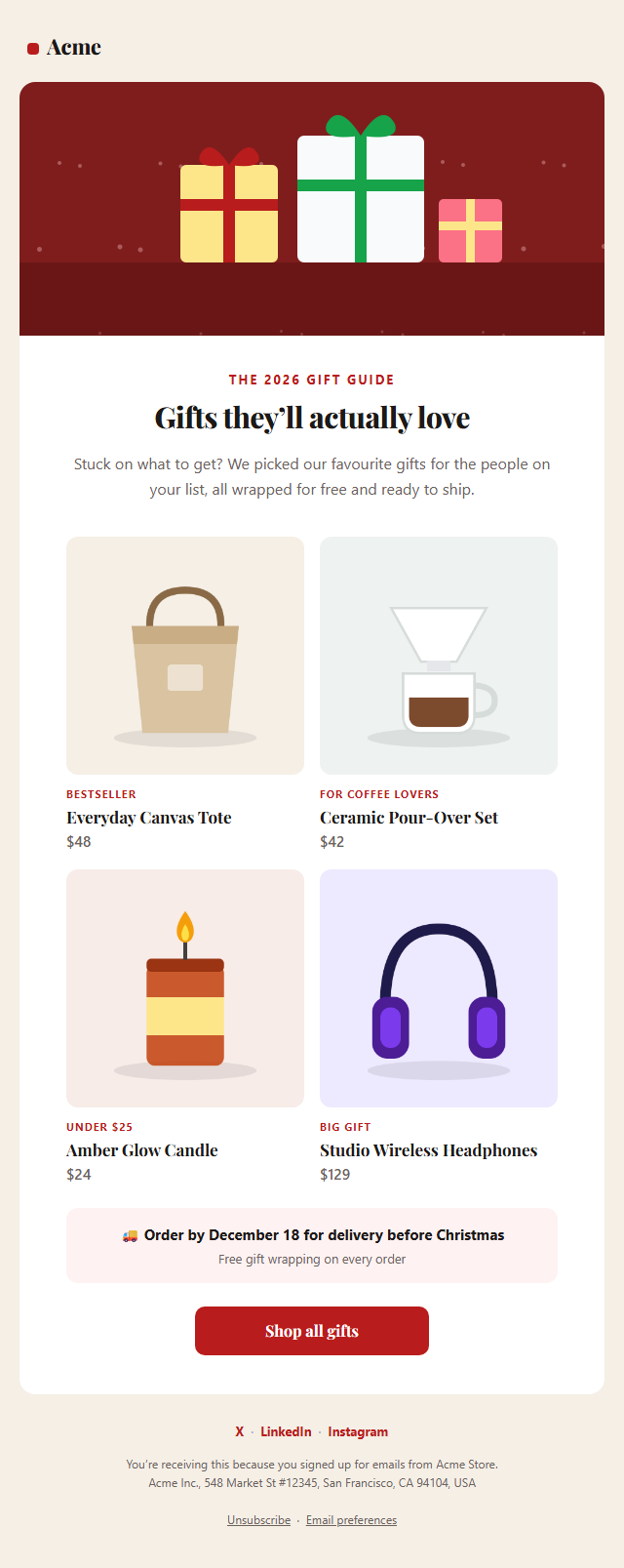
Holiday Gift Guide Email is a free, responsive HTML template for showing off your best gifts during the holiday shopping season. Gift guides are among the most clicked emails of December, because shoppers actively want ideas, and a well-organised grid of products helps them choose quickly.
What's in the email
A festive hero image, a warm headline and intro, then a 2×2 grid of gifts, each with a photo, a short tag such as "Bestseller" or "Under $25", the product name and price, all linked to the product page. A shipping cut-off banner tells shoppers the last day to order for delivery before Christmas, followed by a "Shop all gifts" button and social links.
A product grid that holds together
Two-column layouts are where many email templates break. This grid is built with nested tables, so it stays aligned in Outlook on Windows and Gmail, and it stacks into one column on phones so photos stay large and easy to tap. Images are real https links with alt text, so the product names and prices still show when images are off. A dark palette and a plain-text version are included.
Make it yours
Upload your own product photos or paste the image URLs from your store, change the tags, prices and links, and swap the colours for your brand. Copy the HTML into Klaviyo, Mailchimp, Shopify Email or Omnisend. Pair it with the Holiday Greetings email for the end of the season and the Last Chance Sale template for shipping deadlines.
Why use it
Why Use the Holiday Gift Guide Email Template
How it’s different
How It’s Different From Other Free Email Templates
Step by step
How to Use
- 1Pick your email platformChoose Mailchimp, Klaviyo, HubSpot or Brevo under Merge tags so first names and unsubscribe links export in its syntax, or keep plain {{first_name}} tokens.
- 2Edit the contentFill in the hero image, message & button, gifts, shipping cut-off and social links, or click any text in the preview to jump to its field. Switch the hero image, shipping cut-off and social links on or off.
- 3Add your brandUpload or paste your logo and images, set the brand colour and the light and dark palettes, pick fonts, or apply your saved brand kit.
- 4Preview and checkSwitch between desktop, mobile and dark mode, and fix anything the pre-send checks flag, such as placeholder links or missing alt text.
- 5Export or forkCopy the HTML into Mailchimp, Klaviyo, HubSpot, Brevo or your own code, copy the plain-text version, download a ZIP with images, or fork it into My Code.
Real-world uses
Common Use Cases
Got questions?
Frequently Asked Questions
Many stores send the first gift guide in mid to late November, around Black Friday, and follow up in early December. Always include your shipping cut-off date, because it creates urgency and reduces "will it arrive in time?" questions.
Square images of at least 480 × 480 px look sharp on retina screens; they are shown at about 244 px wide. Keep each file small, under about 100 KB, so the email loads quickly. You can upload photos here and the tool resizes them.
Yes. The grid uses nested tables and fixed widths instead of CSS grid or flexbox, which Outlook ignores. On phones a media query stacks the products into one column.
Use Extra sections to add images and text below the grid, or fork the template to My Code and repeat the grid row for as many products as you like.
Yes. It promotes products, so it is commercial email under US CAN-SPAM and needs a working unsubscribe link and your postal address. Both are already in the footer.
It saves an editable copy of your Holiday Gift Guide Email in My Code, the UI Snippets code editor: the email markup goes in the HTML panel and its CSS (mobile and dark-mode rules plus fonts) in the CSS panel, so you can keep refining the code and save your own versions.
Yes. It is free for personal and commercial email, with no sign-up and no watermark. Everything runs in your browser, and your edits are saved locally.