Click any text to edit it · drag a photo to reposition it, scroll to zoom, click to replace

Thank You — Free Announcements Social Post Template
Announcements · v1.0.0 · Updated 2026-11-02 · Instagram, Facebook & X · HTML + CSS
What's included
Features
About this template
Thank You — Free Customer Appreciation Post Template
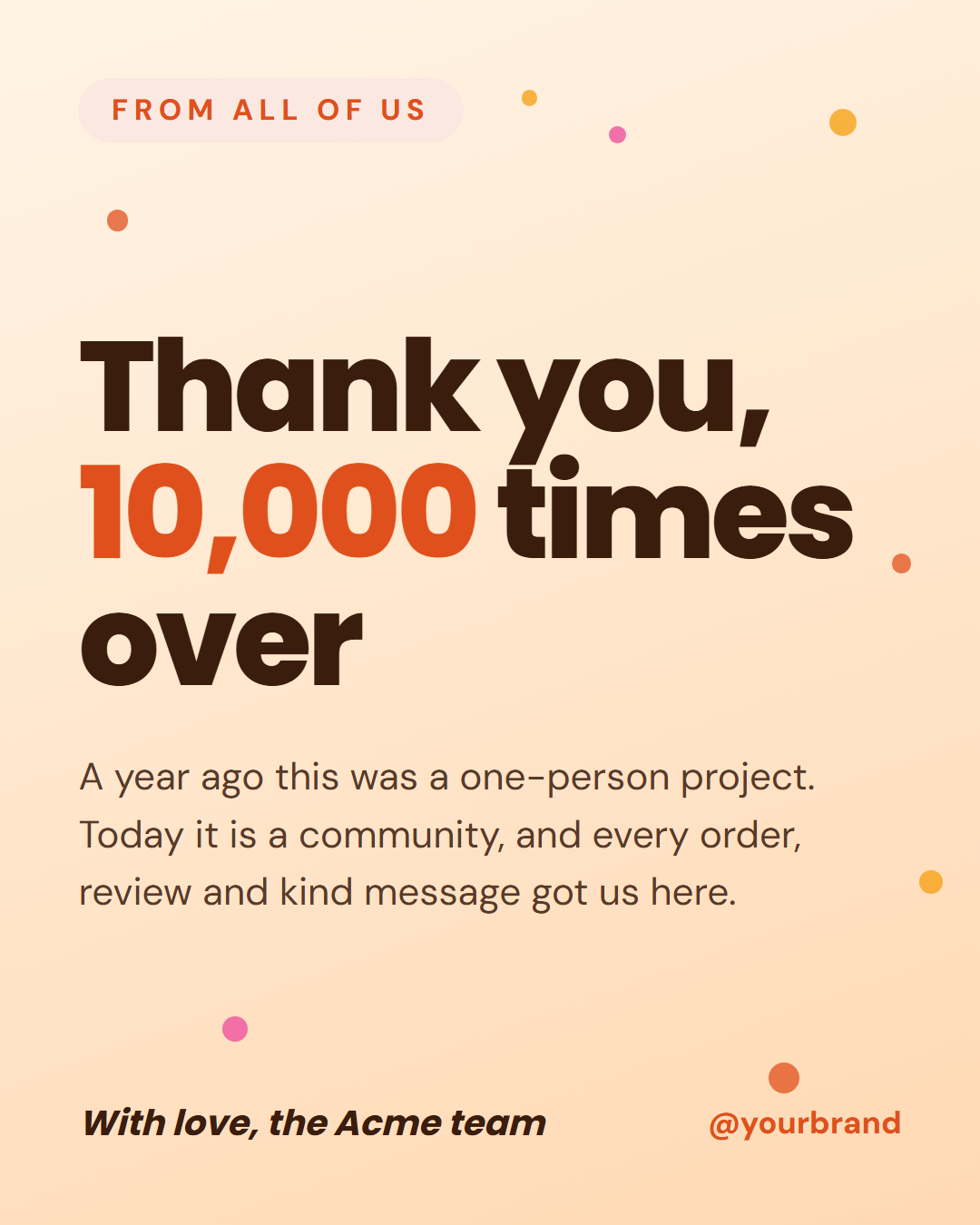
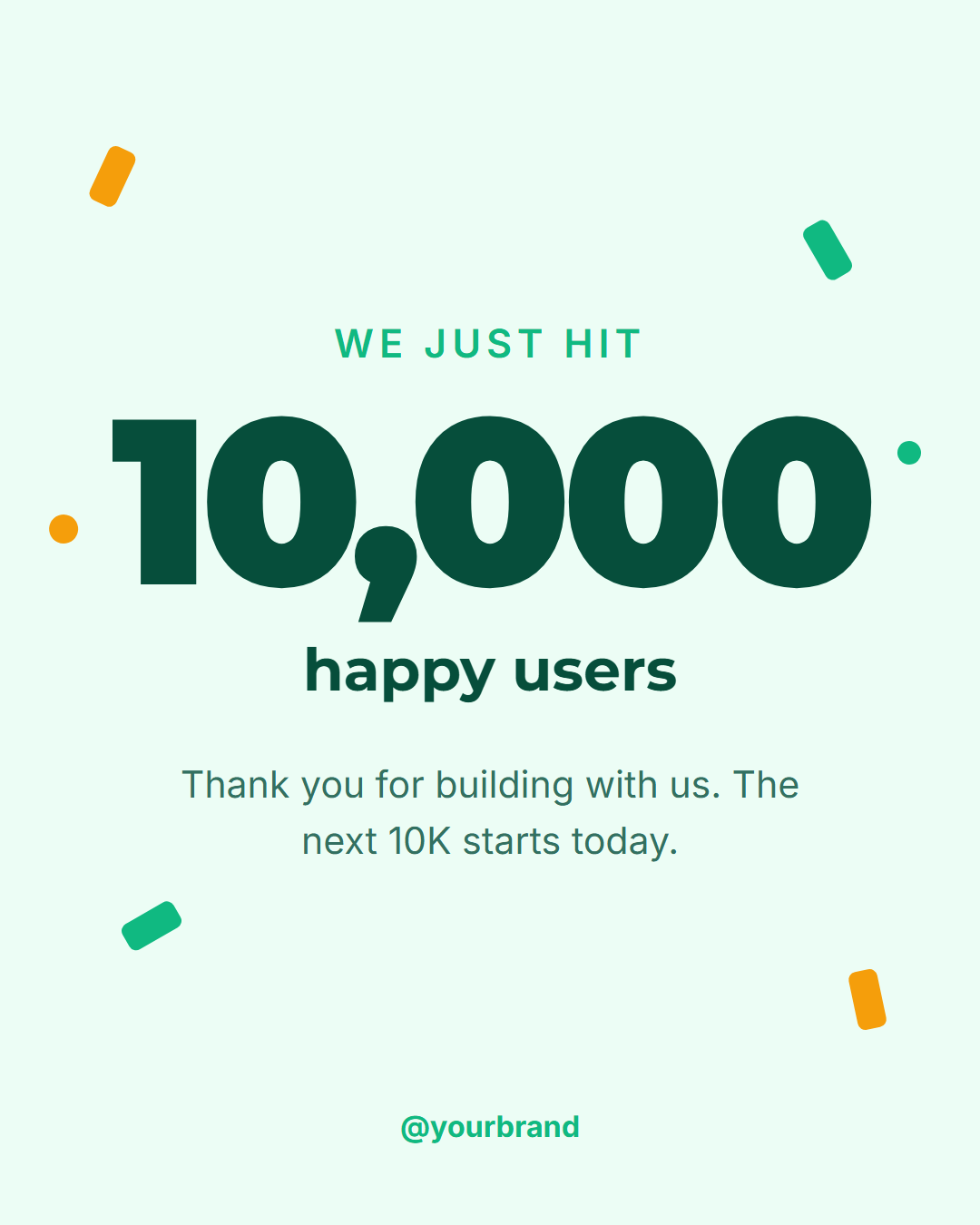
Thank You is a free social media template for saying it properly: a warm peach-to-apricot background scattered with confetti dots, a pill label that reads "From all of us", a huge headline, a heartfelt paragraph and a sign-off. It is meant for the moments when a brand wants to thank its customers and followers without selling anything.
Warm, not corporate
The type is heavy and friendly, set tight so the headline can be very large, and the number or word you highlight in *asterisks* turns the accent orange: "Thank you, *10,000* times over". The confetti is drawn in CSS, using three warm colours in fixed positions, so the card feels like a celebration even before you add a photo. The sign-off is set in italic, like a handwritten note at the bottom of a card.
What to say
The strongest thank-you posts are specific. Instead of "Thanks for your support", name what happened: "A year ago this was a one-person project. Today it is a community." Use the message area for two or three sentences that mention real things, such as orders, reviews or kind messages, and let the sign-off carry a name or a team. The text shrinks to fit if you write more.
Where it fits
Use it after a milestone such as a follower count or a first year, at the end of a busy sale, at the end of the calendar year, or after an event. It also works inside a business: thank a team, a set of volunteers or a group of beta testers. The 4:5 portrait is best for the feed, the Story size keeps text clear of Instagram's bars, and the 16:9 and LinkedIn sizes tighten the headline. Colours are editable, and you can export PNG, JPEG, PDF, an animated video or HTML.
Celebrate the number itself with Milestone, or share a customer's own words with Testimonial.
Extend with AI
Take This Post Further With AI
Ask an AI assistant to adapt the Thank You HTML and CSS: write a message that names specific moments from your year, generate a matching Story, or animate the confetti dots falling slowly behind the headline.
Prompt to recreate it
Copy this into your AI assistant of choice to build the effect from scratch, or as a jumping-off point for your own variant:
Create a 1080×1350 "thank you" social post in plain HTML and CSS.

- A warm gradient background from #fff4e6 to #ffd9b3, with small confetti dots in orange, amber and pink scattered around the edges, drawn with radial-gradient backgrounds.
- A small uppercase orange label in a soft pill, "From all of us".
- A huge bold headline, "Thank you, 10,000 times over", with "10,000" in orange.
- A warm paragraph: "A year ago this was a one-person project. Today it is a community, and every order, review and kind message got us here."
- A footer with an italic sign-off "With love, the Acme team" and the handle in orange on the right.
- Size everything with a CSS variable --u equal to 1% of the shorter side.
Want to tighten it up first? Run this prompt through the AI Prompt Studio to score it across 8 quality dimensions, catch anti-patterns, and tune the wording for Claude, ChatGPT, or Gemini before you paste it in.
Why use it
Why Use the Thank You Template
How it’s different
How It’s Different From Canva-Style Templates
Step by step
How to Use
- 1Pick the sizeChoose Portrait 4:5 (the Instagram feed default), Square, Story / Reel, Landscape 16:9 for X, a 1200×627 LinkedIn image or a 1000×1500 Pinterest pin. Thank You opens at 1080×1350.
- 2Edit the textClick any text in the preview, or use the fields on the left (label, headline, message, sign-off and more). Wrap words in *asterisks* to colour them.
- 3Match your brandApply your saved brand kit or one of 12 palettes, set exact colours, and choose heading and body fonts from any Google Font or your own uploaded font.
- 4Preview it in the feedSwitch the preview to Instagram, Story, X or LinkedIn to see the post with your name, handle and caption, and fix anything the quality checks flag.
- 5Download, save or bulk createDownload PNG, JPG or PDF, every size as a ZIP, or copy the HTML. Save it to My designs to reuse later, or turn a CSV into dozens of posts with Bulk create.
Real-world uses
Common Use Cases
Got questions?
Frequently Asked Questions
Be specific. Name what happened, such as a number of orders or reviews, say what it meant to you in a sentence or two, and sign it with a real name or team. Avoid asking for anything in the same post.
After a milestone, at the end of a launch or sale, around the end of the year, or after an event. Posting it soon after the moment keeps it genuine, while the people involved are still paying attention.
The template is drawn without photos so it stays fast and recolours easily. To add a team photo, use Meet the Team for a photo-led post, or place your own picture behind the card using the HTML export.
Yes. Change the label to something like "From me" and the sign-off to your name. The warm colours and heartfelt tone suit a creator thanking followers as well as a brand thanking customers.
Portrait post 1080×1350 (4:5): Instagram feed (recommended), Facebook and LinkedIn feeds, X portrait. Square post 1080×1080 (1:1): Instagram, Facebook, LinkedIn and X feeds. Story / Reel 1080×1920 (9:16): Instagram and Facebook Stories, Reel covers. Landscape post 1600×900 (16:9): X feed image, Facebook landscape. LinkedIn image 1200×627 (1.91:1): LinkedIn shared image and link posts, Facebook link images. Pinterest pin 1000×1500 (2:3): Pinterest standard pin (the recommended 2:3 ratio). Switch sizes in the editor and the layout adapts, or click "All sizes (ZIP)" to download every size at once.
Yes. Choose Export, then "Bulk create from CSV", and paste rows from a spreadsheet or upload a CSV whose column names match the Thank You fields. Every row becomes one post, and you download them all as a ZIP.
Yes. The preview switches between the plain design and mock-ups of an Instagram feed post, an Instagram Story, an X post and a LinkedIn post, using the name, handle and logo from your brand kit and the caption you type.
Yes. "Copy HTML" and "Download .html" give you one self-contained file: the markup, all the CSS and links to the Google Fonts it uses. "Fork to My Code" saves an editable copy in the UI Snippets editor. The file records the template name and version (v1.0.0).
Yes. It is free for personal and commercial posts, with no sign-up and no watermark. Everything runs in your browser and nothing you type or upload is sent to a server.