

Interact.js Draggable and Resizable Dashboard Panels with Snapping
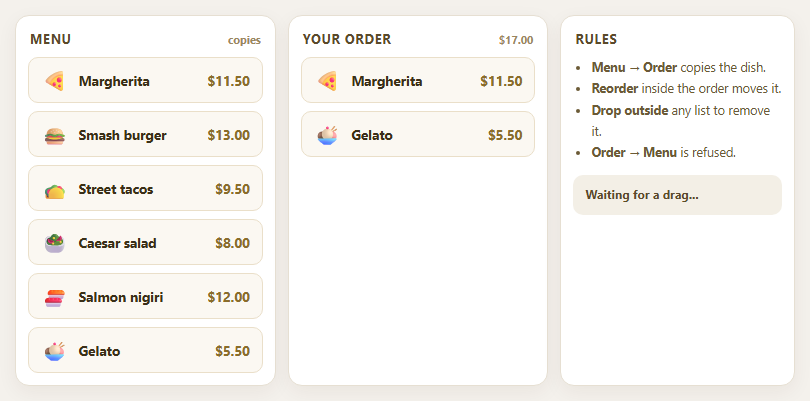
Dragula Copy vs Move Lists with Spill Control

SortableJS Shared Groups: Clone from a Palette into a Page Builder

SortableJS Drag Handle with Pinned and Locked Rows
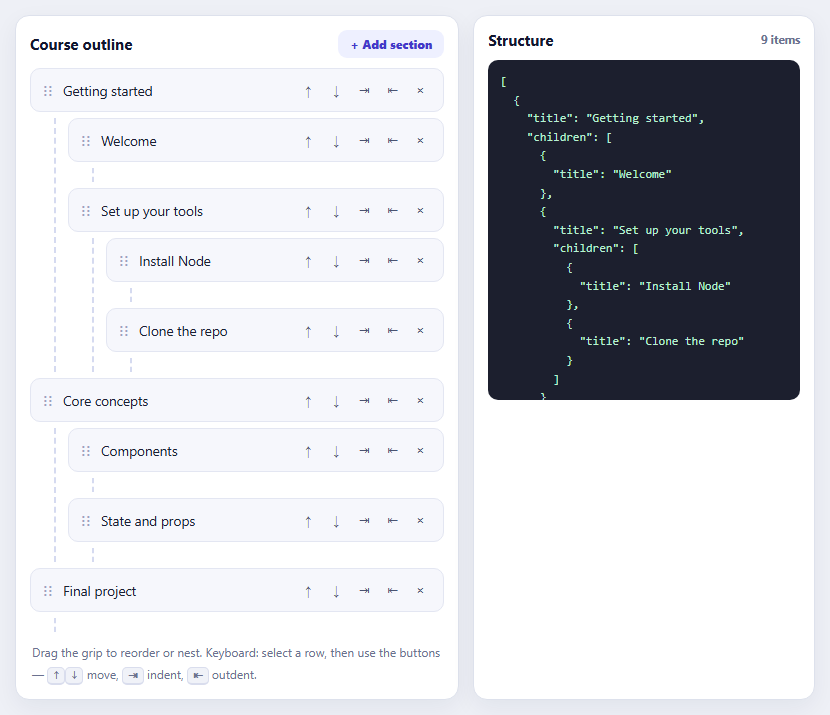
SortableJS Nested Sortable Tree with Keyboard Controls
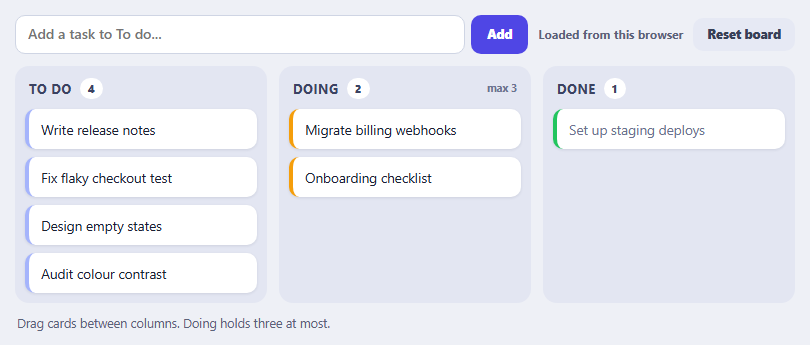
SortableJS Multi-List Kanban with Persistence and WIP Limit
Network Information Badge — Free navigator.connection Live Status
Network Information Badge · Dashboards · Plain HTML, CSS & JS · Live preview
Copy & paste
Source Code
<section class="nib-wrap">
  <span class="nib-tag">navigator.connection</span>
  <h1>Network status</h1>
  <p id="nibStatus">Reads the real Network Information API where available and updates live on every connection change.</p>

  <div class="nib-badge-row">
    <div class="nib-badge" id="nibBadge">
      <span class="nib-dot" id="nibDot"></span>
      <span id="nibType">Checking…</span>
    </div>
  </div>

  <div class="nib-grid">
    <div class="nib-stat">
      <span class="nib-stat-label">Effective type</span>
      <span class="nib-stat-value" id="nibEffective">—</span>
    </div>
    <div class="nib-stat">
      <span class="nib-stat-label">Downlink</span>
      <span class="nib-stat-value" id="nibDownlink">—</span>
    </div>
    <div class="nib-stat">
      <span class="nib-stat-label">RTT</span>
      <span class="nib-stat-value" id="nibRtt">—</span>
    </div>
    <div class="nib-stat">
      <span class="nib-stat-label">Data saver</span>
      <span class="nib-stat-value" id="nibSaveData">—</span>
    </div>
  </div>

  <ul class="nib-log" id="nibLog"></ul>
  <p class="nib-note" id="nibNote">Checking Network Information API support…</p>
</section>*{box-sizing:border-box;margin:0;padding:0}
body{font-family:system-ui,-apple-system,sans-serif;background:radial-gradient(120% 90% at 50% 0%,#0a1c22,#04090c 60%);color:#fff;min-height:100vh;display:flex;align-items:center;justify-content:center;padding:26px}
.nib-wrap{width:100%;max-width:480px}
.nib-tag{display:inline-block;font-size:10.5px;font-weight:700;letter-spacing:.14em;text-transform:uppercase;color:#5eead4;background:rgba(94,234,212,.1);border:1px solid rgba(94,234,212,.3);padding:5px 12px;border-radius:99px;margin-bottom:14px}
.nib-wrap h1{font-size:clamp(26px,6vw,34px);font-weight:800;letter-spacing:-.03em}
.nib-wrap p{font-size:13.5px;color:#9fc3bd;margin-top:8px;line-height:1.6}
.nib-badge-row{margin-top:20px}
.nib-badge{display:inline-flex;align-items:center;gap:8px;padding:9px 16px;border-radius:99px;background:rgba(94,234,212,.08);border:1px solid rgba(94,234,212,.25);font-weight:700;font-size:13px}
.nib-dot{width:8px;height:8px;border-radius:50%;background:#5eead4;box-shadow:0 0 0 4px rgba(94,234,212,.15)}
.nib-dot.offline{background:#f87171;box-shadow:0 0 0 4px rgba(248,113,113,.15)}
.nib-grid{margin-top:16px;display:grid;grid-template-columns:1fr 1fr;gap:10px}
.nib-stat{padding:14px;border-radius:12px;background:rgba(255,255,255,.03);border:1px solid rgba(255,255,255,.08)}
.nib-stat-label{display:block;font-size:10.5px;text-transform:uppercase;letter-spacing:.06em;color:#6f9c94;margin-bottom:5px}
.nib-stat-value{font-size:18px;font-weight:700;font-variant-numeric:tabular-nums}
.nib-log{margin-top:16px;list-style:none;display:flex;flex-direction:column;gap:5px;max-height:120px;overflow-y:auto}
.nib-log li{font-size:11.5px;font-family:ui-monospace,Menlo,monospace;color:#7fa89f;padding:6px 10px;border-radius:7px;background:rgba(255,255,255,.03)}
.nib-note{font-size:11.5px;color:#5f8983;margin-top:16px;line-height:1.6}var badgeEl = document.getElementById('nibBadge');
var dotEl = document.getElementById('nibDot');
var typeEl = document.getElementById('nibType');
var effectiveEl = document.getElementById('nibEffective');
var downlinkEl = document.getElementById('nibDownlink');
var rttEl = document.getElementById('nibRtt');
var saveDataEl = document.getElementById('nibSaveData');
var statusEl = document.getElementById('nibStatus');
var noteEl = document.getElementById('nibNote');
var logEl = document.getElementById('nibLog');
// navigator.connection (the NetworkInformation object) is a Chromium-only
// feature — Chrome, Edge, Opera, Android WebView, and Samsung Internet
// support it; Firefox and Safari (desktop and iOS) never implemented the
// full connection object, though some expose navigator.onLine only.
var connection = navigator.connection || navigator.mozConnection || navigator.webkitConnection;
var hasConnectionAPI = !!connection;
function log(text) {
var li = document.createElement('li');
li.textContent = text;
logEl.insertBefore(li, logEl.firstChild);
while (logEl.children.length > 6) logEl.removeChild(logEl.lastChild);
}
function timestamp() {
return new Date().toLocaleTimeString([], { hour: '2-digit', minute: '2-digit', second: '2-digit' });
}
function renderOnlineState() {
var online = navigator.onLine !== false; // default to true if unknown
dotEl.classList.toggle('offline', !online);
typeEl.textContent = online ? 'Online' : 'Offline';
}
function renderConnectionInfo() {
if (!hasConnectionAPI) {
effectiveEl.textContent = 'n/a';
downlinkEl.textContent = 'n/a';
rttEl.textContent = 'n/a';
saveDataEl.textContent = 'n/a';
return;
}
effectiveEl.textContent = connection.effectiveType || 'unknown';
downlinkEl.textContent = typeof connection.downlink === 'number' ? connection.downlink.toFixed(1) + ' Mbps' : 'unknown';
rttEl.textContent = typeof connection.rtt === 'number' ? connection.rtt + ' ms' : 'unknown';
saveDataEl.textContent = connection.saveData ? 'On' : 'Off';
}
function handleConnectionChange() {
renderConnectionInfo();
var label = hasConnectionAPI
? (connection.effectiveType || 'unknown') + ' · ' + (typeof connection.downlink === 'number' ? connection.downlink.toFixed(1) + 'Mbps' : '?') + ' · ' + (typeof connection.rtt === 'number' ? connection.rtt + 'ms RTT' : '?')
: 'connection changed';
log(timestamp() + ' — ' + label);
statusEl.textContent = 'Live update received from the \'change\' event on navigator.connection.';
}
function handleOnlineChange(isOnline) {
renderOnlineState();
log(timestamp() + ' — went ' + (isOnline ? 'online' : 'offline'));
statusEl.textContent = 'Browser reported going ' + (isOnline ? 'online' : 'offline') + ' via the online/offline window events.';
}
window.addEventListener('online', function () { handleOnlineChange(true); });
window.addEventListener('offline', function () { handleOnlineChange(false); });
if (hasConnectionAPI) {
// 'change' fires whenever effectiveType, downlink, rtt, or saveData shift
// — e.g. switching from wifi to cellular, or the network degrading.
connection.addEventListener('change', handleConnectionChange);
noteEl.textContent = 'navigator.connection is supported (Chromium-based browsers: Chrome, Edge, Opera, Samsung Internet, Android WebView). Firefox and Safari — including iOS Safari — have never implemented this object, so those browsers always show the "not available" state below regardless of actual connection quality.';
} else {
noteEl.textContent = 'The Network Information API (navigator.connection) is not available in this browser. This is expected in Firefox and Safari, which have never implemented it — the badge still tracks real online/offline state via navigator.onLine and the window online/offline events, just without effectiveType, downlink, rtt, or saveData figures.';
}
renderOnlineState();
renderConnectionInfo();
log(timestamp() + ' — initial read');Extend with AI
Take This Snippet Further With AI
The AI prompt for this one is for Patreon supporters ($3 a month, 7 days free), along with a site with no ads. Supporters enter the passcode once and it is remembered in this browser.
What's included
Features
About this UI Snippet
Network Information Badge — Real Connection Data Where the Browser Allows It

This badge reads genuine connection quality data from navigator.connection and updates live as the network changes — while being upfront that this API is a Chromium-only feature with real, permanent browser support gaps.
Four real signals, one object
navigator.connection (the NetworkInformation interface) exposes effectiveType (a bucketed estimate — 'slow-2g', '2g', '3g', or '4g' — derived from recent round-trip time and downlink measurements, not the literal radio technology), downlink (an estimated effective bandwidth in Mbps), rtt (estimated round-trip time in milliseconds), and saveData (whether the user has requested reduced data usage at the OS or browser level). This snippet reads and displays all four.
Live updates via a real event
connection.addEventListener('change', ...) fires whenever any of those four values shifts — switching from wifi to cellular, a cellular connection degrading from 4g to 3g effective type, or the user toggling Data Saver mid-session. The badge's log panel timestamps every change so you can watch the values move in real time rather than only reading a one-time snapshot.
A real, permanent support gap — not a temporary bug
navigator.connection is supported across Chromium-based browsers (Chrome, Edge, Opera, Samsung Internet, Android WebView) but Firefox and Safari — including iOS Safari — have never implemented it, and there's no signal either has near-term plans to. This isn't a progressive-enhancement timing issue; on those browsers, navigator.connection is simply undefined forever. The snippet's fallback copy says this plainly rather than implying the feature is "loading" or "coming soon."
Online/offline still works everywhere
Regardless of navigator.connection support, the badge separately tracks basic connectivity via navigator.onLine and the standard online/offline window events — universally supported — so even on Firefox or Safari the badge still reflects real connectivity state, just without the richer quality metrics.
Pair this with an uptime status page or status dashboard for a fuller connectivity-aware operations UI.
Step by step
How to Use
- 1Paste HTML, CSS, and JSA live connection badge and stat grid render.
- 2Check the stat grideffectiveType, downlink, RTT, and saveData populate where supported.
- 3Throttle your networkIn Chrome DevTools, simulate 3G — the badge updates via the change event.
- 4Toggle Data SaversaveData flips and a change event logs it.
- 5Go offlineThe dot turns red via the offline window event.
- 6Test in Firefox or SafariThe badge falls back to onLine-only tracking with clear copy.
Real-world uses
Common Use Cases
slow-2g or saveData connections, using real navigator.connection values to decide what to serve.effectiveType, downlink and rtt to estimate how painful it will be.Got questions?
Frequently Asked Questions
Because navigator.connection (the Network Information API) is a Chromium-only feature — supported in Chrome, Edge, Opera, Samsung Internet, and Android WebView, but never implemented in Firefox or Safari, including iOS Safari. This isn't a bug or a loading state; on those browsers navigator.connection is permanently undefined, so the badge correctly shows "not available" for effectiveType, downlink, rtt, and saveData while still tracking basic online/offline state through universally-supported window events.
It's a bucketed estimate ('slow-2g', '2g', '3g', or '4g') that the browser derives from recent observed round-trip time and downlink measurements — not a report of the literal radio technology in use. A wifi connection with high latency and low throughput can report as '3g' effectiveType even though it's not cellular at all; the value describes experienced quality, not the underlying network type.
Whenever the browser's internal estimate of effectiveType, downlink, rtt, or saveData shifts meaningfully — switching networks (wifi to cellular), a connection degrading or improving, or the user toggling their OS/browser Data Saver setting. It's not on a fixed timer; it's driven by the browser's own network-quality heuristics, so frequency varies by platform and real conditions.
No. navigator.onLine and the window online/offline events are universally supported across all major browsers and only report whether the device has any network connectivity at all — a simple boolean. navigator.connection is the much richer, Chromium-only API providing effectiveType, downlink, rtt, and saveData. This badge uses both: onLine for guaranteed cross-browser basic connectivity, and connection for detailed quality where available.
Read navigator.connection once on mount, store its current values in component state, and attach the 'change' listener (plus window 'online'/'offline' listeners) in the same effect, removing all three in cleanup. Since navigator.connection itself is a live object (not a snapshot), re-reading its properties inside the change handler — rather than relying on stale closured values — keeps the displayed numbers accurate.