Desktop · 1280px · shown at 0% · edit the text, images and colours in the panel

Custom Section — Free Website Section Template
Custom section · v1.0.0 · Updated 2026-10-24 · Responsive · GSAP animation · HTML, React & Vue
What's included
Features
About this section
Custom Section Builder — Free Rows, Columns and HTML Editor
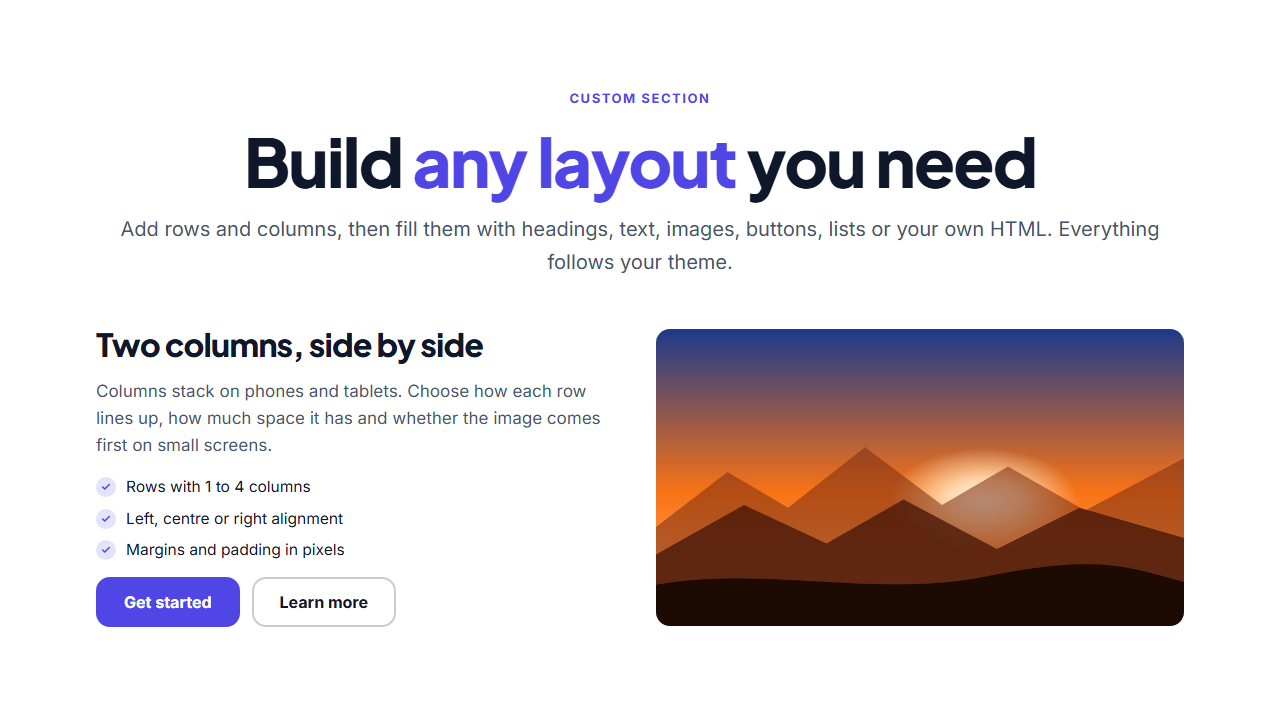
Custom Section is a free section builder for the layouts the ready-made templates do not cover. You start with an empty canvas of rows and columns, add blocks to each column, and see the result as you type, at desktop, tablet and phone widths. There is no code to write unless you want to, and no account to create.
Rows and columns
Each row has one to four columns, with nine layouts to choose from: equal columns, a narrow column beside a wide one, a wide middle, and a left or right sidebar. Set the gap, how the columns line up (top, middle, bottom or stretched), and whether they stack on tablets, on phones only, or never. Reverse the order when stacked so an image can come first on small screens.
Blocks for everything
Fill a column with a small label, a heading (H1 to H4, so your page outline stays correct), a paragraph, an image, a button, a list, a spacer, a divider or an HTML embed for forms, maps and widgets. Click any text in the preview to edit it in place. Left, centre or right alignment can be set for the whole section, a column or a single block, with margins and padding in pixels.
Your theme, your code
Colours, fonts and corner radius follow the theme you share with every other section, and the same entrance animations and scroll effects apply. When you need more, add custom CSS scoped to this section only and your own JavaScript, which run in the exported page.
Save, reuse and export
Save a layout to My designs, add it to any page in the Website Builder, or export HTML, a ZIP with your images, React or Vue. For ready-made starting points, browse the hero sections and feature sections.
Why use it
Why Use the Custom Section
How it’s different
How It’s Different From Other Free Section Templates
Step by step
How to Use
- 1Edit the contentAdd rows and columns in the panel, fill them with blocks such as headings, text, images, buttons, lists and HTML, then set alignment, spacing and any custom CSS or JavaScript. Click text in the preview to edit it in place.
- 2Add your imagesUpload your own images (resized in your browser and kept on your device) or paste a hosted image URL.
- 3Match your brandPick a colour preset or exact colours, choose heading and body fonts from Google Fonts or your own uploaded font, set the corner radius and width, or apply your brand kit.
- 4Animate and previewChoose a GSAP entrance effect and speed, press Play animation, and check the section on desktop, tablet and mobile.
- 5Save and exportSave it to My designs, then export a single HTML file, a ZIP with your images, a React or Vue component, or fork it into My Code.
Real-world uses
Common Use Cases
Got questions?
Frequently Asked Questions
A section you lay out yourself. You add rows with one to four columns, put blocks such as headings, text, images and buttons in each column, and set alignment and spacing.
Yes. HTML embed blocks take any markup, custom CSS is scoped to this section, and custom JavaScript runs in your exported page. Scripts do not run in the editor preview, for safety.
Set an alignment for the whole section, then override it for a column or a single block. Buttons placed together in a column line up as a group.
Yes. Columns stack on tablets and phones by default, you can choose when they stack, and you can reverse their order so an image appears first on small screens.
Yes. Save it to My designs, then add it to any page from the Website Builder, where it appears in the Add a section dialog next to the ready-made sections.
It saves an editable copy of your Custom Section in My Code, the UI Snippets code editor: the section markup goes in the HTML panel, its CSS (theme variables, base styles and layout) in the CSS panel, and the GSAP library is added as a CDN link, so you can keep refining the code and save your own versions.
Yes. It is free for personal and commercial websites, with no sign-up, no watermark and no attribution required. Everything runs in your browser and your edits are saved locally.