
Magnetic Snap Carousel — HTML CSS JS Snippet
Magnetic Snap Carousel · Carousels · Plain HTML, CSS & JS · Live preview
What's included
Features
About this UI Snippet
Magnetic Snap Carousel — Distance-Based Strength, Not an On/Off Hover
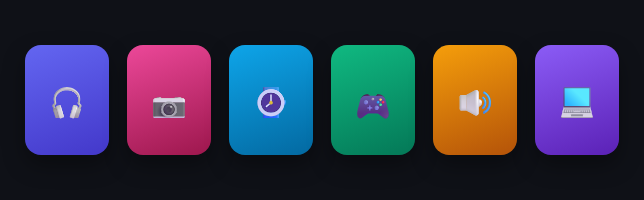
A macOS Dock icon doesn't just pop up when the cursor touches it — it grows *gradually* as the cursor approaches, peaks directly under it, and shrinks back as the cursor moves away. This carousel rebuilds that exact falloff for a row of cards: one mousemove listener on the wrapper computes, for *every* card on every frame, how close the cursor is to that card's center — and scales its lift and size continuously from that single distance value.
One distance, two derived effects
For each card, dist is the horizontal pixel distance between the cursor and that card's center. That gets converted into a strength between 0 (at the edge of a fixed RADIUS) and 1 (dead-center under the cursor) with one line: 1 - dist / RADIUS. Both the vertical lift (translateY) and the scale-up are then just strength multiplied by a maximum constant — so a card barely inside the radius lifts and grows barely at all, while the card directly under the cursor gets the full effect, and everything in between is a smooth gradient rather than a binary hover state.
Why every card is recalculated on every mousemove
Rather than attaching a separate hover listener per card (which only knows about *itself*), one listener on the wrapper loops through *all* cards on every cursor move. That's what makes the neighboring-card falloff possible at all — a per-card :hover can never know how close the cursor is to the card next to it, only whether it's directly over its own boundary.
Step by step
How to Use
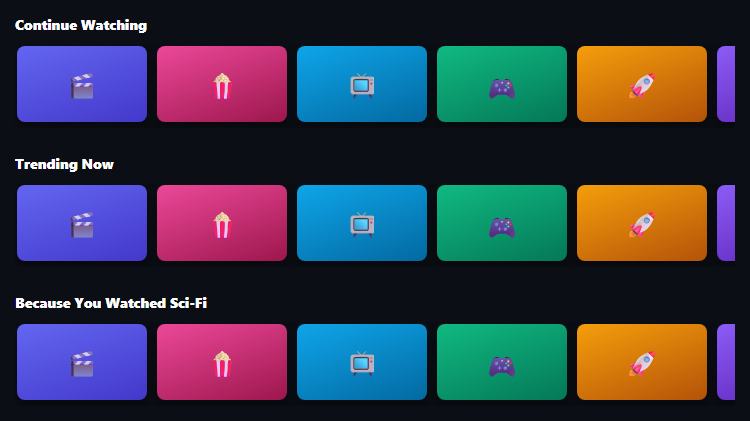
- 1Paste HTML, CSS, and JSSix flat cards appear in a row, at rest.
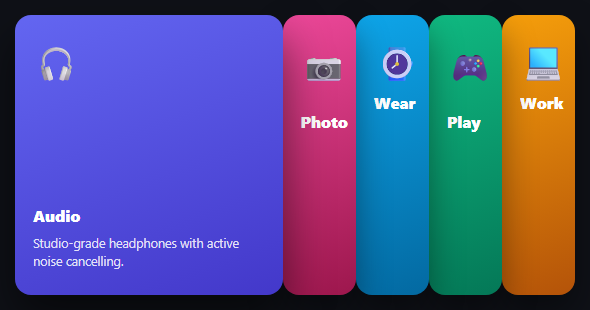
- 2Move your mouse across themCards near the cursor lift and grow, with strength fading smoothly the further they are from it.
- 3Move the cursor away entirelyAll cards settle back to their resting size and position.
- 4Tap on mobileTapping a card gives it the same full-strength lift briefly, since there's no hover on touch.
- 5Tune the feelAdjust MAX_PULL and RADIUS in the JS to make the effect stronger, weaker, tighter, or wider.
Real-world uses
Common Use Cases
Got questions?
Frequently Asked Questions
Increase MAX_PULL (pixels of lift/scale at full strength) for a stronger pull, or increase RADIUS (pixels) so cards start responding from further away. Both are plain constants at the top of the JS.
The cards sit in a single horizontal row, so horizontal distance to each card's center is sufficient. For a grid layout, compute the full 2D distance using both clientX and clientY against each card's center instead.
No — the listener only ever writes to transform and z-index, both of which are compositor-only properties that don't trigger layout, so it stays smooth even across many cards.
Swap the horizontal distance calculation for a vertical one (comparing clientY against each card's vertical center) and change translateY to translateX in the transform, mirroring the effect onto the other axis.
The magnetic hover is a pure enhancement — cards remain in normal document flow with no content hidden behind the effect, and the touch fallback ensures the visual feedback isn't exclusively mouse-only. For full keyboard support, add a :focus-visible style that applies the same full-strength lift.
Build with AI
Build, Understand, Optimize, and Extend It With AI
Paste this snippet's HTML, CSS, and JS into an AI coding assistant like Claude and ask it to explain exactly how the strength = 1 - dist / RADIUS formula produces a smooth falloff rather than an abrupt on/off effect, and why recalculating every card on every mousemove (instead of per-card hover listeners) is what makes neighboring cards react to a cursor that isn't directly over them. It's also worth asking the assistant to extend the distance calculation to two dimensions for a grid layout instead of a single row, or to add a subtle magnetic "pull toward center" horizontal shift alongside the existing vertical lift.
Prompt to recreate it
Copy this into your AI assistant of choice to build the effect from scratch, or as a jumping-off point for your own variant:
Build a magnetic hover effect for a row of cards in plain HTML, CSS, and vanilla JavaScript, where nearby cards lift and grow proportionally to cursor proximity — no library, inspired by the macOS Dock magnification effect.

Requirements:
- A horizontal row of card elements inside a wrapper container.
- A single mousemove listener attached to the wrapper (not one listener per card) that, on every cursor movement, loops through every card and computes the horizontal pixel distance between the cursor's current position and that specific card's horizontal center point.
- For each card, convert that distance into a continuous "strength" value between 0 (at or beyond a fixed maximum radius) and 1 (cursor exactly at the card's center), using a linear falloff formula, not a stepped or binary one.
- Apply both a vertical lift (translateY, negative to move the card upward) and a scale increase to each card, where both values are computed as that card's strength multiplied by separate fixed maximum constants — so a card just inside the radius barely moves while a card directly under the cursor reaches near-maximum lift and scale, and everything between interpolates smoothly.
- Cards beyond the maximum radius from the cursor must return to a fully neutral resting transform (no lift, scale 1).
- When the cursor leaves the wrapper entirely, all cards must reset to their neutral resting state.
- Since touch devices have no hover, provide a touch fallback: tapping a card applies that same full-strength lift and scale transform to it directly (and resets any other card), so the effect isn't exclusively mouse-only.
- All animated properties must be limited to transform (and optionally z-index) so the effect stays smooth and never triggers a layout reflow.
Want to tighten it up first? Run this prompt through the AI Prompt Studio to score it across 8 quality dimensions, catch anti-patterns, and tune the wording for Claude, ChatGPT, or Gemini before you paste it in.
Source Code
<div class="msc-wrap" id="mscWrap">
  <div class="msc-card" style="background:linear-gradient(160deg,#6366f1,#4338ca)">🎧</div>
  <div class="msc-card" style="background:linear-gradient(160deg,#ec4899,#9d174d)">📷</div>
  <div class="msc-card" style="background:linear-gradient(160deg,#0ea5e9,#0369a1)">⌚</div>
  <div class="msc-card" style="background:linear-gradient(160deg,#10b981,#047857)">🎮</div>
  <div class="msc-card" style="background:linear-gradient(160deg,#f59e0b,#b45309)">🔊</div>
  <div class="msc-card" style="background:linear-gradient(160deg,#8b5cf6,#5b21b6)">💻</div>
</div>
<p class="msc-hint">Move your mouse across the row — nearby cards lift and pull toward the cursor.</p>*{box-sizing:border-box;margin:0;padding:0}
body{font-family:system-ui,-apple-system,sans-serif;background:#0f1117;min-height:100vh;display:flex;flex-direction:column;align-items:center;justify-content:center;padding:24px}
.msc-wrap{display:flex;gap:18px;padding:30px 10px}
.msc-card{width:84px;height:110px;border-radius:16px;display:flex;align-items:center;justify-content:center;font-size:32px;box-shadow:0 10px 22px rgba(0,0,0,.35);transition:transform .15s ease-out}
.msc-hint{color:#8b93a7;font-size:12px;margin-top:18px;text-align:center;max-width:280px}var wrap = document.getElementById('mscWrap');
var cards = document.querySelectorAll('.msc-card');
var MAX_PULL = 22;
var RADIUS = 160;
function reset() {
cards.forEach(function (c) { c.style.transform = 'translateY(0) scale(1)'; });
}
wrap.addEventListener('mousemove', function (e) {
var wrapRect = wrap.getBoundingClientRect();
var cursorX = e.clientX;
cards.forEach(function (card) {
var r = card.getBoundingClientRect();
var cardCenterX = r.left + r.width / 2;
var dist = Math.abs(cursorX - cardCenterX);
if (dist > RADIUS) {
card.style.transform = 'translateY(0) scale(1)';
return;
}
var strength = 1 - dist / RADIUS; // 0 at edge of radius, 1 at center
var lift = -MAX_PULL * strength;
var scale = 1 + 0.14 * strength;
card.style.transform = 'translateY(' + lift + 'px) scale(' + scale + ')';
card.style.zIndex = Math.round(strength * 10);
});
});
wrap.addEventListener('mouseleave', reset);
// Touch fallback: tap a card to give it the same magnetic emphasis briefly
cards.forEach(function (card) {
card.addEventListener('touchstart', function () {
reset();
card.style.transform = 'translateY(' + (-MAX_PULL) + 'px) scale(1.14)';
}, { passive: true });
});