Click any text to edit it right here · click an image or link to jump to its setting
- Replace the placeholder links: Header link, Payment link, PDF link, Help centre link.
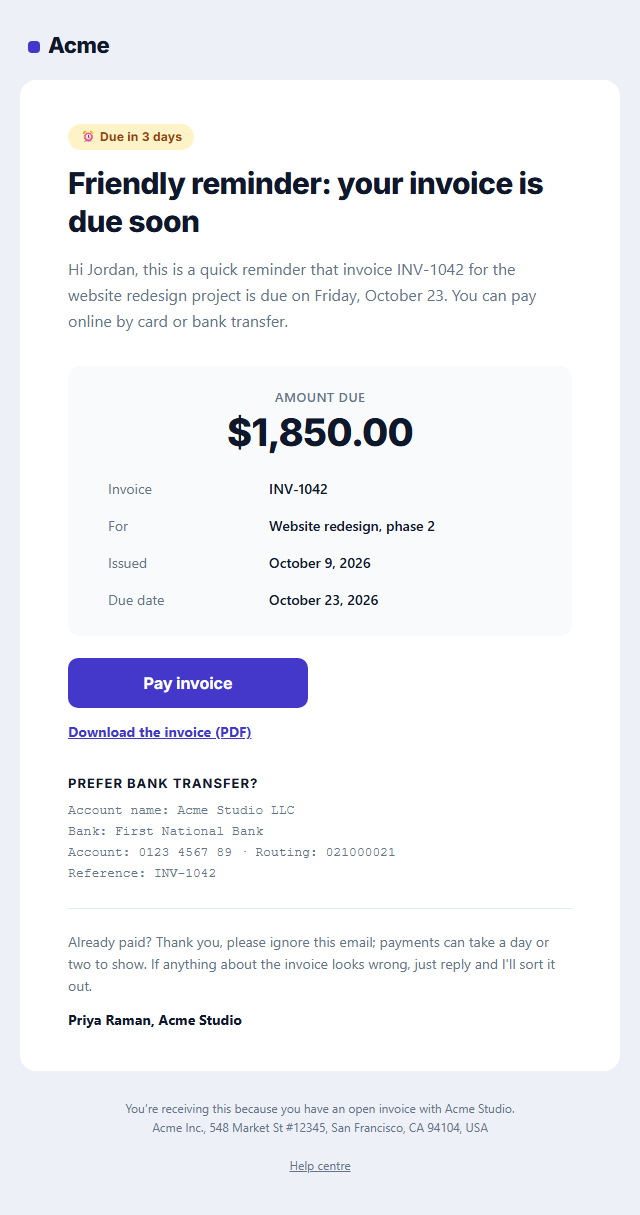
Payment Reminder Email
Responsive · Dark mode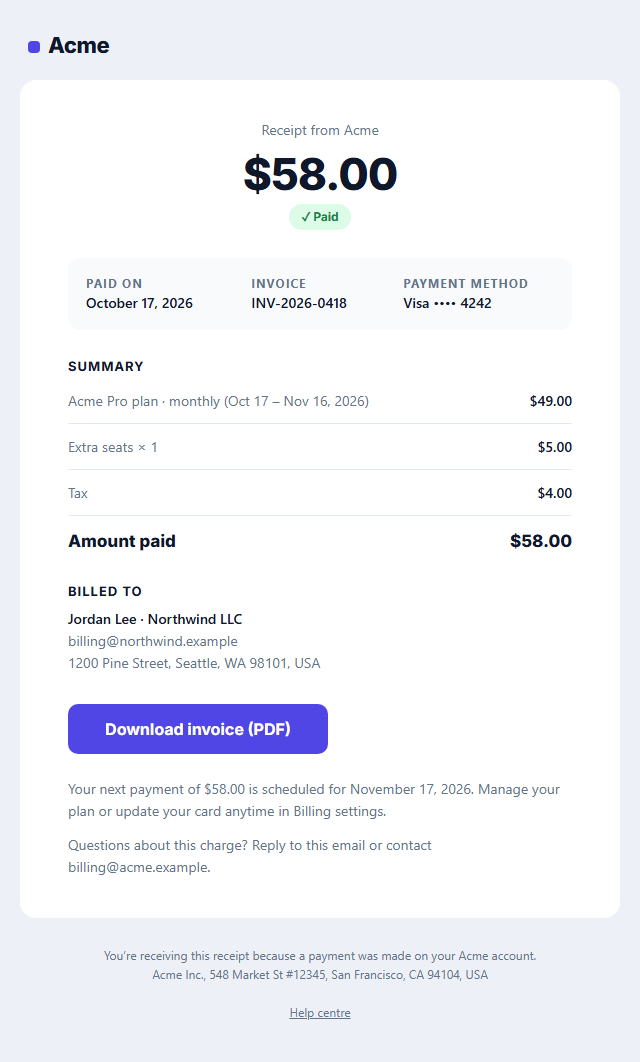
Payment Receipt Email
Responsive · Dark mode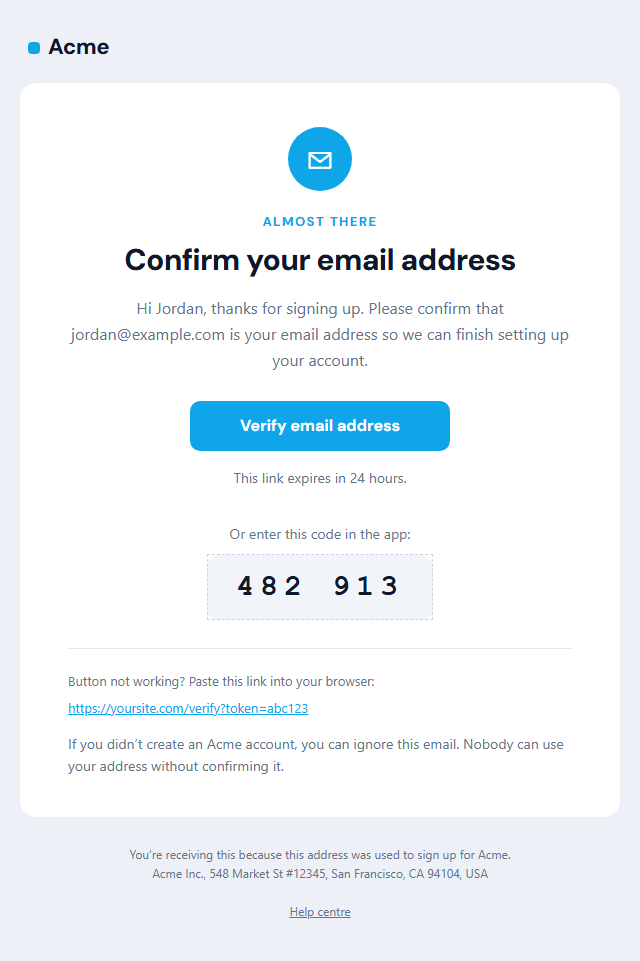
Verify Email Address
Responsive · Dark mode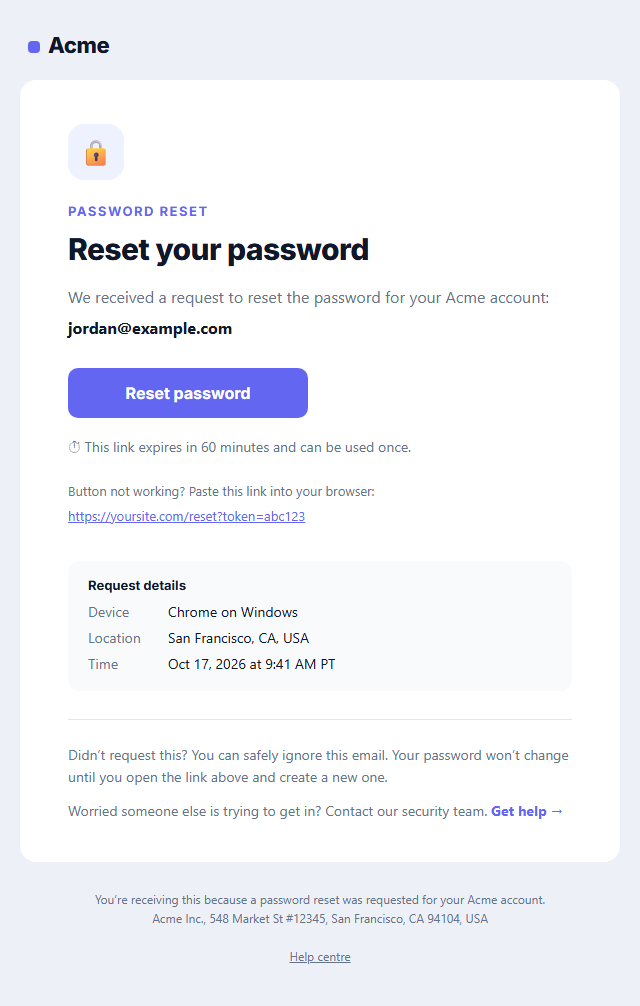
Password Reset Email
Responsive · Dark mode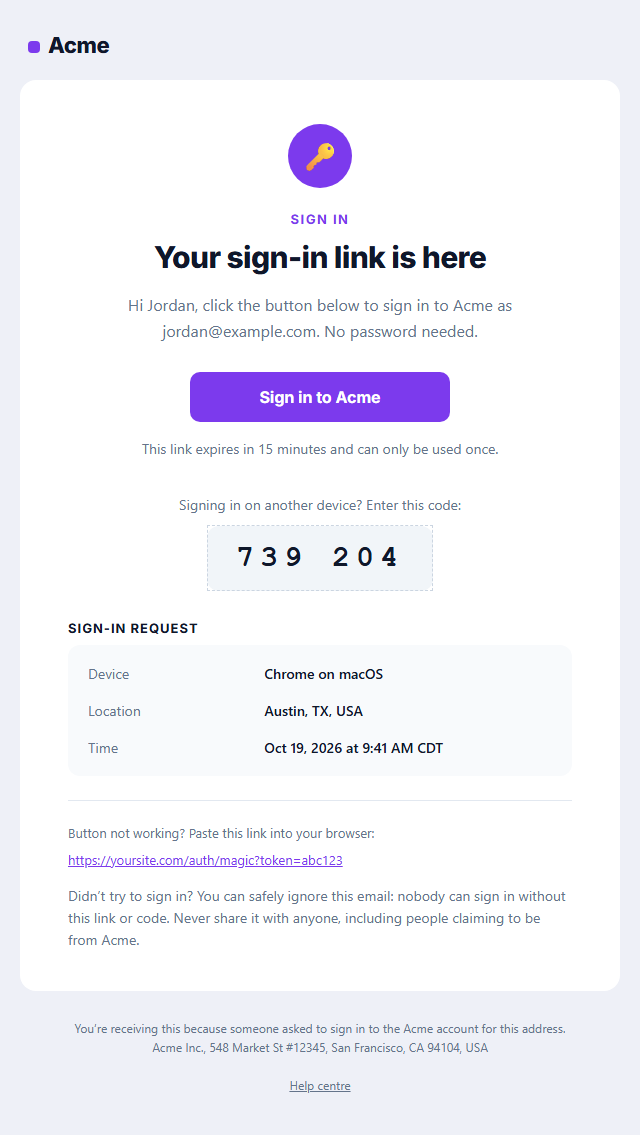
Magic Link Sign-in Email
Responsive · Dark mode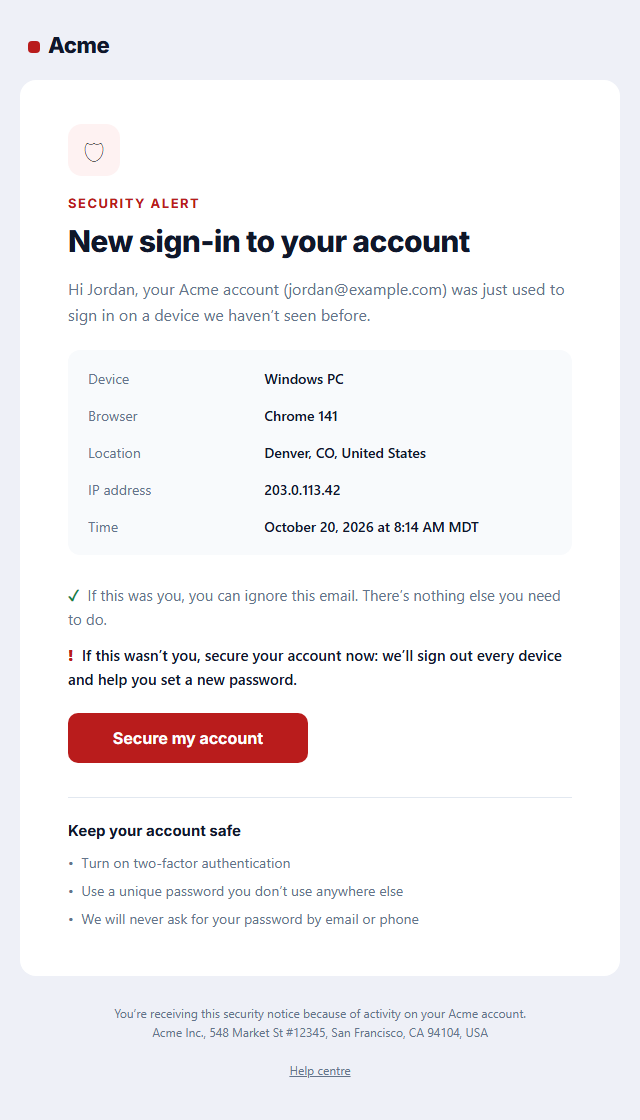
New Sign-in Security Alert
Responsive · Dark modePayment Reminder Email — Free Responsive HTML Email Template
Transactional · v1.0.0 · Updated 2026-10-20 · Gmail, Outlook & Apple Mail · Dark mode
What's included
Features
About this template
Payment Reminder Email — Free Invoice Reminder Email Template
Payment Reminder Email is a free, responsive HTML template for politely chasing an unpaid invoice. It's built for freelancers, agencies, consultants and SaaS billing teams who want to get paid on time without sounding pushy: a status pill such as "Due in 3 days" or "Overdue by 7 days", a clear headline, the amount due in large type, the invoice details, a "Pay invoice" button, a link to the PDF, optional bank-transfer details and an "already paid?" note.
Polite, clear and easy to pay
Most late payments aren't refusals: the invoice got buried or the client couldn't find how to pay. That's why this template puts the amount and due date first and makes paying one click. A friendly tone works best for the first reminders, so the default copy is warm and the closing note offers help if anything on the invoice looks wrong. For later reminders, change the status pill and headline to be firmer while keeping the same layout.
Everything the client needs in one place
A details box lists the invoice number, what it's for, the issue date and the due date. The amount sits above it at 38 px so it's impossible to miss. If clients pay by bank transfer, switch on the bank details section, set in a monospaced font so account numbers are easy to copy correctly. The invoice PDF link sits under the button.
Works with your invoicing tool
Copy the HTML into Stripe, QuickBooks, FreshBooks, Xero, Zoho Invoice or your own billing code and replace the sample values with your tool's invoice variables. It's transactional, so it doesn't need an unsubscribe link. Send it a few days before the due date, on the due date and after it, and pair it with the Payment Receipt once the money arrives.
Why use it
Why Use the Payment Reminder Email Template
How it’s different
How It’s Different From Other Free Email Templates
Step by step
How to Use
- 1Pick your email platformChoose Mailchimp, Klaviyo, HubSpot or Brevo under Merge tags so first names and unsubscribe links export in its syntax, or keep plain {{first_name}} tokens.
- 2Edit the contentFill in the message & button, invoice details and bank transfer details, or click any text in the preview to jump to its field. Switch the bank transfer details on or off.
- 3Add your brandUpload or paste your logo, set the brand colour and the light and dark palettes, pick fonts, or apply your saved brand kit.
- 4Preview and checkSwitch between desktop, mobile and dark mode, and fix anything the pre-send checks flag, such as placeholder links or missing alt text.
- 5Export or forkCopy the HTML into Postmark, SendGrid, Amazon SES, Resend or your own code, copy the plain-text version, download a ZIP with images, or fork it into My Code.
Real-world uses
Common Use Cases
Got questions?
Frequently Asked Questions
Lead with a friendly greeting, name the invoice, amount and due date, make paying one click, and offer help if anything looks wrong. Avoid blame: most late payments are simply forgotten. This template follows that structure, and the copy is fully editable.
A common schedule is a reminder a few days before the due date, one on the due date, and follow-ups at 7, 14 and 30 days overdue, getting gradually firmer. Change the status pill and headline for each stage.
Be clear and specific, for example "Reminder: invoice INV-1042 is due on October 23" or "Invoice INV-1042 is now 7 days overdue". Clear subjects get opened and are easy to find later.
No. It concerns an existing transaction, so it is transactional email under US CAN-SPAM. Keep promotions out so it stays transactional.
Yes. Copy the HTML from the Export menu into your invoicing tool's custom email template, or send it from your own code, and replace the sample amount, dates and links with your tool's invoice variables.
It saves an editable copy of your Payment Reminder Email in My Code, the UI Snippets code editor: the email markup goes in the HTML panel and its CSS (mobile and dark-mode rules plus fonts) in the CSS panel, so you can keep refining the code and save your own versions.
Yes. It is free for personal and commercial email, with no sign-up and no watermark. Everything runs in your browser, and your edits are saved locally.