Click any text to edit it right here · click an image or link to jump to its setting
- Replace the placeholder links: Header link, Button link, Help centre link.
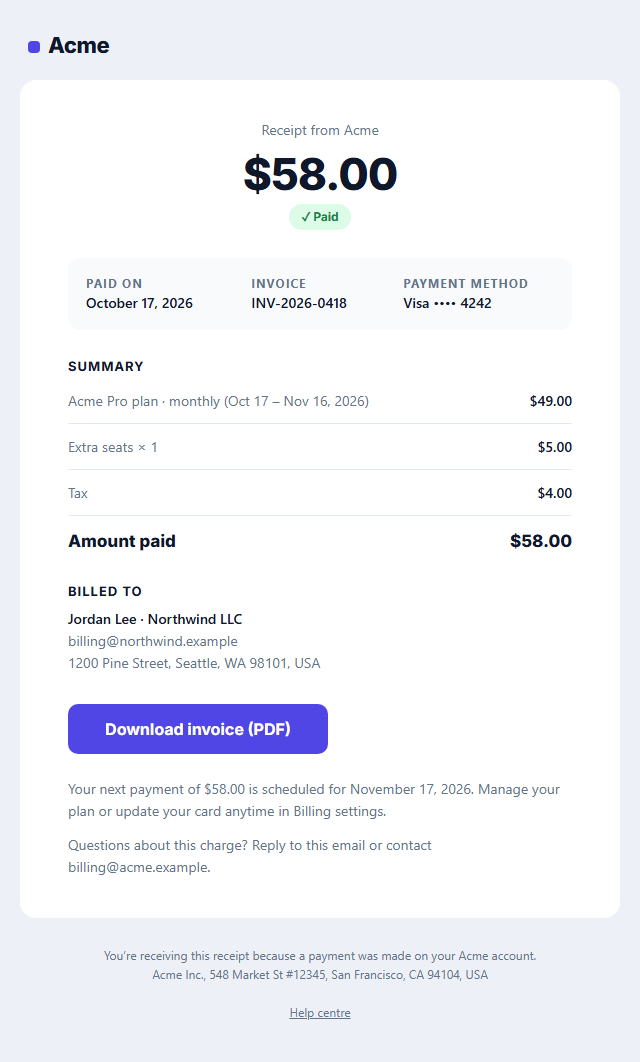
Payment Receipt Email
Responsive · Dark mode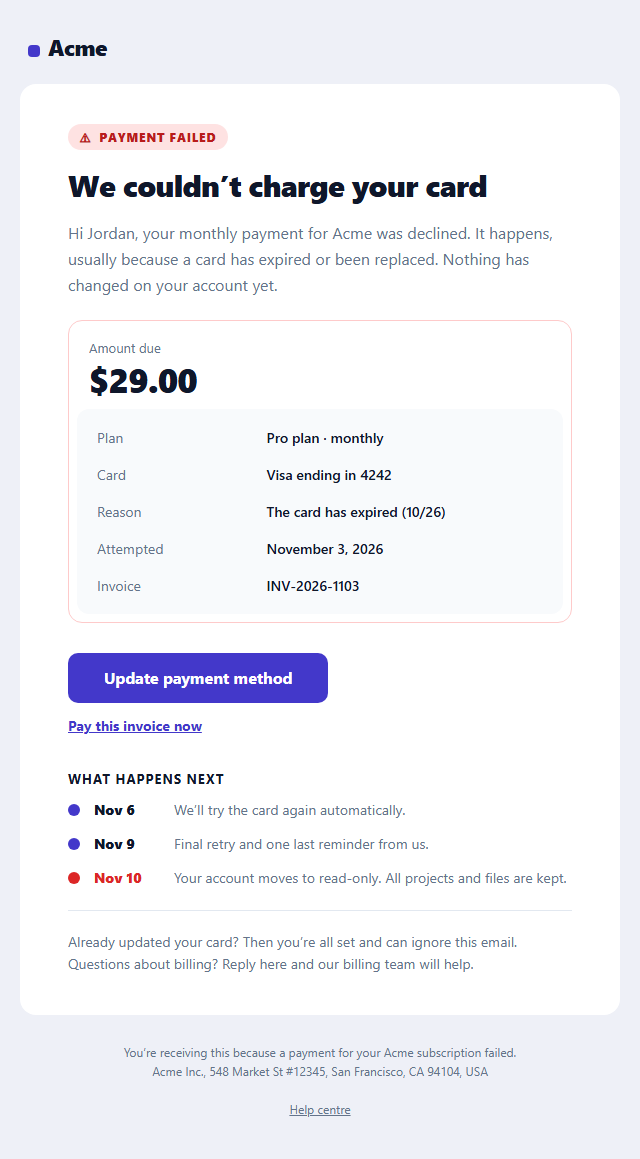
Failed Payment Email
Responsive · Dark mode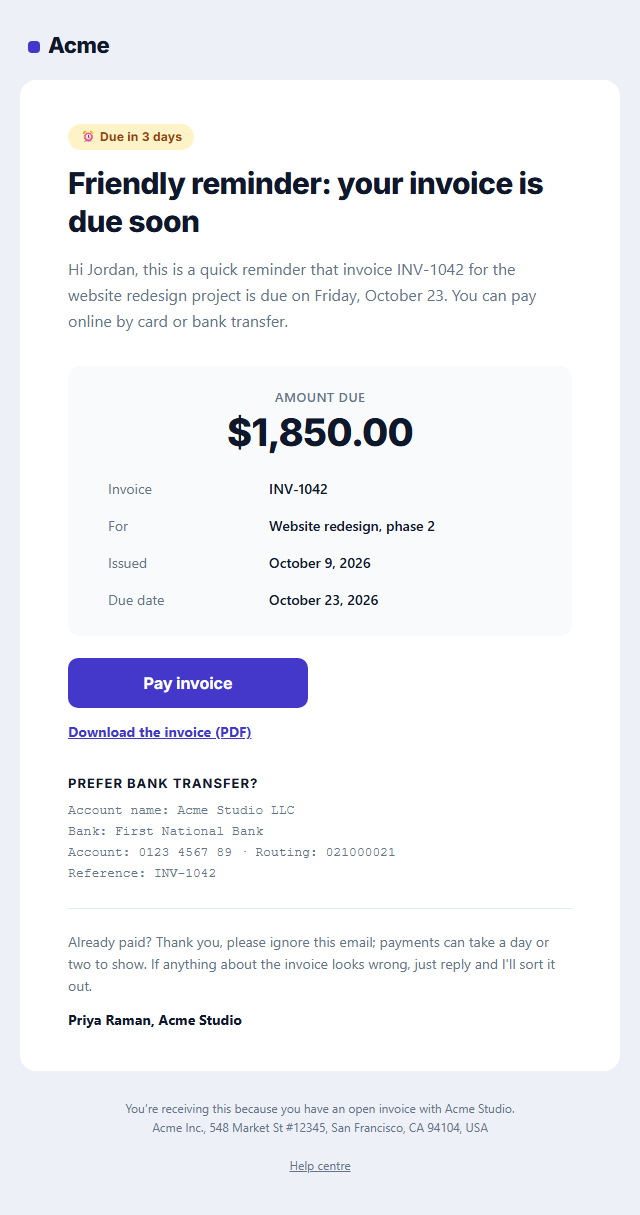
Payment Reminder Email
Responsive · Dark mode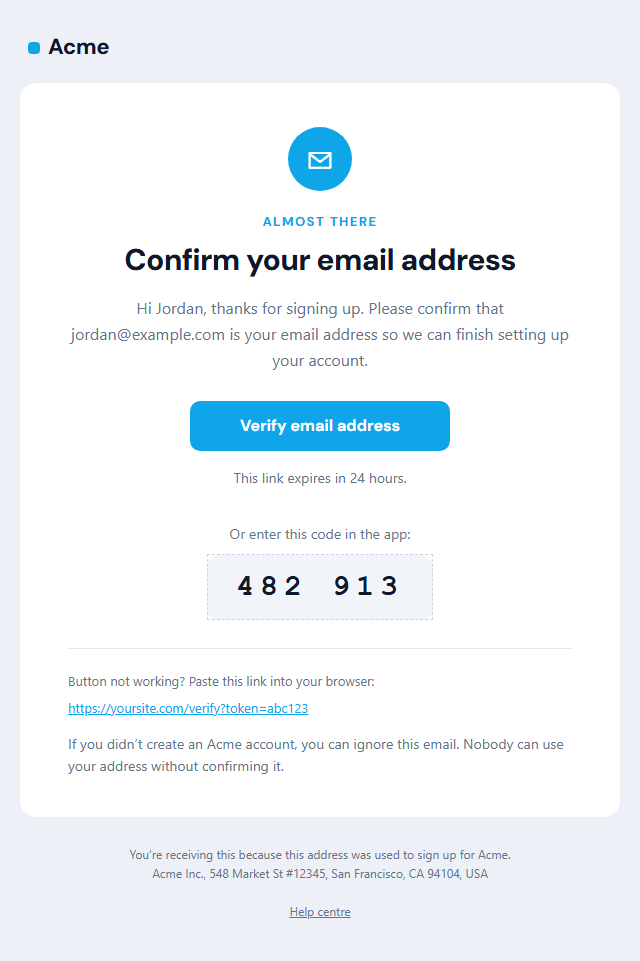
Verify Email Address
Responsive · Dark mode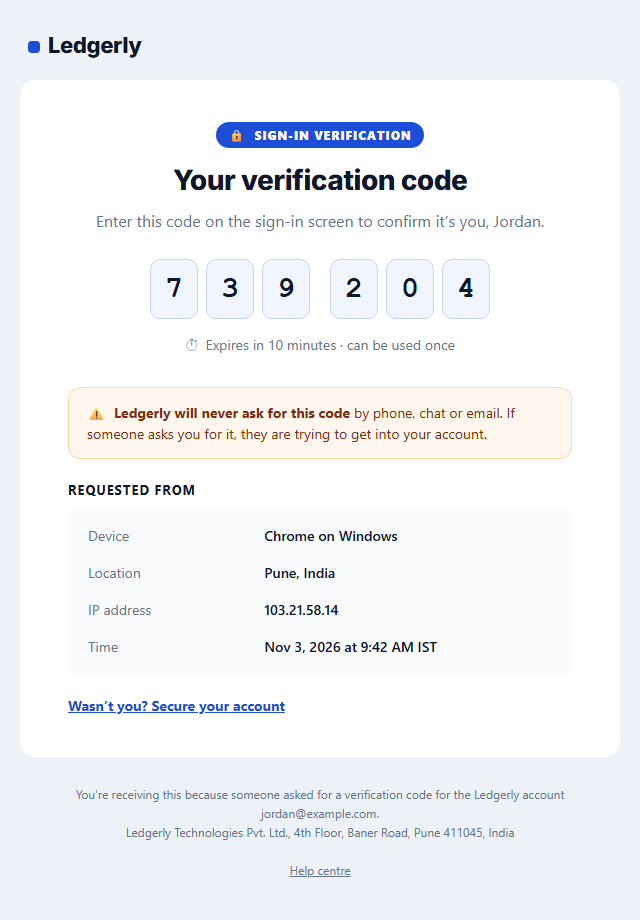
One-Time Passcode (2FA) Email
Responsive · Dark mode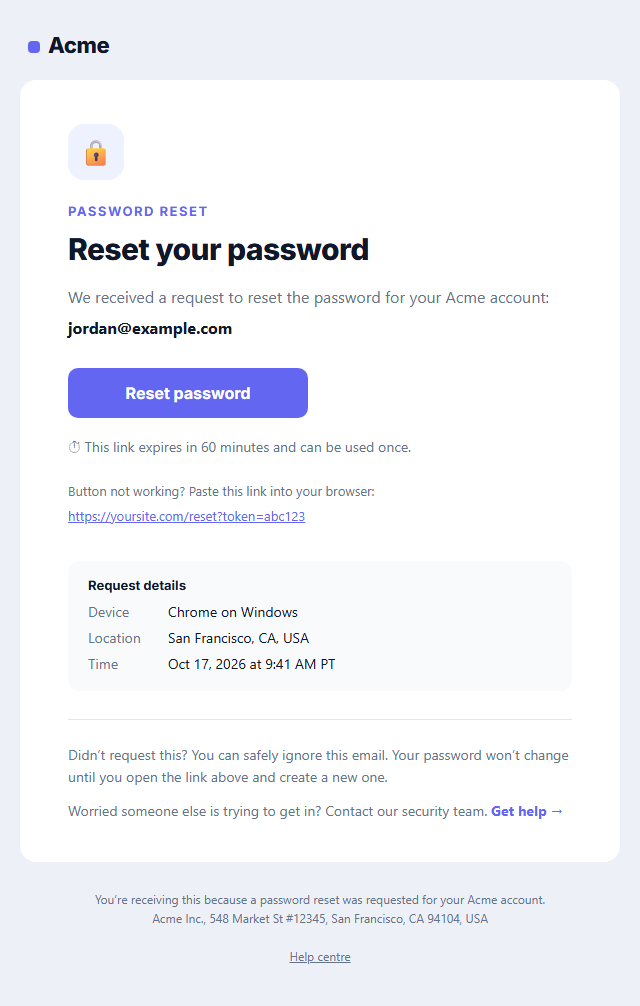
Password Reset Email
Responsive · Dark modePayment Receipt Email — Free Responsive HTML Email Template
Transactional · v1.0.0 · Updated 2026-10-17 · Gmail, Outlook & Apple Mail · Dark mode
What's included
Features
About this template
Payment Receipt Email — Free HTML Receipt & Invoice Template
Payment Receipt Email is a free, responsive HTML receipt and invoice email template for SaaS subscriptions, memberships, agencies and one-off payments. It opens with the amount paid in large type and a green "Paid" badge, then shows the payment date, invoice number and card used, an itemised summary with tax and total, the billing details, a Download invoice button and the date of the next payment.
What people need from a receipt
Receipts get forwarded to accounting, searched for at tax time and checked against card statements. This template puts the amount, the date and the invoice number where people look first, and keeps everything in real text (not images) so it is searchable and copyable in every inbox.
Built for subscriptions
The line items fit plan names with billing periods ("Pro plan, monthly, Oct 17 to Nov 16"), extra seats and add-ons. The closing note tells people when the next charge is and where to manage their plan, which cuts surprise-charge complaints and chargebacks. Leave a line description empty to hide it.
Coded for real inboxes
Nested tables, inline styles, a VML button for Outlook on Windows, editable light and dark palettes for Apple Mail, iOS and Outlook.com, a hidden preheader and a plain-text version are all included.
Pair it with a PDF
Link the button to your PDF invoice from Stripe, Paddle, Chargebee or your billing system, so customers who need a formal invoice can download it, while everyone else sees the essentials right in the email.
Receipts are transactional email, so no unsubscribe link is needed. Edit it in the browser, then send it from Postmark, SendGrid, Amazon SES, Resend or your billing platform's custom email settings. Selling physical products? See the Order Confirmation template.
Extend with AI
Take This Email Further With AI
Give this prompt to an AI assistant to write your own version of the Payment Receipt Email email: draft ten subject lines and preheaders, adapt the copy for a customer segment, translate it, convert it to MJML or React Email, or write the plain-text version. Then paste the result back into the editor above to check it in desktop, mobile and dark mode.
Prompt to recreate it
Copy this into your AI assistant of choice to build the effect from scratch, or as a jumping-off point for your own variant:
Create a responsive HTML email: “Payment Receipt Email”, a transactional email.

Purpose: A payment receipt for subscriptions and one-off charges: a large amount-paid header, date and invoice number, the card used, itemised lines with tax and total, billing details, a "Download invoice" button and a billing-support line.

Inbox text:
- Subject line: “Your Acme receipt [#INV-2026-0418]”
- Preheader (hidden preview text): “Payment received, thank you. Your receipt and invoice are inside.”

Content, top to bottom:
- Amount & summary
- Line items (leave a description empty to hide it)
- Billed to Main button: “Download invoice (PDF)”.
Put the key facts first (order or account details, amounts, dates) in a clear summary, with no marketing clutter.

Build it like a professional email developer:
- Table-based layout, 600px wide on desktop and fluid on mobile (width 100%, max-width 600px).
- Inline CSS on every element, with one small style block only for media queries and dark mode (prefers-color-scheme).
- A bulletproof, Outlook-safe call-to-action button (padded table cell with a VML fallback), never an image.
- Colours: brand and button #4f46e5, button text #ffffff, page background #eef0f7. Web-safe font stack with a fallback after the brand font.
- Every image has alt text and explicit width and height. Use PNG icons, never SVG, because Gmail and Outlook drop them.
- Hidden preheader text, a plain-text version, and a legal footer with the postal address, the reason the person is receiving it and a working unsubscribe link.

Finish with a short checklist of what to test in Gmail, Outlook for Windows, Apple Mail, mobile and dark mode.
Want to tighten it up first? Run this prompt through the AI Prompt Studio to score it across 8 quality dimensions, catch anti-patterns, and tune the wording for Claude, ChatGPT, or Gemini before you paste it in.
Why use it
Why Use the Payment Receipt Email Template
How it’s different
How It’s Different From Other Free Email Templates
Step by step
How to Use
- 1Pick your email platformChoose Mailchimp, Klaviyo, HubSpot or Brevo under Merge tags so first names and unsubscribe links export in its syntax, or keep plain {{first_name}} tokens.
- 2Edit the contentFill in the amount & summary, line items and billed to, or click any text in the preview to jump to its field. Switch the billed to on or off.
- 3Add your brandUpload or paste your logo, set the brand colour and the light and dark palettes, pick fonts, or apply your saved brand kit.
- 4Preview and checkSwitch between desktop, mobile and dark mode, and fix anything the pre-send checks flag, such as placeholder links or missing alt text.
- 5Export or forkCopy the HTML into Postmark, SendGrid, Amazon SES, Resend or your own code, copy the plain-text version, download a ZIP with images, or fork it into My Code.
Real-world uses
Common Use Cases
Got questions?
Frequently Asked Questions
An invoice asks for payment; a receipt confirms that payment was made. This template is a receipt, and its button links to the formal invoice PDF for customers who need it for accounting.
Yes. Stripe can send its own receipts, but many teams turn those off and send their own from a webhook (for example invoice.paid). Fill the template with values from the Stripe invoice object and link the button to the invoice's hosted PDF URL.
No. Receipts are transactional, so US CAN-SPAM doesn't require one. Keep promotions out so it stays transactional.
Copy the HTML or fork it to My Code and repeat the line-item row inside your template engine's loop, one row per item.
If you charge sales tax, VAT or GST, show it as its own line, as this template does. Some countries require the tax amount and your tax ID on invoices, which you can add to the summary or the PDF.
It saves an editable copy of your Payment Receipt Email in My Code, the UI Snippets code editor: the email markup goes in the HTML panel and its CSS (mobile and dark-mode rules plus fonts) in the CSS panel, so you can keep refining the code and save your own versions.
Yes. It is free for personal and commercial email, with no sign-up and no watermark. Everything runs in your browser, and your edits are saved locally.