

Canvas Star Trail Cursor — Free Twinkling Pointer Trail Effect
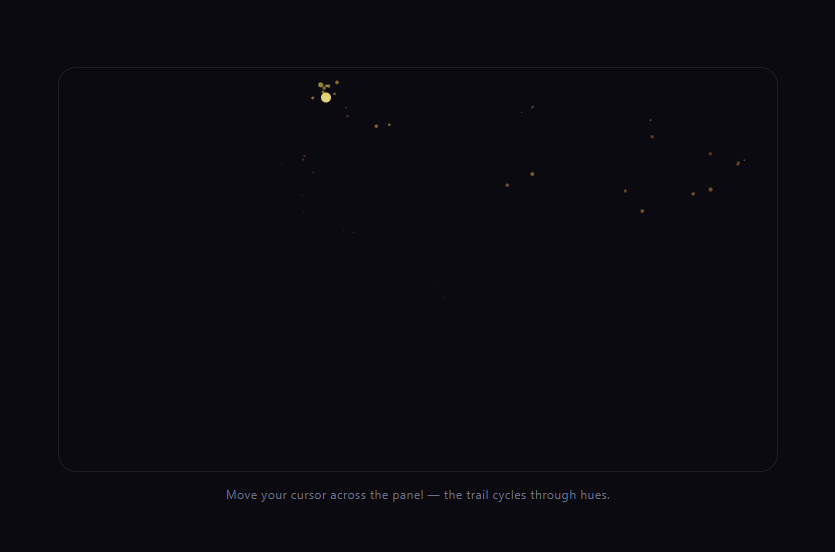
Canvas Star Trail Cursor · Animations · Plain HTML, CSS & JS · Live preview
Copy & paste
Source Code
<section class="stc-wrap">
  <canvas class="stc-canvas" id="stcCanvas"></canvas>
  <div class="stc-content">
    <span class="stc-tag">canvas 2d · pointer trail</span>
    <h1>Move your cursor</h1>
    <p>Twinkling stars spawn along the path and fade as they drift and rotate.</p>
  </div>
</section>*{box-sizing:border-box;margin:0;padding:0}
body{font-family:system-ui,-apple-system,sans-serif;background:#06040f;color:#fff;min-height:100vh}
.stc-wrap{position:relative;min-height:100vh;overflow:hidden;display:flex;align-items:center;justify-content:center;background:radial-gradient(120% 90% at 50% 10%,#1b1240,#06040f 65%)}
.stc-canvas{position:absolute;inset:0;width:100%;height:100%;pointer-events:none;z-index:2}
.stc-content{position:relative;z-index:1;text-align:center;max-width:420px;padding:26px}
.stc-tag{display:inline-block;font-size:10.5px;font-weight:700;letter-spacing:.14em;text-transform:uppercase;color:#fbcfe8;background:rgba(251,207,232,.1);border:1px solid rgba(251,207,232,.3);padding:5px 12px;border-radius:99px;margin-bottom:16px}
.stc-content h1{font-size:clamp(30px,7vw,52px);font-weight:800;letter-spacing:-.03em}
.stc-content p{font-size:14.5px;color:#c3b8dd;margin-top:12px;line-height:1.7}var canvas = document.getElementById('stcCanvas');
var ctx = canvas.getContext('2d');
var wrap = document.querySelector('.stc-wrap');
var W, H;
function resize() {
W = canvas.width = wrap.clientWidth;
H = canvas.height = wrap.clientHeight;
}
resize();
window.addEventListener('resize', resize);
var COLORS = ['#fbcfe8', '#e9d5ff', '#bae6fd', '#fef3c7'];
var stars = [];
var last = null;
function spawnStar(x, y) {
stars.push({
x: x, y: y,
size: 3 + Math.random() * 6,
rotation: Math.random() * Math.PI * 2,
spin: (Math.random() - 0.5) * 0.12,
life: 1,
decay: 0.012 + Math.random() * 0.018,
twinklePhase: Math.random() * Math.PI * 2,
vx: (Math.random() - 0.5) * 0.6,
vy: (Math.random() - 0.5) * 0.6 - 0.15,
points: Math.random() < 0.5 ? 4 : 5,
color: COLORS[Math.floor(Math.random() * COLORS.length)]
});
}
// Draws an n-pointed star by alternating outer and inner radii around the
// circle — the same construction whether it has 4 or 5 points, just a
// different point count and inner-radius ratio.
function drawStar(s) {
var outer = s.size;
var inner = outer * (s.points === 4 ? 0.32 : 0.42);
var step = Math.PI / s.points;
ctx.save();
ctx.translate(s.x, s.y);
ctx.rotate(s.rotation);
ctx.beginPath();
for (var i = 0; i < s.points * 2; i++) {
var r = i % 2 === 0 ? outer : inner;
var a = i * step;
var px = Math.cos(a) * r;
var py = Math.sin(a) * r;
if (i === 0) ctx.moveTo(px, py); else ctx.lineTo(px, py);
}
ctx.closePath();
var twinkle = 0.5 + Math.sin(s.twinklePhase) * 0.5;
ctx.globalAlpha = Math.max(s.life, 0) * (0.5 + twinkle * 0.5);
ctx.fillStyle = s.color;
ctx.shadowColor = s.color;
ctx.shadowBlur = outer * 1.4;
ctx.fill();
ctx.restore();
}
function pointerMove(x, y) {
if (last) {
var dx = x - last.x, dy = y - last.y;
var dist = Math.sqrt(dx * dx + dy * dy);
var steps = Math.max(1, Math.min(4, Math.floor(dist / 14)));
for (var i = 1; i <= steps; i++) {
spawnStar(last.x + (dx * i) / steps, last.y + (dy * i) / steps);
}
} else {
spawnStar(x, y);
}
last = { x: x, y: y };
}
wrap.addEventListener('mousemove', function (e) {
var rect = wrap.getBoundingClientRect();
pointerMove(e.clientX - rect.left, e.clientY - rect.top);
});
wrap.addEventListener('touchmove', function (e) {
var rect = wrap.getBoundingClientRect();
var t = e.touches[0];
pointerMove(t.clientX - rect.left, t.clientY - rect.top);
}, { passive: true });
var MAX_STARS = 220;
function tick() {
ctx.clearRect(0, 0, W, H);
for (var i = stars.length - 1; i >= 0; i--) {
var s = stars[i];
s.x += s.vx;
s.y += s.vy;
s.rotation += s.spin;
s.twinklePhase += 0.18;
s.life -= s.decay;
if (s.life <= 0) {
stars.splice(i, 1);
continue;
}
drawStar(s);
}
ctx.shadowBlur = 0;
if (stars.length > MAX_STARS) stars.splice(0, stars.length - MAX_STARS);
requestAnimationFrame(tick);
}
requestAnimationFrame(tick);Extend with AI
Take This Snippet Further With AI
The AI prompt for this one is for Patreon supporters ($3 a month), along with a site with no ads. Supporters enter the passcode once and it is remembered in this browser.
What's included
Features
About this UI Snippet
Canvas Star Trail Cursor — Twinkling Stars That Follow the Pointer
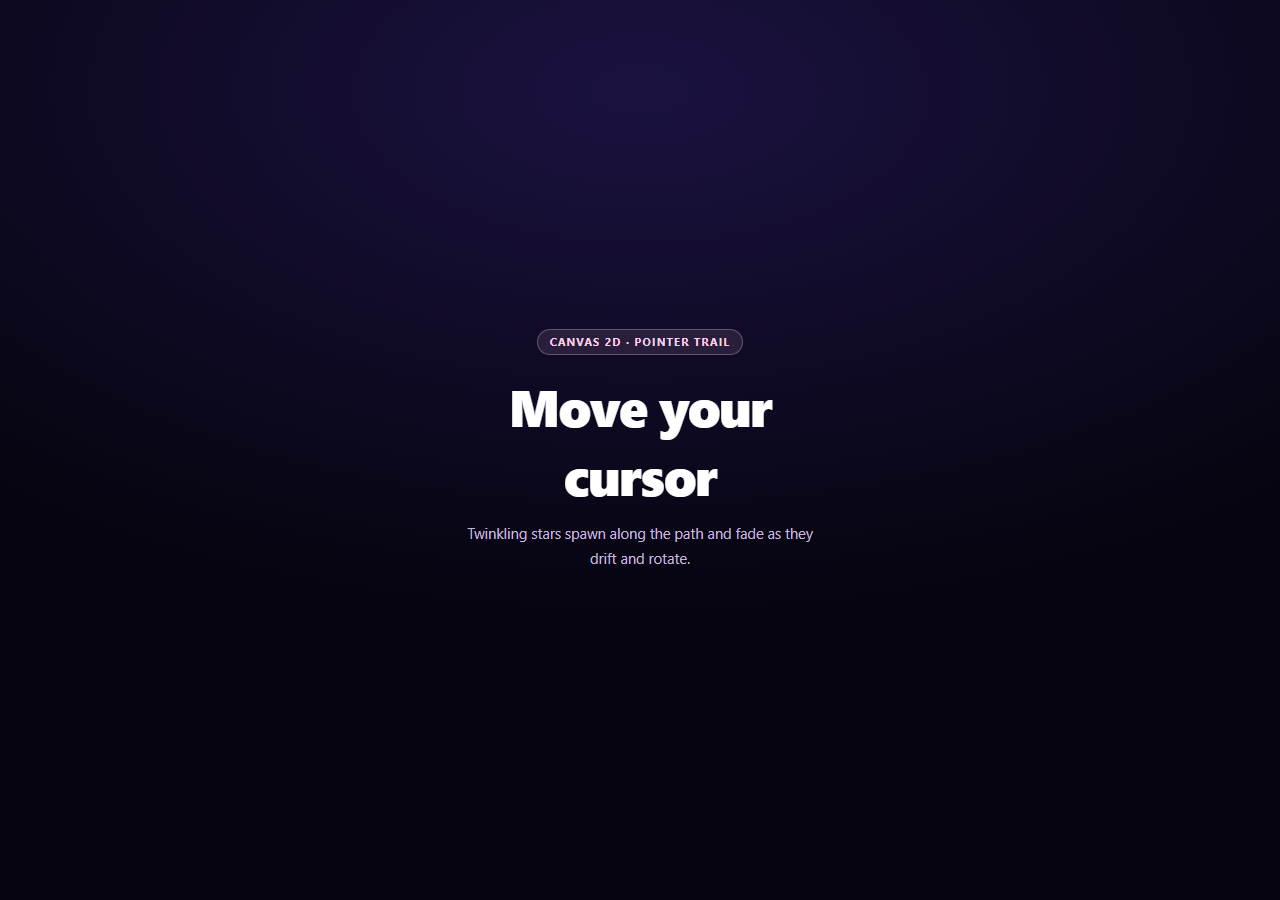
A trailing cursor effect lives or dies on how it handles gaps: move the mouse quickly and a naive "spawn one particle per mousemove event" approach leaves visible holes in the trail, because the browser simply doesn't fire enough events to keep up. This snippet's whole design centers on filling that gap while keeping every star visually independent — different size, rotation, spin, twinkle rhythm, and fade rate.
Interpolating between mousemove events
pointerMove() doesn't just spawn a star at the current cursor position — it compares the current point to last, measures the distance, and spawns one star roughly every 14px along that segment (capped at 4 per event). That interpolation is what keeps the trail continuous during a fast swipe instead of a sparse dotted line with gaps where the browser skipped reporting positions.
Drawing an n-pointed star with one function
drawStar() builds a star polygon by alternating between an outer radius and a smaller inner radius as it walks around the circle in even angular steps — the same construction produces a 4-pointed sparkle or a 5-pointed star just by changing points and the inner/outer ratio. ctx.rotate() is applied per-star from a translated origin, so each star spins around its own center independently rather than orbiting the canvas origin.
Twinkle as a second, faster oscillation
Each star's twinklePhase advances independently every frame, and ctx.globalAlpha blends the star's fading life value with a 0.5 + sin(twinklePhase) * 0.5 term — so on top of the slow overall fade-out, every star also pulses in brightness at its own rate. Combined with ctx.shadowBlur for a soft glow, that's what turns flat polygons into something that reads as sparkling light.
Bounded, allocation-light array management
Stars are removed with splice once their life reaches zero, and a hard MAX_STARS cap trims the oldest entries if the array somehow grows past it (e.g. during an unusually fast, sustained swipe) — so frame time stays predictable no matter how energetically someone waves the cursor around. Pair this with a custom cursor replacement for the pointer itself, or a particle network background for a denser ambient version of the same idea.
Step by step
How to Use
- 1Paste HTML, CSS, and JSThe canvas sits above the content with pointer-events: none.
- 2Move the mouseStars spawn along the path, spinning and twinkling as they fade.
- 3Swipe quicklyInterpolated spawn points keep the trail continuous, not dotted.
- 4Try touchtouchmove drives the same spawn logic on mobile.
- 5Watch the capMAX_STARS trims the oldest stars during a sustained fast swipe.
- 6Tune the lookChange COLORS, size range, decay rate, or points ratio.
Real-world uses
Common Use Cases
Got questions?
Frequently Asked Questions
pointerMove() measures the distance between the current cursor position and the last recorded one, and spawns multiple interpolated stars along that segment (roughly one every 14 pixels, capped at 4 per event) instead of only one star per mousemove callback. Browsers fire mousemove at a limited rate, so during a fast swipe the raw event positions can be far apart; interpolating between them is what prevents visible gaps in the trail.
drawStar() builds a star polygon by alternating between an outer radius and a smaller inner radius while stepping evenly around a full circle, with the step size and point count both driven by the star's points property. Changing points from 4 to 5 (and adjusting the inner-radius ratio slightly for each) is the only difference between the two shapes — the drawing loop itself is identical.
Each star tracks its own twinklePhase, advanced by a fixed amount every frame, and the rendered alpha blends the star's overall fading life value with 0.5 + Math.sin(twinklePhase) * 0.5. That sine term oscillates faster than the life value decays, so every star pulses brighter and dimmer on top of its slower long-term fade-out, and because each star's phase starts at a random value, the pulses across all visible stars are never synchronized.
Stars are already removed once their life value reaches zero, but a sustained fast swipe could still spawn stars faster than they naturally expire. MAX_STARS acts as a hard backstop — if the array somehow exceeds that count, the oldest entries are trimmed immediately — so the number of stars drawn and updated per frame stays bounded and frame time stays predictable regardless of how energetically someone moves the cursor.
Attach the mousemove/touchmove listeners and start the requestAnimationFrame loop inside a mount effect, referencing the canvas via a ref rather than a global querySelector. Store the animation frame id so you can cancelAnimationFrame it in the cleanup function, and remove the pointer listeners there too, so navigating away from the page doesn't leave a dangling animation loop running.