Click any text to edit it right here · click an image or link to jump to its setting
- Replace the placeholder links: Header link, Cart link, Unsubscribe link, Email preferences link.
Abandoned Cart Email — Free Responsive HTML Email Template
E-commerce · v1.0.0 · Updated 2026-10-19 · Gmail, Outlook & Apple Mail · Dark mode
What's included
Features
About this template
Abandoned Cart Email — Free HTML Cart Recovery Email Template
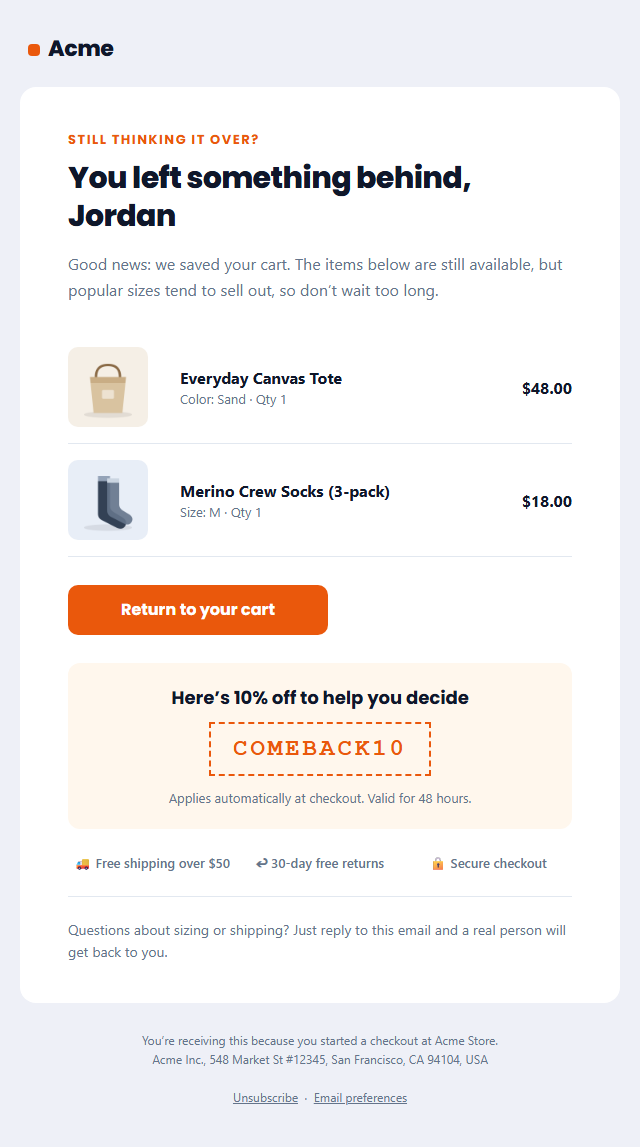
Abandoned Cart Email is a free, responsive HTML template for winning back shoppers who added products to their cart and left without paying. Around seven in ten online carts are abandoned, and a well-timed reminder is one of the highest-earning emails an online store can send, often recovering a meaningful share of those sales automatically.
What's in the email
A friendly "you left something behind" headline with the shopper's first name, a short reassuring intro, up to three cart items with product photos, details and prices, and a bold "Return to your cart" button. Below it you can add a discount code in a dashed coupon box, three reassurance points such as free shipping, free returns and secure checkout, and a help line that invites a reply.
Built for real inboxes
The layout uses nested tables and inline styles, so product rows, photos and prices line up in Gmail, Apple Mail and Outlook on Windows. The button is a "bulletproof" VML button for Outlook and a styled link everywhere else, and it stretches to full width on phones, where most cart reminders are opened. A dark palette, a hidden preheader and a plain-text version are included.
Use it with any store
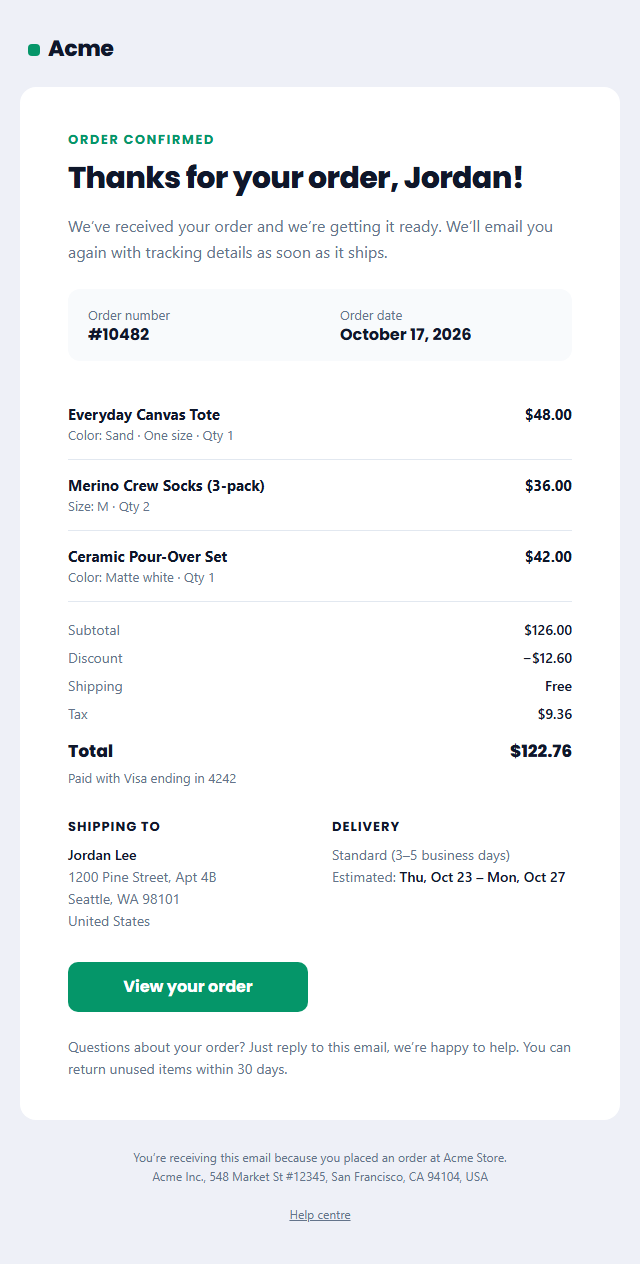
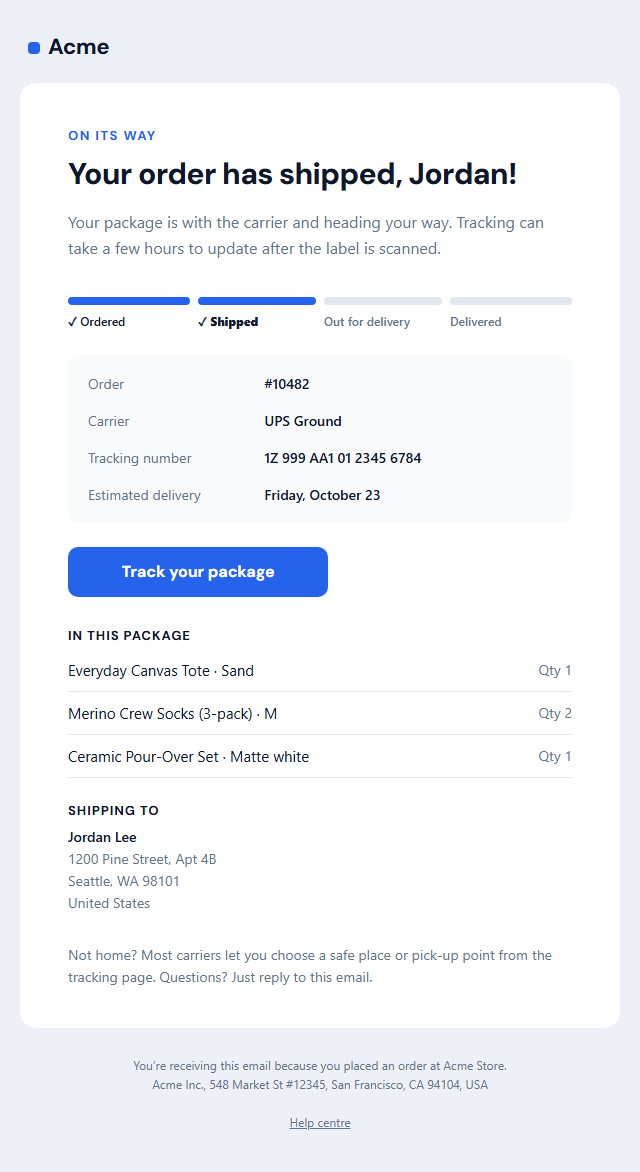
Copy the HTML into Shopify Email, Klaviyo, Omnisend, Mailchimp or WooCommerce and replace the sample items with your platform's cart variables, or loop over the item row in your own code. Pick your platform under Merge tags and first names and the unsubscribe link convert automatically. Need the follow-up emails too? Pair it with the Order Confirmation and Shipping Confirmation templates.
Why use it
Why Use the Abandoned Cart Email Template
How it’s different
How It’s Different From Other Free Email Templates
Step by step
How to Use
- 1Pick your email platformChoose Mailchimp, Klaviyo, HubSpot or Brevo under Merge tags so first names and unsubscribe links export in its syntax, or keep plain {{first_name}} tokens.
- 2Edit the contentFill in the message & button, cart items, discount offer and reassurance, or click any text in the preview to jump to its field. Switch the discount offer and reassurance on or off.
- 3Add your brandUpload or paste your logo and images, set the brand colour and the light and dark palettes, pick fonts, or apply your saved brand kit.
- 4Preview and checkSwitch between desktop, mobile and dark mode, and fix anything the pre-send checks flag, such as placeholder links or missing alt text.
- 5Export or forkCopy the HTML into Shopify, Klaviyo, Omnisend, Postmark or your own code, copy the plain-text version, download a ZIP with images, or fork it into My Code.
Real-world uses
Common Use Cases
Got questions?
Frequently Asked Questions
A common sequence is three emails: the first about one hour after the cart is abandoned, a second around 24 hours later, and a third after 48 to 72 hours. Many stores add a discount only in the second or third email so they don't train shoppers to abandon carts on purpose.
Not always. The first reminder often works without one. Use the optional discount box in a later email, keep the code short-lived, and test whether the extra sales are worth the margin you give away.
Edit the template, open the Export menu and copy the HTML. In Klaviyo, create an HTML template and use it in your abandoned cart flow, replacing the sample items with the event's product variables. In Shopify, paste it into the abandoned checkout notification and swap the items for Liquid variables.
Yes. Cart reminders promote a purchase, so they are treated as commercial email under US CAN-SPAM and need a working unsubscribe link and your postal address. Both are already in the footer.
The editor shows up to three, which covers most carts. To list every item, fork the template to My Code or copy the HTML and repeat the product row inside your platform's loop.
It saves an editable copy of your Abandoned Cart Email in My Code, the UI Snippets code editor: the email markup goes in the HTML panel and its CSS (mobile and dark-mode rules plus fonts) in the CSS panel, so you can keep refining the code and save your own versions.
Yes. It is free for personal and commercial email, with no sign-up and no watermark. Everything runs in your browser, and your edits are saved locally.