Click any text to edit it right here · click an image or link to jump to its setting
- Replace the placeholder links: Header link, Item 1 image, Item 1 review link, Item 2 image, Item 2 review link, Item 3 image, Item 3 review link, Button link, Link, Help centre link.
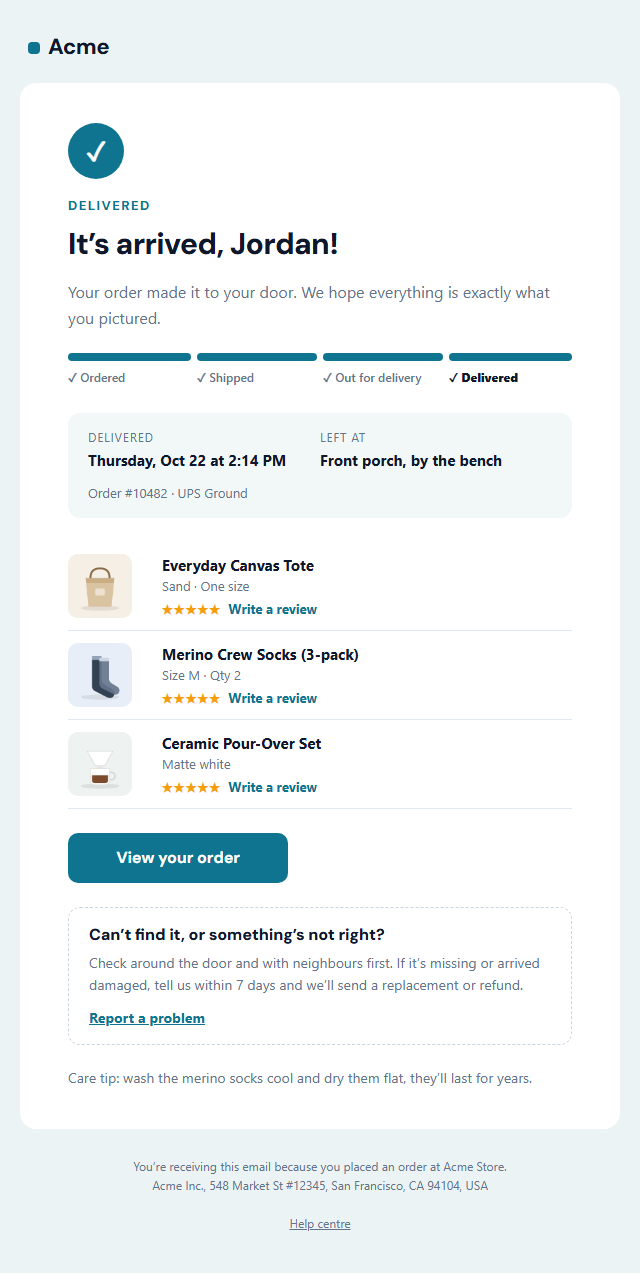
Order Delivered Email
Responsive · Dark mode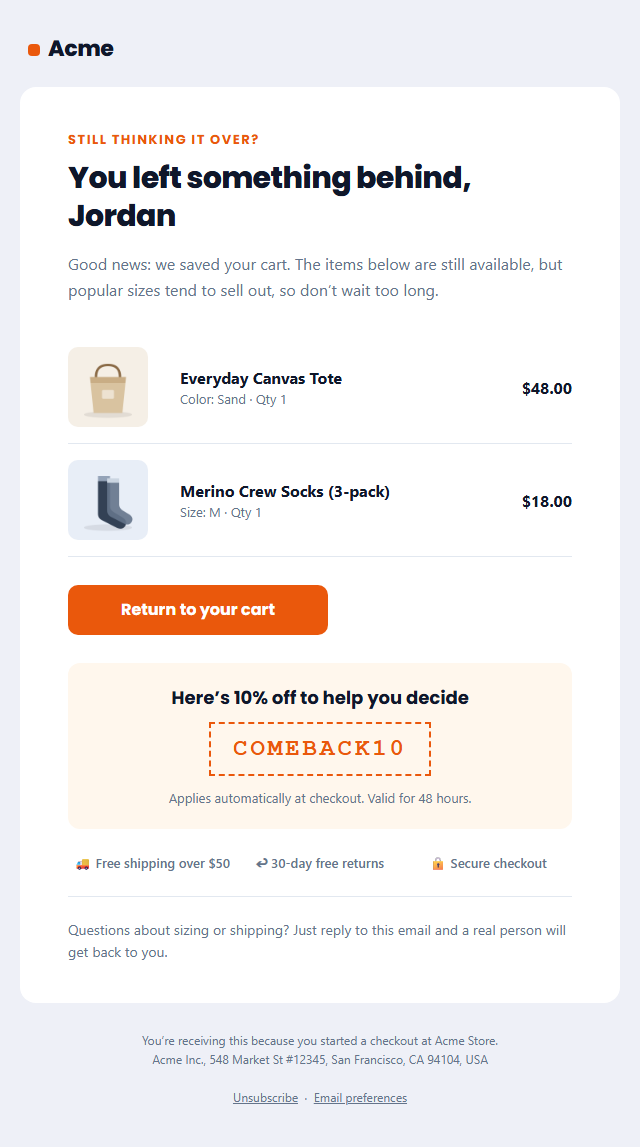
Abandoned Cart Email
Responsive · Dark mode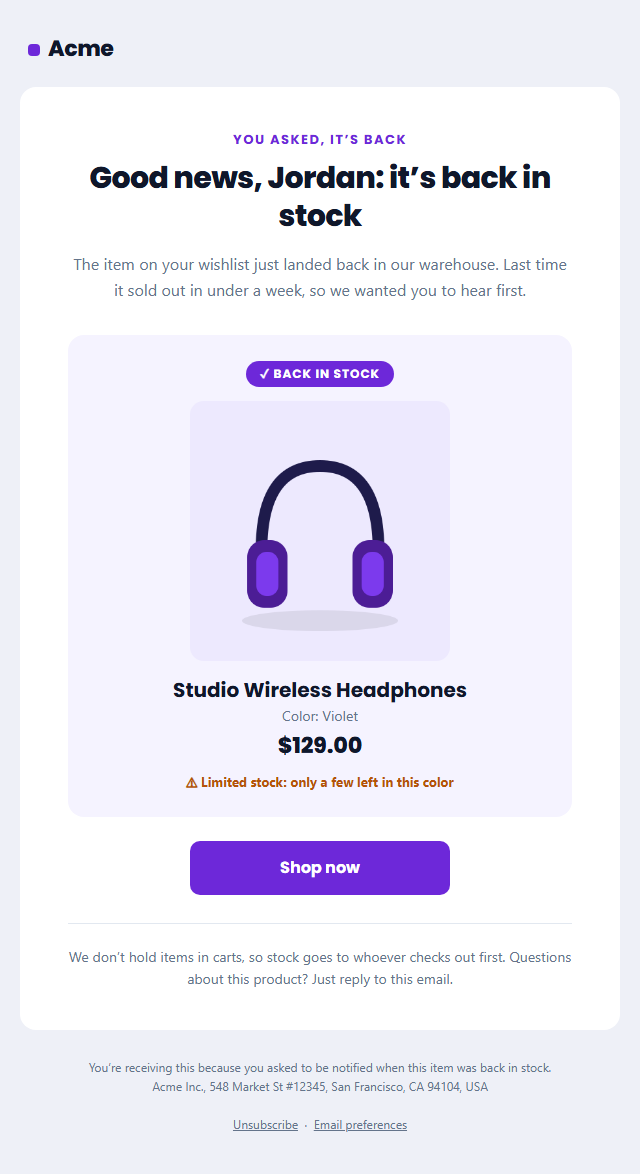
Back in Stock Email
Responsive · Dark mode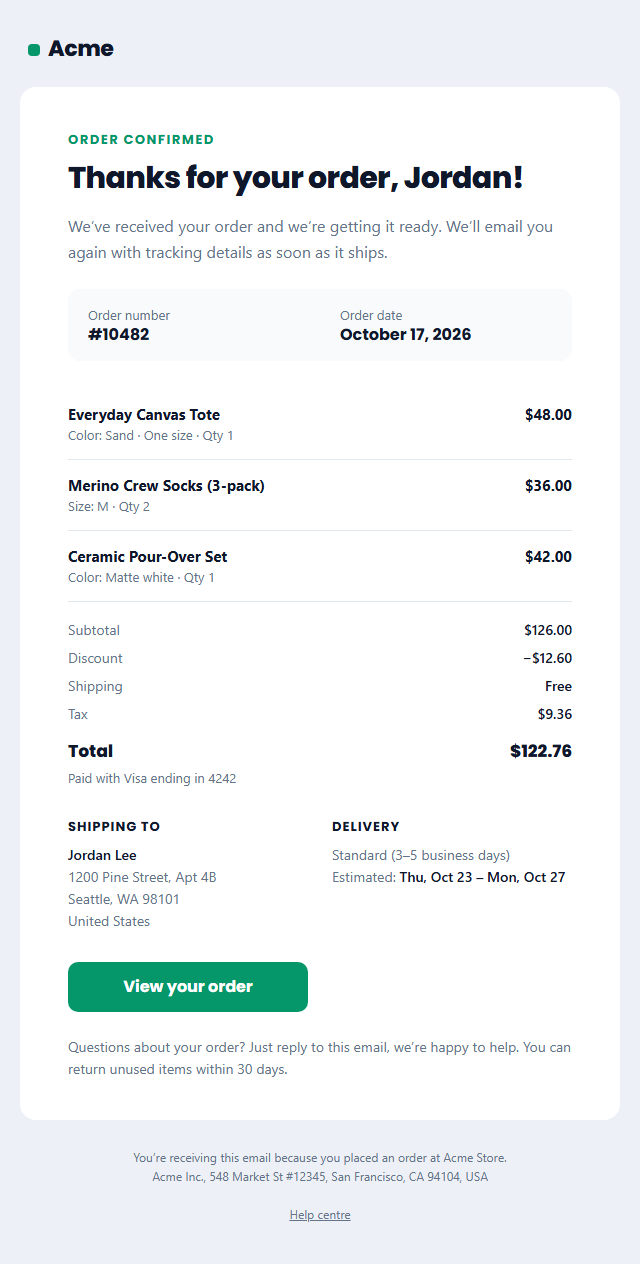
Order Confirmation Email
Responsive · Dark mode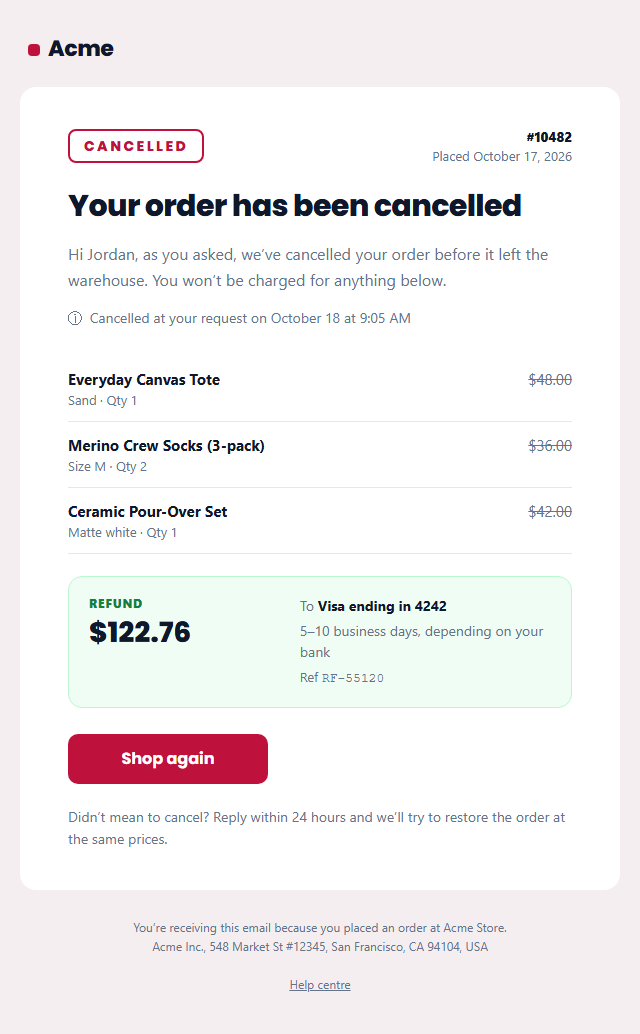
Order Cancellation Email
Responsive · Dark mode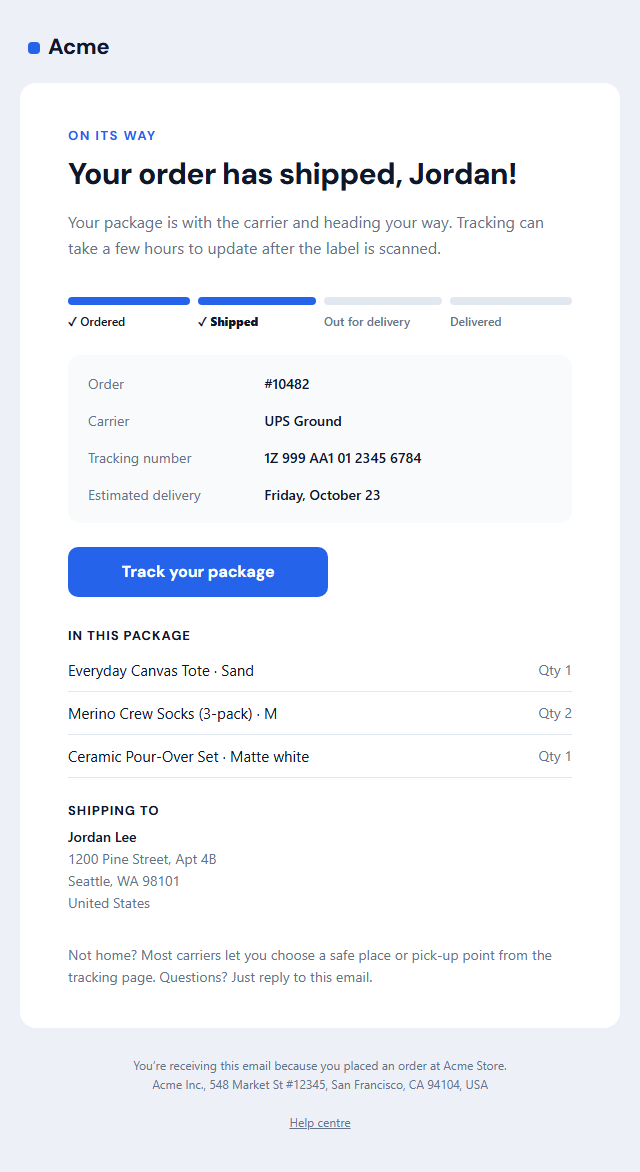
Shipping Confirmation Email
Responsive · Dark modeOrder Delivered Email — Free Responsive HTML Email Template
E-commerce · v1.0.0 · Updated 2026-11-03 · Gmail, Outlook & Apple Mail · Dark mode
What's included
Features
About this template
Order Delivered Email — Free Delivery Confirmation Template for Stores
Order Delivered Email closes the loop that the order and shipping confirmations open. Most store emails stop at "your order has shipped", but the moment the parcel arrives is when customers are happiest, when a missing parcel needs reporting quickly, and the best time to ask how the products feel in real life.
Proof it arrived, and where
A check badge, a "Delivered" label and a friendly headline sit above a tracking bar with all four steps complete, so it matches the look of the Shipping Confirmation that came before. Below it, a soft panel shows when it was delivered and exactly where it was left ("Front porch, by the bench"), with the order number and carrier. That one "left at" line saves a lot of "I can't find my parcel" emails.
Every item, with a review link
Each item gets a row with its product photo, name and variant, and five gold stars beside a "Write a review" link of its own. Asking per product, with the photo in front of the customer, gets more specific and more useful reviews than one generic "rate your order" request. Photos are 64 px squares; paste hosted URLs or upload your own.
Room for something going wrong
A dashed "Can't find it, or something's not right?" box explains what to check first, how long they have to report a missing or damaged parcel and links to your issue form. Handling problems gracefully in the same email is better than hoping they don't happen.
A care tip to finish
The closing line is space for a short care or getting-started tip, such as washing instructions or how to brew with the new pour-over, which makes the product better and the email feel personal.
Trigger it from your carrier's delivered event via Shopify Flow, Klaviyo, AfterShip, Route or your own webhook. It is mostly transactional; if you add promotions, include an unsubscribe link. Follow up later with a Review Request for anyone who hasn't reviewed.
Extend with AI
Take This Email Further With AI
Give this prompt to an AI assistant to write your own version of the Order Delivered Email email: draft ten subject lines and preheaders, adapt the copy for a customer segment, translate it, convert it to MJML or React Email, or write the plain-text version. Then paste the result back into the editor above to check it in desktop, mobile and dark mode.
Prompt to recreate it
Copy this into your AI assistant of choice to build the effect from scratch, or as a jumping-off point for your own variant:
Create a responsive HTML email: “Order Delivered Email”, an e-commerce email.

Purpose: The email that closes the delivery loop: a completed four-step tracking bar, when and where the parcel was left ("front porch, by the bench"), each item with its photo and a "Write a review" link, a report-a-problem box for missing or damaged parcels, and short care or getting-started tips.

Inbox text:
- Subject line: “Delivered: your Acme Store order #10482”
- Preheader (hidden preview text): “Left on the front porch at 2:14 PM. Enjoy, and tell us how it all looks.”

Content, top to bottom:
- Message & button
- Delivery details
- Items (leave a name empty to hide it)
- Report a problem

Headline: “It’s arrived, {{first_name}}!”. Main button: “View your order”.
Show products with an image, name and price in a grid that stacks on mobile, and make the button the most visible element.

Build it like a professional email developer:
- Table-based layout, 600px wide on desktop and fluid on mobile (width 100%, max-width 600px).
- Inline CSS on every element, with one small style block only for media queries and dark mode (prefers-color-scheme).
- A bulletproof, Outlook-safe call-to-action button (padded table cell with a VML fallback), never an image.
- Colours: brand and button #0e7490, button text #ffffff, page background #ecf3f5. Web-safe font stack with a fallback after the brand font.
- Every image has alt text and explicit width and height. Use PNG icons, never SVG, because Gmail and Outlook drop them.
- Hidden preheader text, a plain-text version, and a legal footer with the postal address, the reason the person is receiving it and a working unsubscribe link.

Finish with a short checklist of what to test in Gmail, Outlook for Windows, Apple Mail, mobile and dark mode.
Want to tighten it up first? Run this prompt through the AI Prompt Studio to score it across 8 quality dimensions, catch anti-patterns, and tune the wording for Claude, ChatGPT, or Gemini before you paste it in.
Why use it
Why Use the Order Delivered Email Template
How it’s different
How It’s Different From Other Free Email Templates
Step by step
How to Use
- 1Pick your email platformChoose Mailchimp, Klaviyo, HubSpot or Brevo under Merge tags so first names and unsubscribe links export in its syntax, or keep plain {{first_name}} tokens.
- 2Edit the contentFill in the message & button, delivery details, items and report a problem, or click any text in the preview to jump to its field. Switch the report a problem on or off.
- 3Add your brandUpload or paste your logo and images, set the brand colour and the light and dark palettes, pick fonts, or apply your saved brand kit.
- 4Preview and checkSwitch between desktop, mobile and dark mode, and fix anything the pre-send checks flag, such as placeholder links or missing alt text.
- 5Export or forkCopy the HTML into Shopify, Klaviyo, Omnisend, Postmark or your own code, copy the plain-text version, download a ZIP with images, or fork it into My Code.
Real-world uses
Common Use Cases
Got questions?
Frequently Asked Questions
It confirms the parcel arrived and where it was left, gives a quick route to report problems and catches customers at their most satisfied moment, which is the best time to ask for a review or share a care tip.
Use your tracking provider’s delivered event: Shopify Flow’s fulfilment status, Klaviyo or Omnisend with a tracking integration, AfterShip, Route, or your carrier’s webhook. Send it within a few hours of the delivery scan.
Yes. Clear the review link text and the stars and links disappear from every item. That is useful for gifts, or if you send a separate review request a week later instead.
They display as 64 × 64 px squares, so upload square images at least 128 px wide for sharp results on high-resolution screens. Upload them in the editor, or paste URLs from your store’s product images.
Mostly. Delivery status is transactional, and a review request about the purchase is usually acceptable too. If you add discounts or product recommendations, treat it as marketing and add an unsubscribe link.
It saves an editable copy of your Order Delivered Email in My Code, the UI Snippets code editor: the email markup goes in the HTML panel and its CSS (mobile and dark-mode rules plus fonts) in the CSS panel, so you can keep refining the code and save your own versions.
Yes. It is free for personal and commercial email, with no sign-up and no watermark. Everything runs in your browser, and your edits are saved locally.