Click any text to edit it right here · click an image or link to jump to its setting
- Replace the placeholder links: Header link, Tracking link, Help centre link.
Shipping Confirmation Email — Free Responsive HTML Email Template
E-commerce · v1.0.0 · Updated 2026-10-19 · Gmail, Outlook & Apple Mail · Dark mode
What's included
Features
About this template
Shipping Confirmation Email — Free HTML Order Shipped Template
Shipping Confirmation Email is a free, responsive HTML template for telling customers their order is on its way. After the order confirmation, the "your order has shipped" email is the one customers look for most, and they often open it several times while they wait, which makes clear tracking information essential.
What's in the email
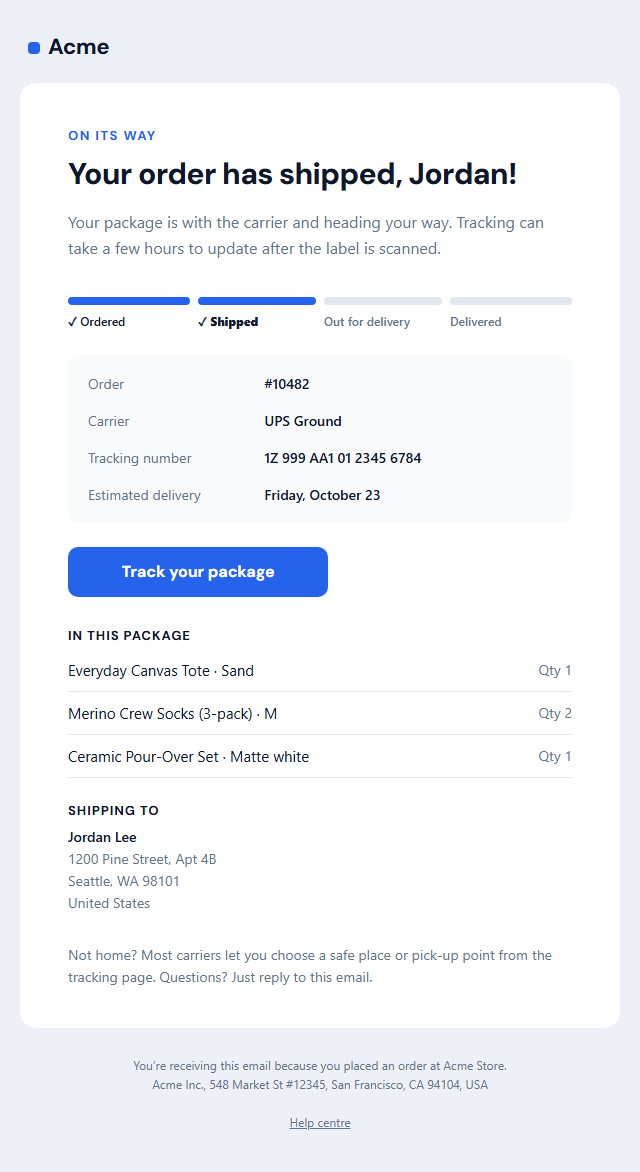
A cheerful headline with the customer's first name, a short intro, and a four-step delivery progress bar (ordered, shipped, out for delivery, delivered) that you set to the current step. A details box shows the order number, carrier, tracking number and estimated delivery date, followed by a "Track your package" button, the items in the parcel with quantities and the shipping address. Each section can be switched off.
A progress bar that works in email
Email clients don't support modern CSS, so the progress bar is built from table cells with background colours, which display reliably in Gmail, Apple Mail, Yahoo and Outlook on Windows. The tracking button is an Outlook-safe "bulletproof" button that goes full width on phones. A dark palette, hidden preheader and plain-text version are included.
Send it from your store
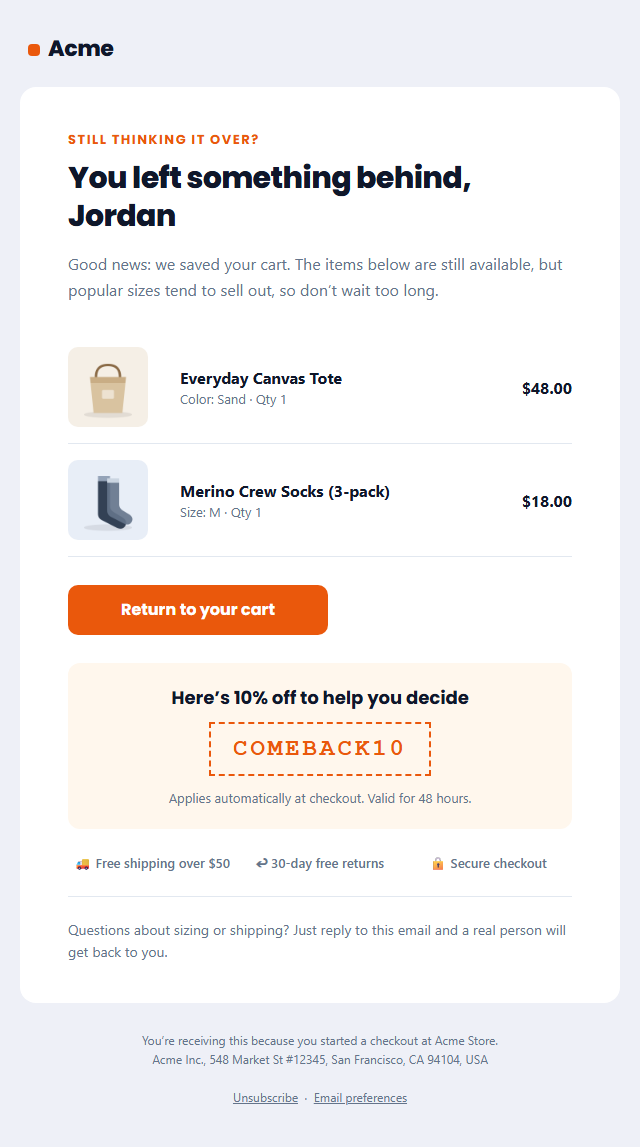
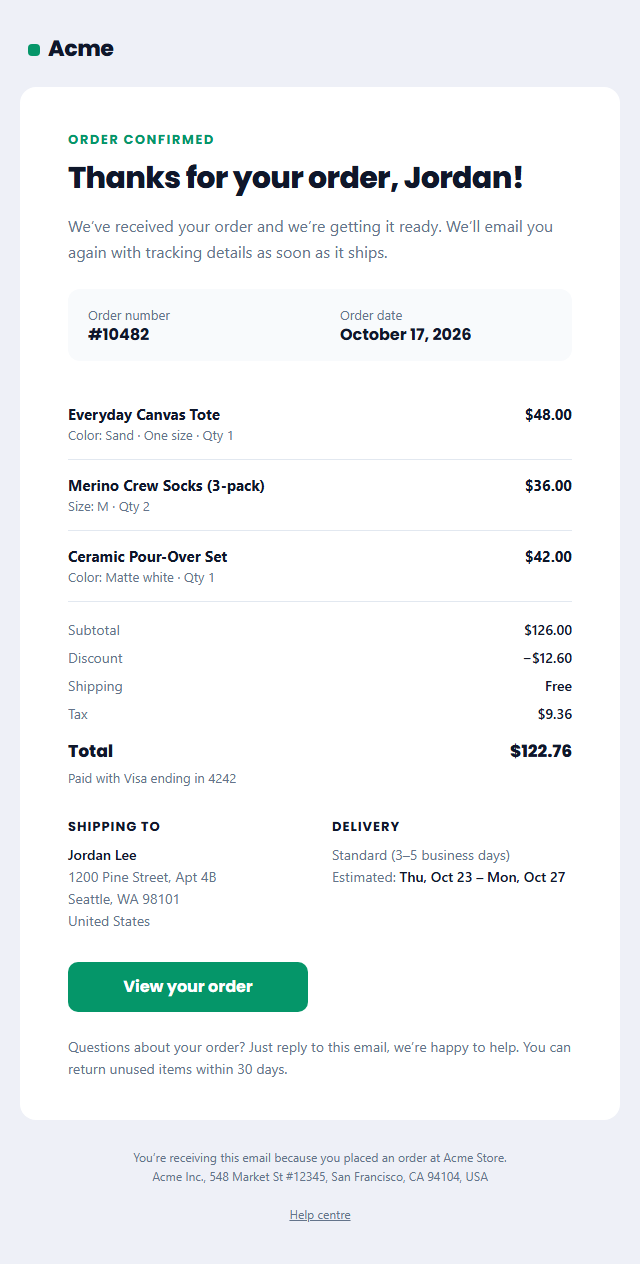
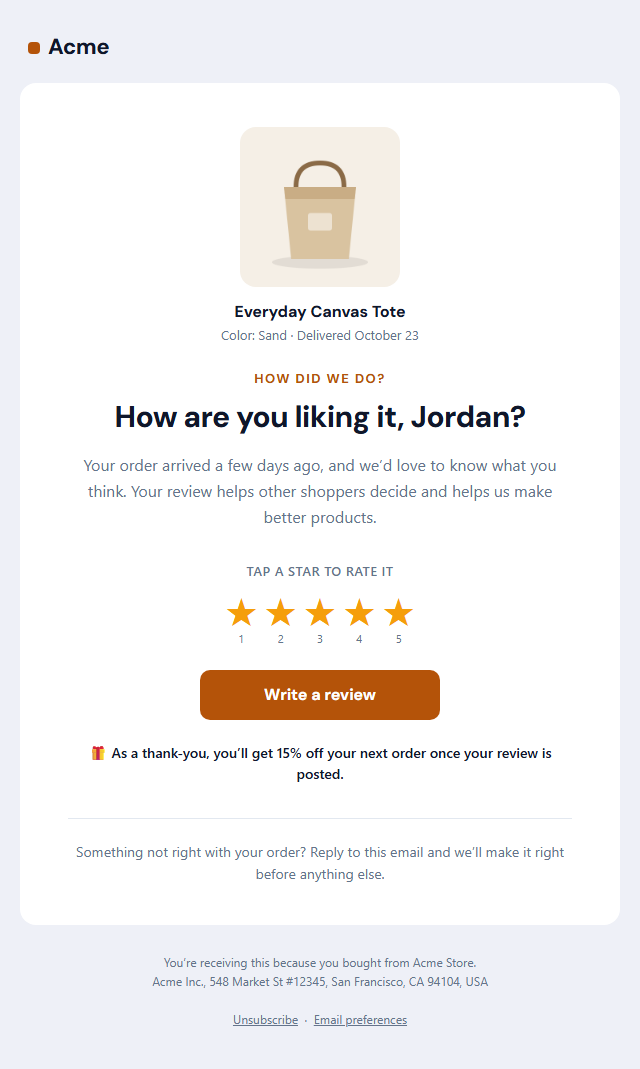
Copy the HTML into Shopify's shipping confirmation notification, WooCommerce, Klaviyo, Postmark or your own code and swap the sample values for your platform's variables. Use the same template for "out for delivery" and "delivered" updates by changing the step and the headline. It pairs with the Order Confirmation and Review Request templates for a complete post-purchase flow.
Why use it
Why Use the Shipping Confirmation Email Template
How it’s different
How It’s Different From Other Free Email Templates
Step by step
How to Use
- 1Pick your email platformChoose Mailchimp, Klaviyo, HubSpot or Brevo under Merge tags so first names and unsubscribe links export in its syntax, or keep plain {{first_name}} tokens.
- 2Edit the contentFill in the message & button, delivery progress, items in this shipment and shipping address, or click any text in the preview to jump to its field. Switch the delivery progress, items in this shipment and shipping address on or off.
- 3Add your brandUpload or paste your logo, set the brand colour and the light and dark palettes, pick fonts, or apply your saved brand kit.
- 4Preview and checkSwitch between desktop, mobile and dark mode, and fix anything the pre-send checks flag, such as placeholder links or missing alt text.
- 5Export or forkCopy the HTML into Shopify, Klaviyo, Omnisend, Postmark or your own code, copy the plain-text version, download a ZIP with images, or fork it into My Code.
Real-world uses
Common Use Cases
Got questions?
Frequently Asked Questions
The order number, the carrier, the tracking number with a tracking link, the estimated delivery date, what is in the package and where it is going. This template includes all of them, plus a progress bar showing how far the order has got.
In Shopify admin go to Settings, then Notifications, then Shipping confirmation, replace the code with this HTML and swap the sample values for Shopify's Liquid variables, such as the tracking number and tracking URL of the fulfillment.
Yes. It is sent because of a purchase the customer made, so under US CAN-SPAM it doesn't need an unsubscribe link. Keep promotions out, or keep them very small, so it stays transactional.
It is four table cells with background colours and labels, not CSS gradients or flexbox, so Outlook's Word-based renderer shows it correctly. Set the current step in the Delivery progress section.
Yes. Paste any https:// link into the tracking link field: the carrier's page, a branded tracking page from AfterShip or Route, or your own order page.
It saves an editable copy of your Shipping Confirmation Email in My Code, the UI Snippets code editor: the email markup goes in the HTML panel and its CSS (mobile and dark-mode rules plus fonts) in the CSS panel, so you can keep refining the code and save your own versions.
Yes. It is free for personal and commercial email, with no sign-up and no watermark. Everything runs in your browser, and your edits are saved locally.