Click any text to edit it right here · click an image or link to jump to its setting
- Replace the placeholder links: Header link, Product link, Unsubscribe link, Email preferences link.
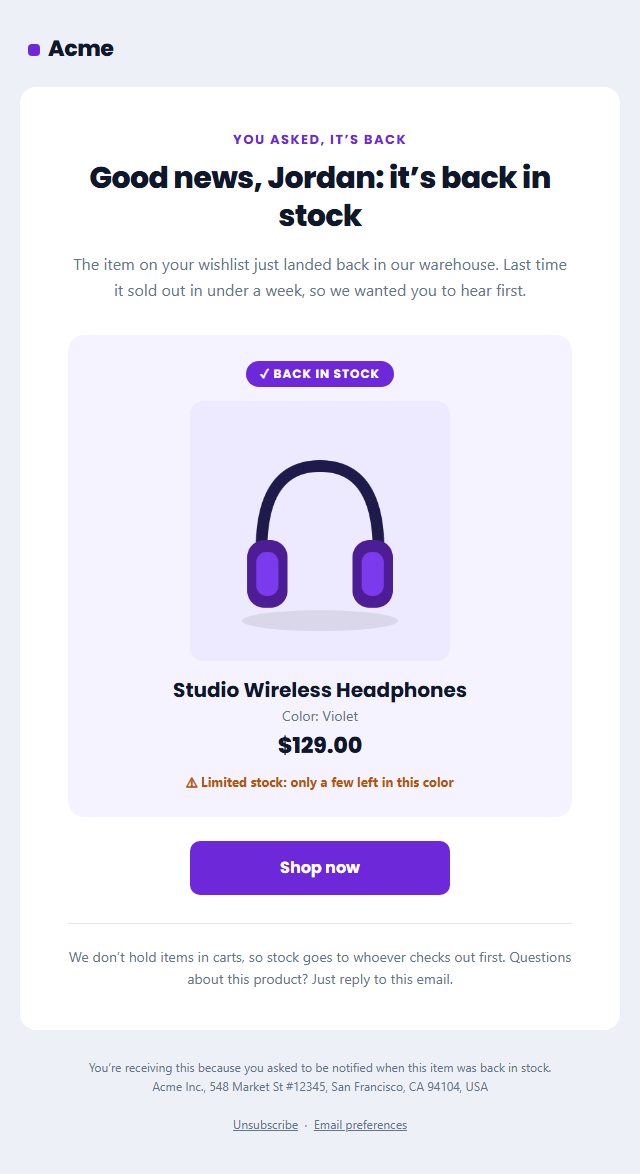
Back in Stock Email
Responsive · Dark mode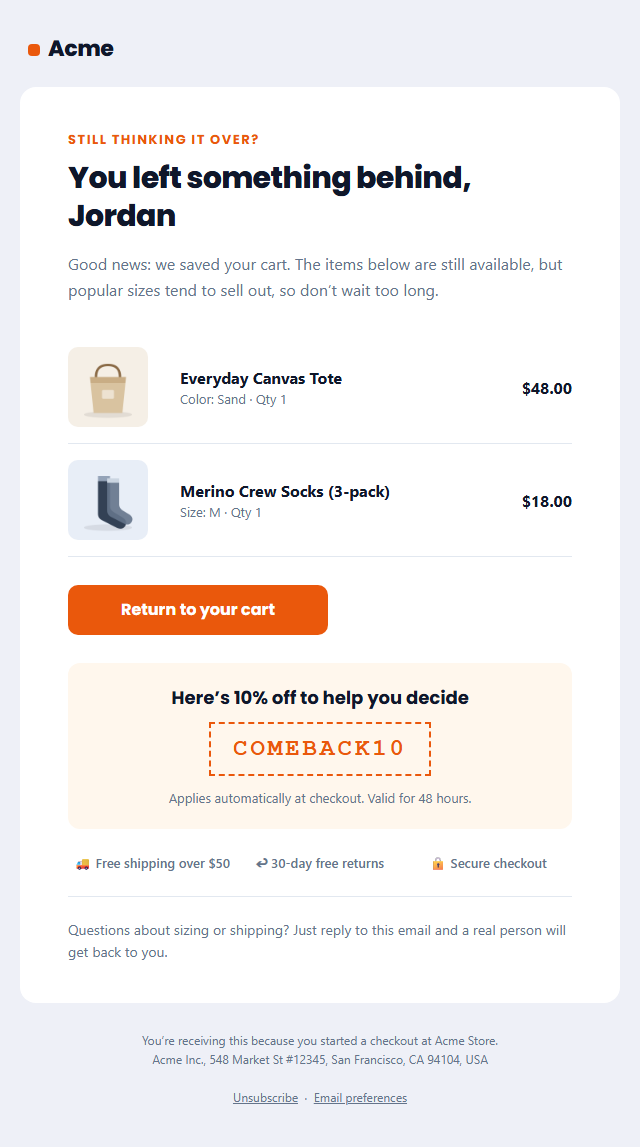
Abandoned Cart Email
Responsive · Dark mode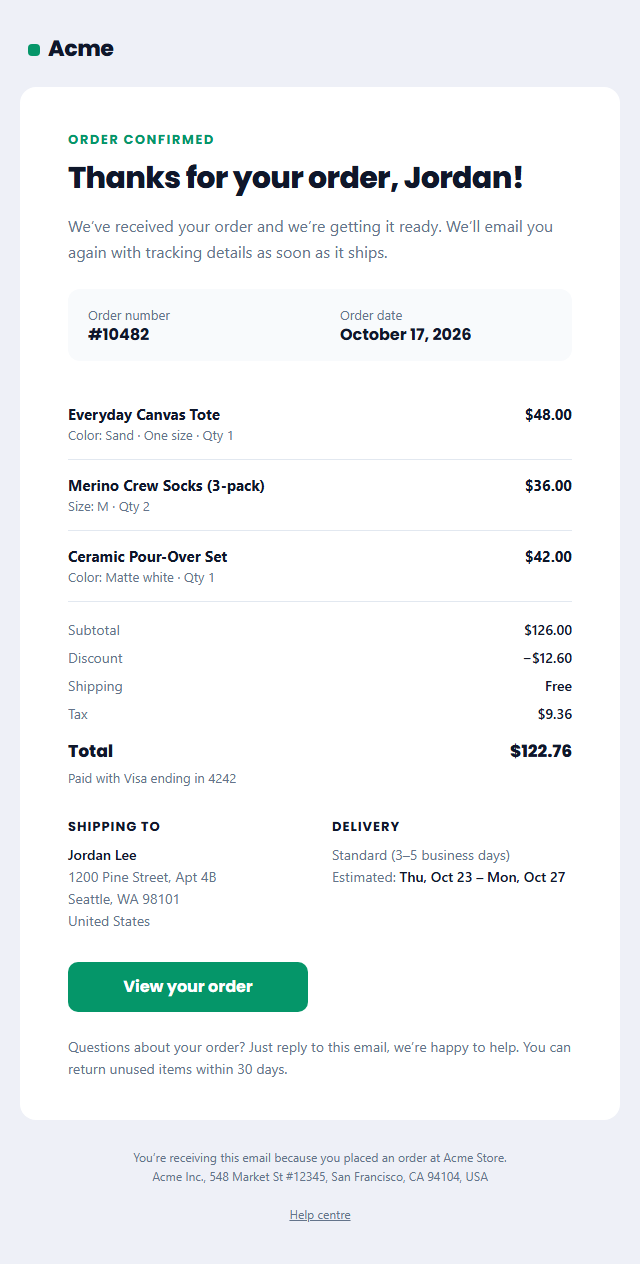
Order Confirmation Email
Responsive · Dark mode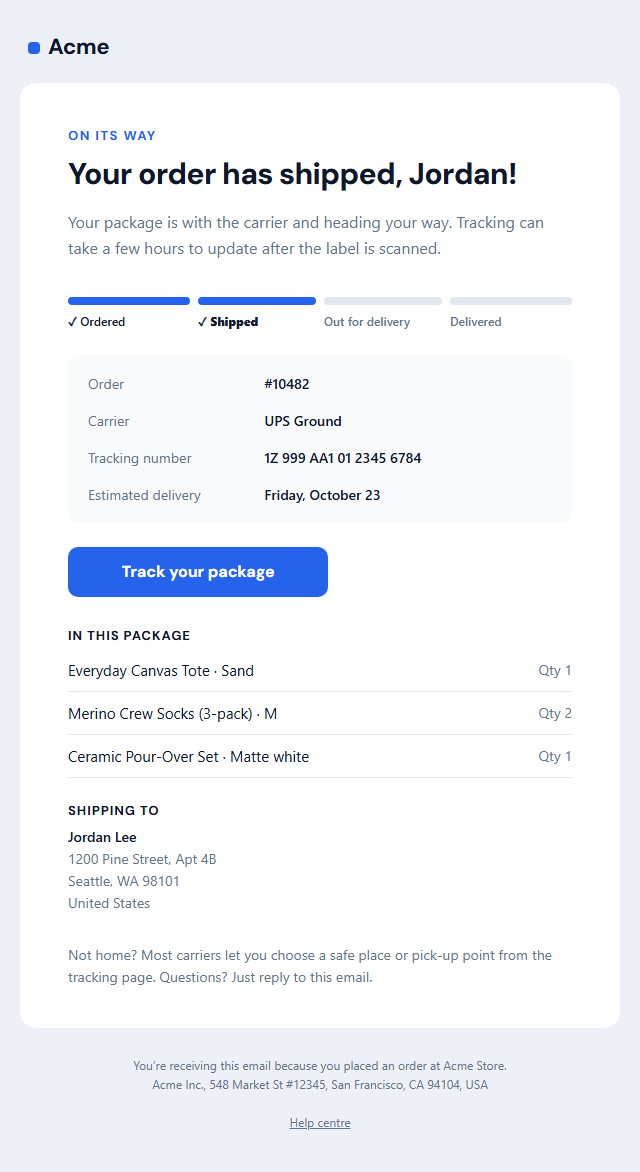
Shipping Confirmation Email
Responsive · Dark mode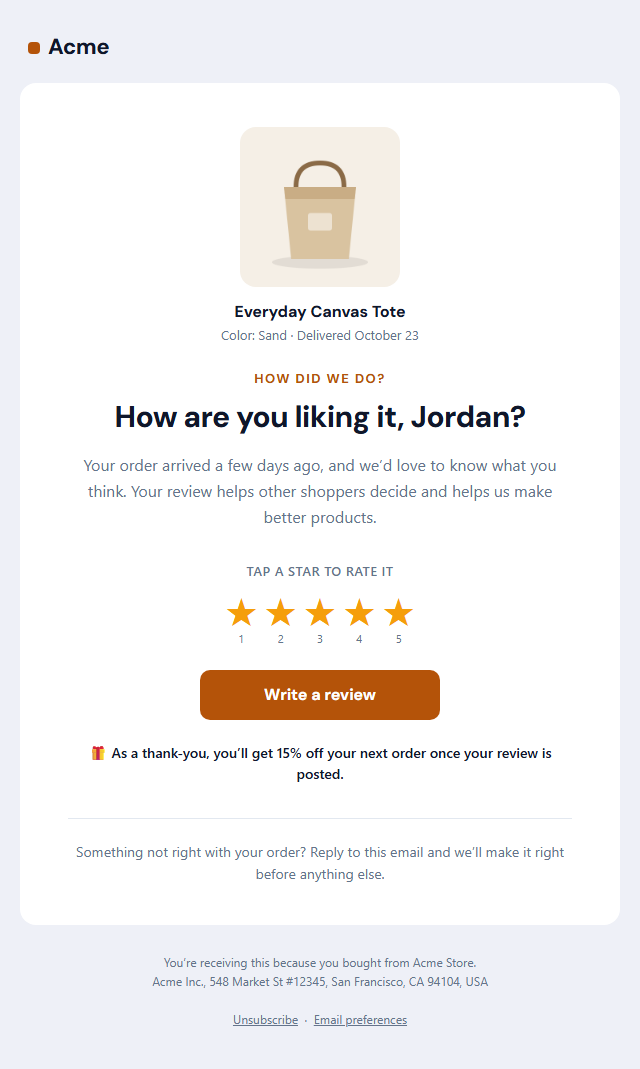
Review Request Email
Responsive · Dark mode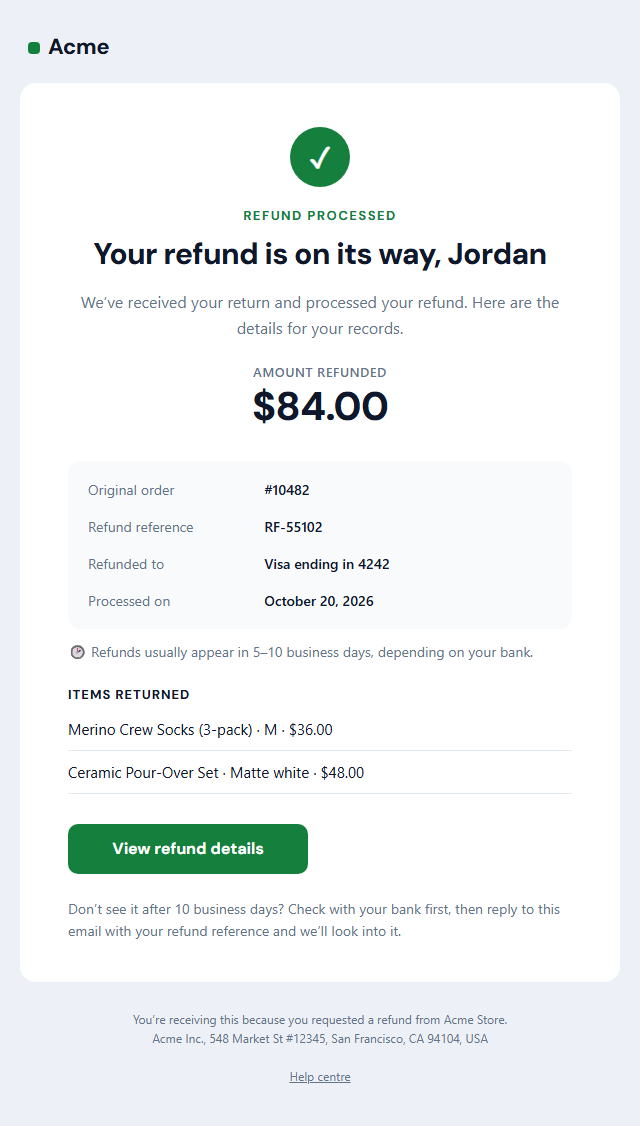
Refund Confirmation Email
Responsive · Dark modeBack in Stock Email — Free Responsive HTML Email Template
E-commerce · v1.0.0 · Updated 2026-10-20 · Gmail, Outlook & Apple Mail · Dark mode
What's included
Features
About this template
Back in Stock Email — Free Restock Notification Email Template
Back in Stock Email is a free, responsive HTML template for telling waitlist shoppers that a sold-out product is available again. Back-in-stock alerts go to people who have already said they want the item, which is why they convert so well: the shopper only needs to click and buy.
What's in the email
A "You asked, it's back" label and a personal headline, a short intro, then a product card with a "Back in stock" badge, a large product photo, the product name, variant and price, and an optional low-stock line such as "only a few left in this color". A big "Shop now" button links straight to the product page, and a closing note explains that stock goes to whoever checks out first.
Honest urgency that works
Restocked items often sell out again quickly, so a truthful low-stock line gives shoppers a real reason to act now. Keep it accurate: if stock isn't limited, leave the line empty and it disappears. The product photo links to the product page too, so every part of the card is clickable.
Works with your store
Copy the HTML into Klaviyo, Shopify Email, Omnisend, Mailchimp or a back-in-stock app such as Back in Stock or Notify Me, and replace the sample product with your platform's product variables. It's built with tables and inline styles, with an Outlook-safe button, a dark palette and a plain-text version. Because it's a promotional email, the footer includes an unsubscribe link and postal address. For carts left behind, use the Abandoned Cart template.
Why use it
Why Use the Back in Stock Email Template
How it’s different
How It’s Different From Other Free Email Templates
Step by step
How to Use
- 1Pick your email platformChoose Mailchimp, Klaviyo, HubSpot or Brevo under Merge tags so first names and unsubscribe links export in its syntax, or keep plain {{first_name}} tokens.
- 2Edit the contentFill in the message & button and product, or click any text in the preview to jump to its field.
- 3Add your brandUpload or paste your logo and images, set the brand colour and the light and dark palettes, pick fonts, or apply your saved brand kit.
- 4Preview and checkSwitch between desktop, mobile and dark mode, and fix anything the pre-send checks flag, such as placeholder links or missing alt text.
- 5Export or forkCopy the HTML into Shopify, Klaviyo, Omnisend, Postmark or your own code, copy the plain-text version, download a ZIP with images, or fork it into My Code.
Real-world uses
Common Use Cases
Got questions?
Frequently Asked Questions
An automated email sent to shoppers who asked to be notified when a sold-out product becomes available again. Because they already want the item, these emails usually convert far better than regular campaigns.
Use Klaviyo's back-in-stock flow or a Shopify app that collects waitlist sign-ups. Copy this template's HTML into the flow's custom HTML email and replace the product name, image, price and link with the platform's variables.
If stock is limited, some stores send in batches so the first group can buy before everyone else, which avoids people clicking through to an item that sold out again.
Yes. It promotes a product, so it is commercial email under US CAN-SPAM and needs an unsubscribe link and postal address. Both are in the footer.
The template features one product, which works best for a single restock. For several, use Extra sections to add images and buttons, or fork it to My Code and repeat the product card.
It saves an editable copy of your Back in Stock Email in My Code, the UI Snippets code editor: the email markup goes in the HTML panel and its CSS (mobile and dark-mode rules plus fonts) in the CSS panel, so you can keep refining the code and save your own versions.
Yes. It is free for personal and commercial email, with no sign-up and no watermark. Everything runs in your browser, and your edits are saved locally.