Click any text to edit it right here · click an image or link to jump to its setting
- Replace the placeholder links: Header link, Sign-in link, Help centre link.
Magic Link Sign-in Email — Free Responsive HTML Email Template
Transactional · v1.0.0 · Updated 2026-10-19 · Gmail, Outlook & Apple Mail · Dark mode
What's included
Features
About this template
Magic Link Email — Free Passwordless Sign-in & Login Code Template
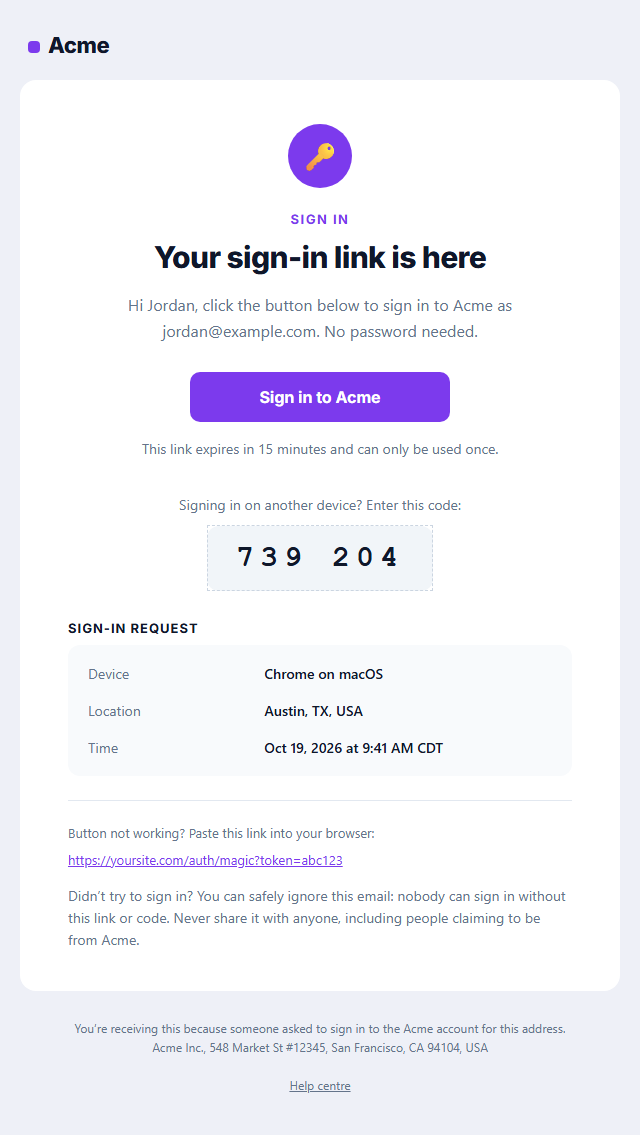
Magic Link Sign-in Email is a free, responsive HTML template for passwordless login. Instead of typing a password, users enter their email address and receive a link that signs them in with one click, often with a short one-time code for signing in on a different device. It's the login method behind Slack, Notion, Medium and many modern apps.
What's in the email
A key badge, a clear "Your sign-in link is here" headline, an intro that names the account the link is for, and a large "Sign in" button. Under it, a short expiry note, an optional six-digit login code in a large monospace box, optional request details (device, location and time), a copyable fallback link and a security note telling people what to do if they didn't ask to sign in.
Designed for trust and deliverability
Sign-in emails have to arrive fast and look legitimate. This template keeps marketing out, shows exactly which address and device the request came from, and prints the full link as text for clients that block buttons. The layout uses tables and inline styles, the button is Outlook-safe, and a dark palette and plain-text version are included, which also helps spam filters.
Works with your auth provider
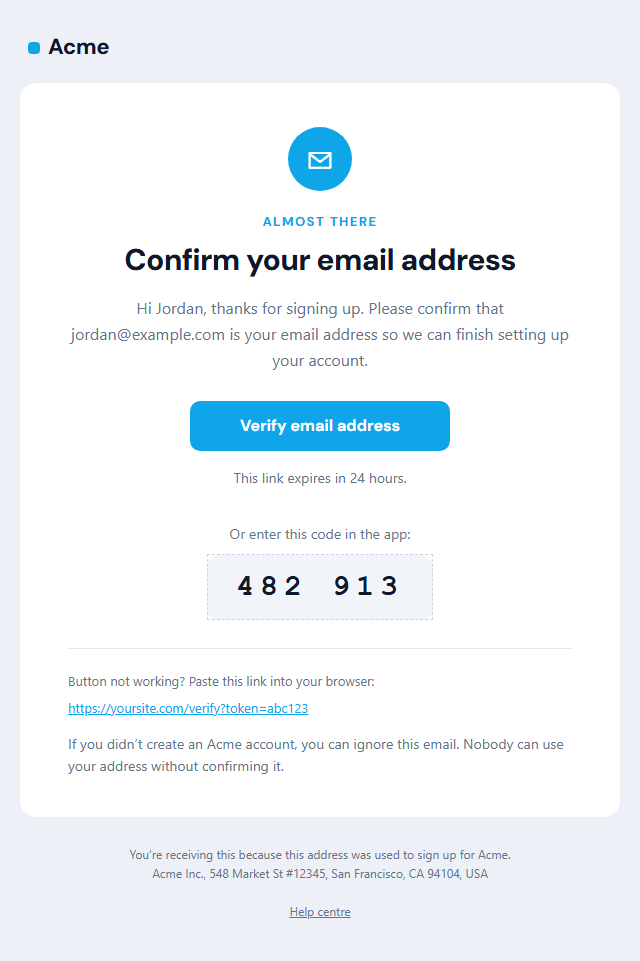
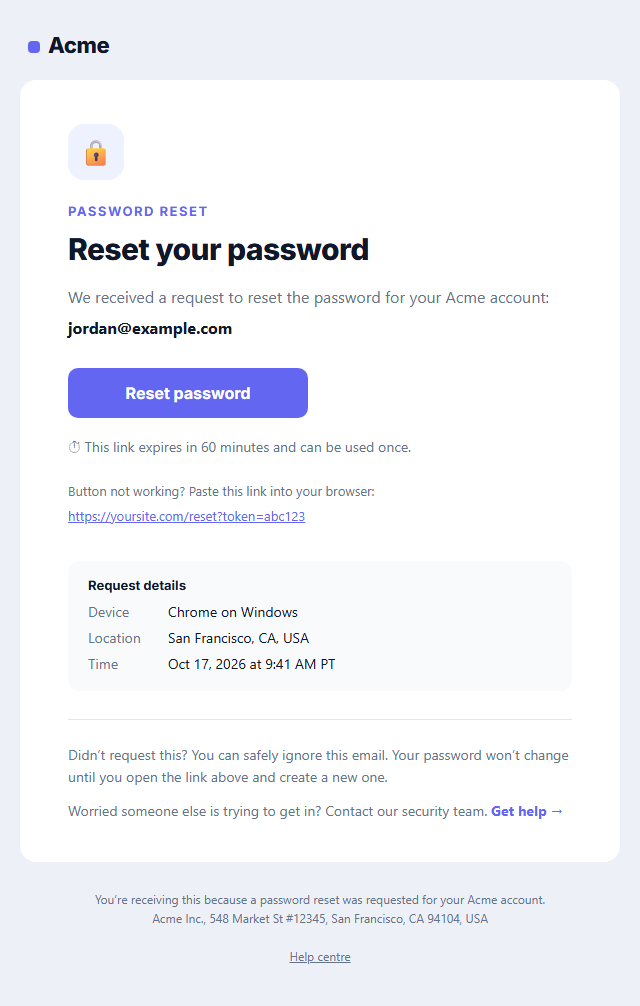
Copy the HTML into Supabase, Firebase Authentication, Auth0, Clerk, Stytch, Magic or your own Node, Laravel or Django code, and swap the link and code for your provider's variables. For account setup and recovery, see the Verify Email and Password Reset templates.
Why use it
Why Use the Magic Link Sign-in Email Template
How it’s different
How It’s Different From Other Free Email Templates
Step by step
How to Use
- 1Pick your email platformChoose Mailchimp, Klaviyo, HubSpot or Brevo under Merge tags so first names and unsubscribe links export in its syntax, or keep plain {{first_name}} tokens.
- 2Edit the contentFill in the message & button, login code and request details, or click any text in the preview to jump to its field. Switch the login code and request details on or off.
- 3Add your brandUpload or paste your logo, set the brand colour and the light and dark palettes, pick fonts, or apply your saved brand kit.
- 4Preview and checkSwitch between desktop, mobile and dark mode, and fix anything the pre-send checks flag, such as placeholder links or missing alt text.
- 5Export or forkCopy the HTML into Postmark, SendGrid, Amazon SES, Resend or your own code, copy the plain-text version, download a ZIP with images, or fork it into My Code.
Real-world uses
Common Use Cases
Got questions?
Frequently Asked Questions
A sign-in email containing a unique, short-lived link. Clicking it proves the user owns the email address and signs them in without a password. Most providers also offer a one-time code as an alternative.
Keep it short: 10 to 15 minutes is common, and the link should stop working after one use. Put the same time in the expiry note so users know to act quickly.
In the Supabase dashboard open Authentication, then Email Templates, then Magic Link, and paste the HTML. Replace the sign-in link with {{ .ConfirmationURL }} and the code with {{ .Token }}. Other providers have similar variables.
Including both covers more situations. The link is fastest on the same device; the code helps when someone opens the email on their phone but is signing in on a computer. Switch the code off if your provider only sends links.
No. It is a transactional email the user requested, so US CAN-SPAM's unsubscribe rule doesn't apply, and users should always receive it. Keep promotions out so it stays transactional.
It saves an editable copy of your Magic Link Sign-in Email in My Code, the UI Snippets code editor: the email markup goes in the HTML panel and its CSS (mobile and dark-mode rules plus fonts) in the CSS panel, so you can keep refining the code and save your own versions.
Yes. It is free for personal and commercial email, with no sign-up and no watermark. Everything runs in your browser, and your edits are saved locally.