Click any text to edit it right here · click an image or link to jump to its setting
- Replace the placeholder links: Header link, Button link, Help centre link.
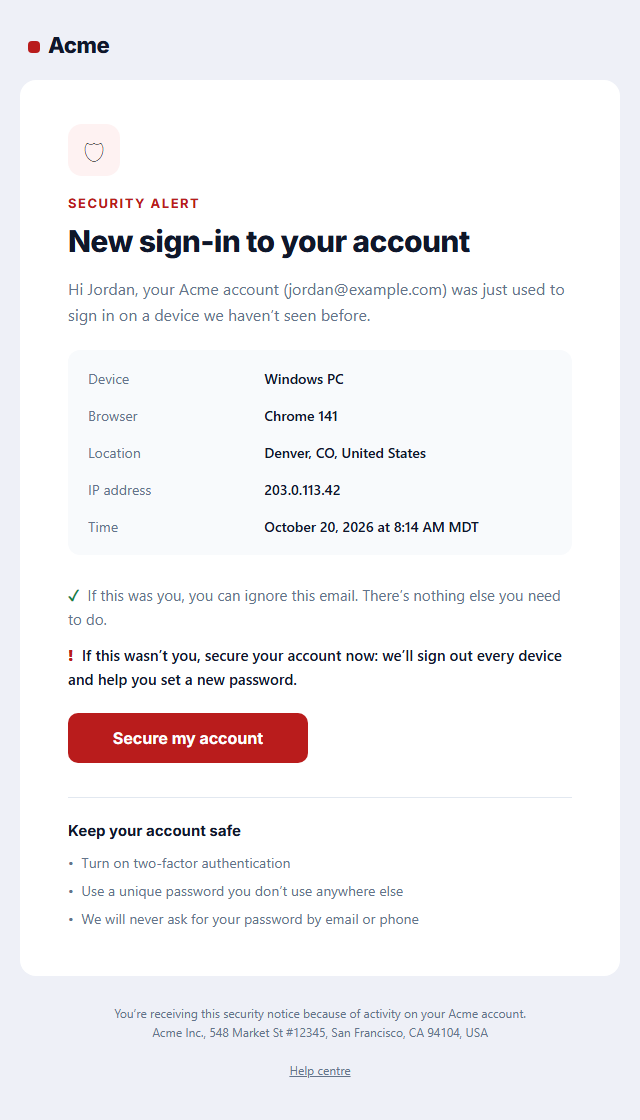
New Sign-in Security Alert
Responsive · Dark mode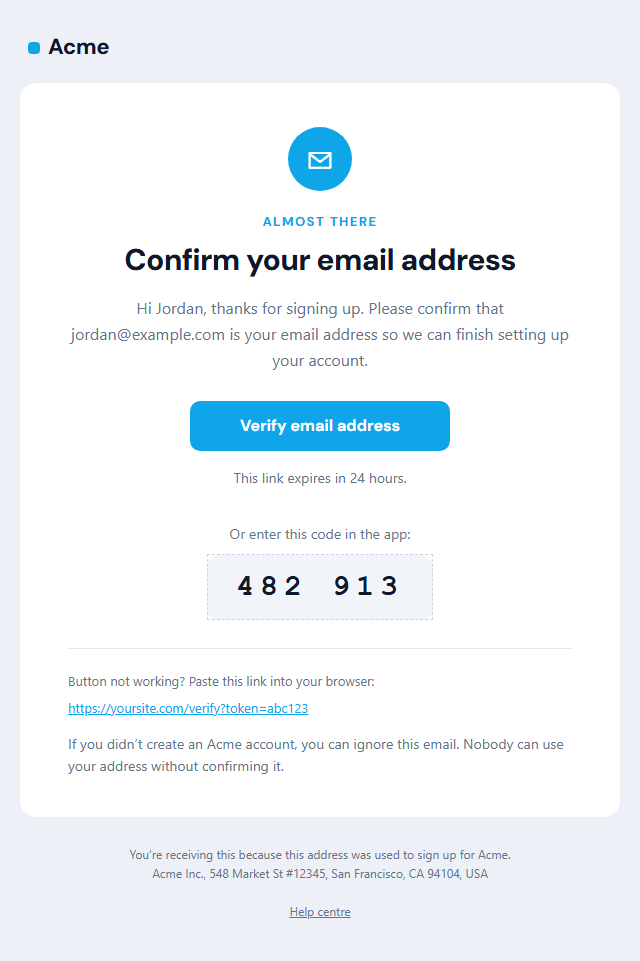
Verify Email Address
Responsive · Dark mode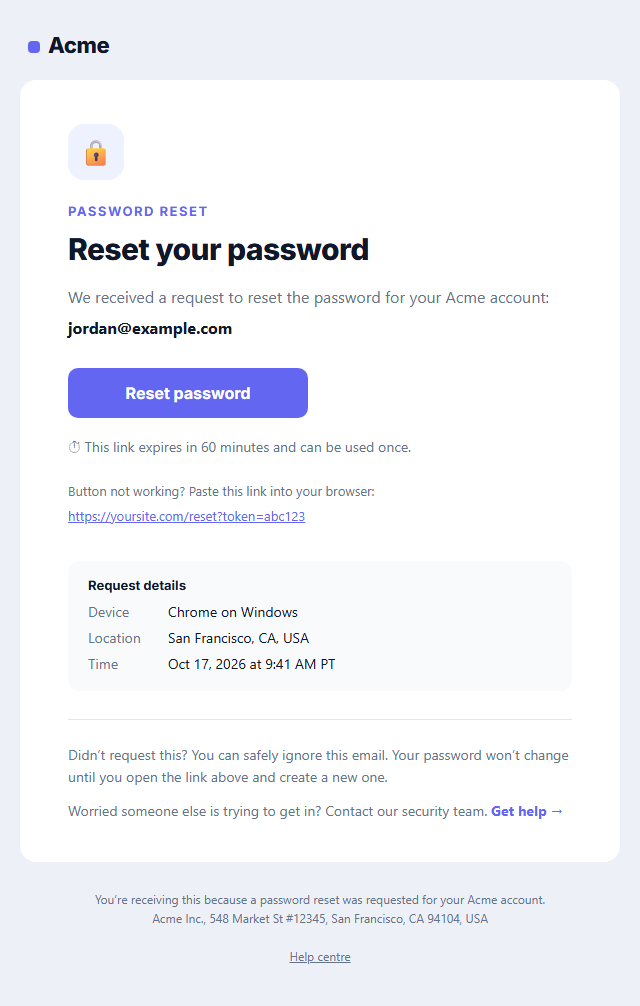
Password Reset Email
Responsive · Dark mode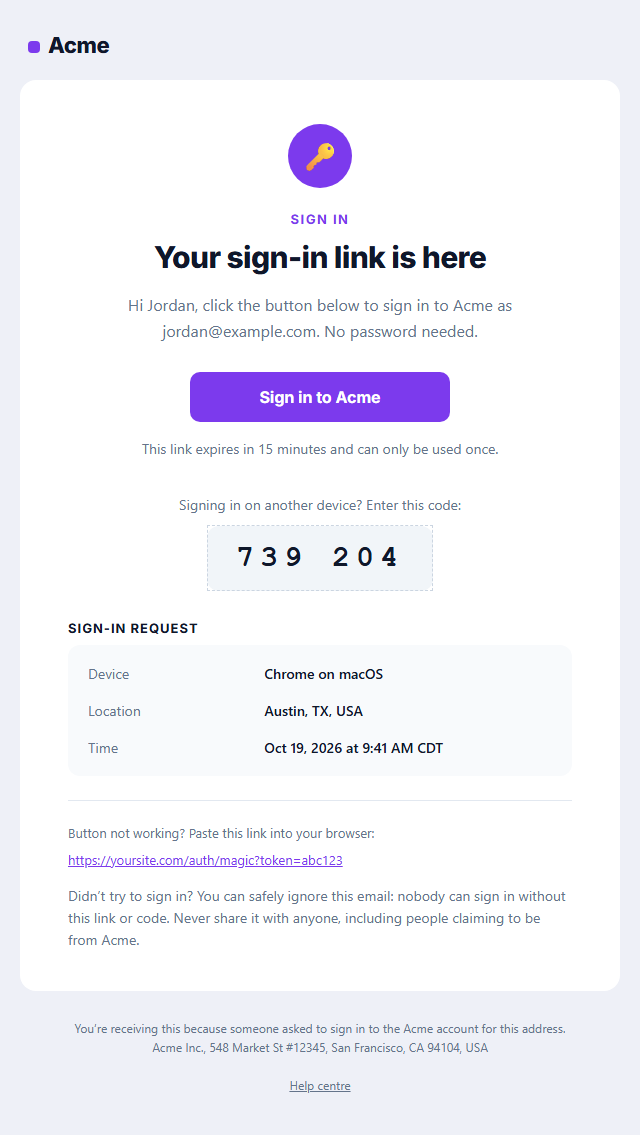
Magic Link Sign-in Email
Responsive · Dark mode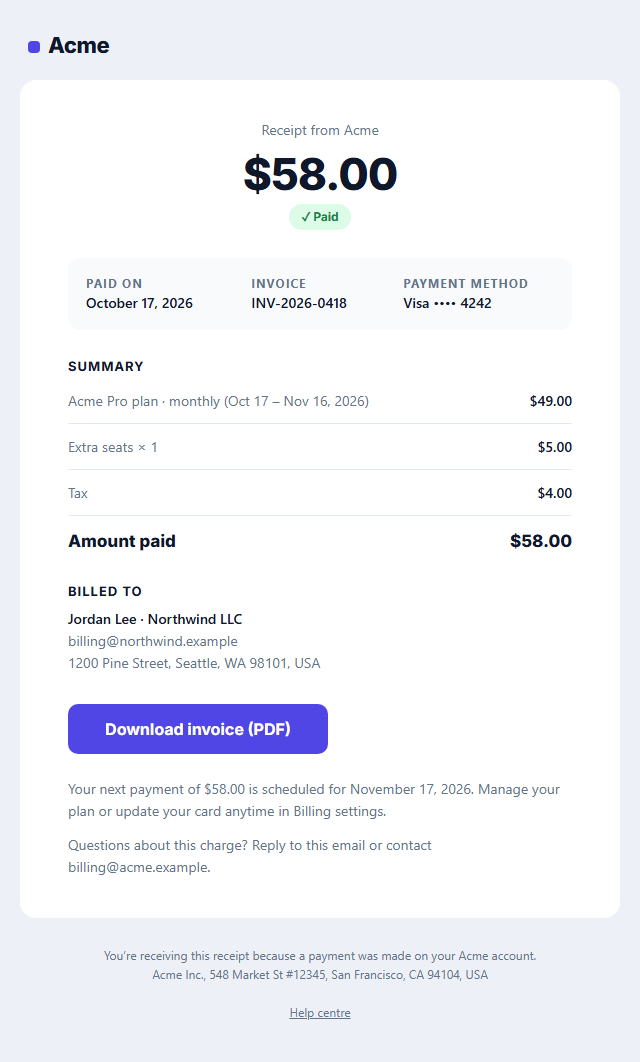
Payment Receipt Email
Responsive · Dark mode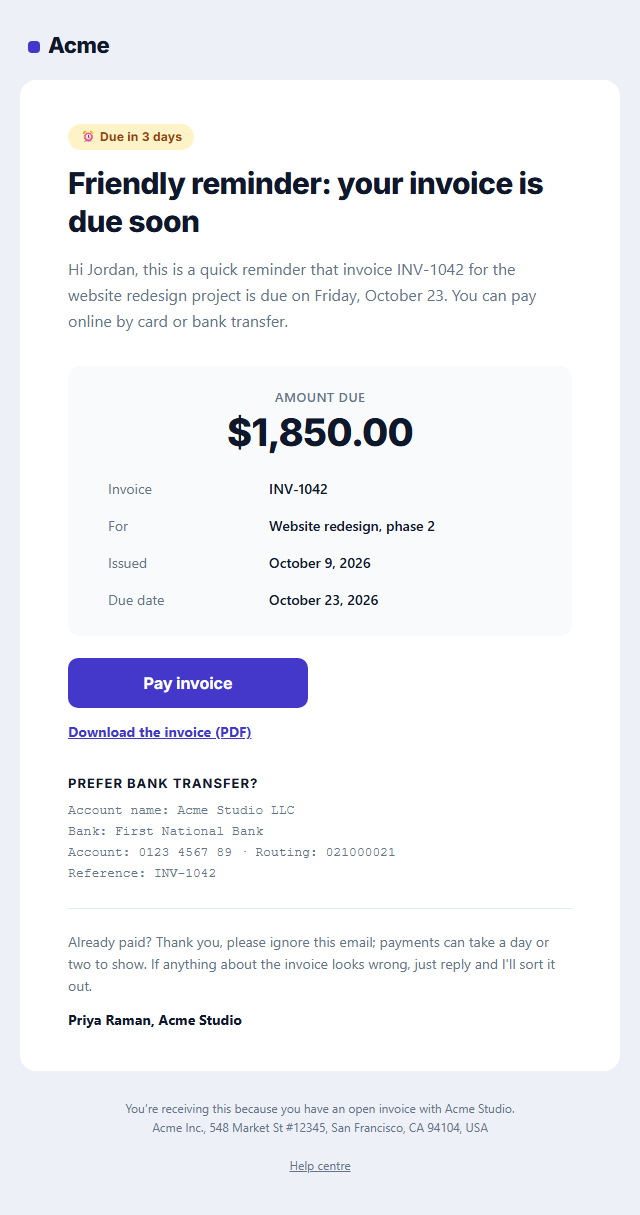
Payment Reminder Email
Responsive · Dark modeNew Sign-in Security Alert — Free Responsive HTML Email Template
Transactional · v1.0.0 · Updated 2026-10-20 · Gmail, Outlook & Apple Mail · Dark mode
What's included
Features
About this template
New Sign-in Security Alert — Free Login Alert Email Template
New Sign-in Security Alert is a free, responsive HTML template for telling users their account was accessed from a new device or location. Login alerts are a standard security practice for apps, SaaS products, banks and marketplaces: they let people spot account takeovers early, often before any damage is done.
Calm, clear and actionable
The email opens with a shield badge and a plain headline, "New sign-in to your account", then shows exactly what happened in a details box: the device, browser or app, approximate location, IP address and time. Two short lines handle both cases without alarm: if it was you, there's nothing to do; if it wasn't, one button secures the account. A short list of security tips closes the email.
Designed to be trusted
Security emails are a favourite target for phishing, so this template follows the habits that make real alerts recognisable: it names the account with the user's email address, shows specific details instead of vague warnings, avoids attachments, and reminds users that you will never ask for their password by email or phone. Make sure the button links only to your own domain.
Works with your auth stack
Copy the HTML into Auth0, Clerk, Supabase, Firebase, Stytch or your own backend and fill the details from the sign-in event (user agent, IP geolocation and timestamp). It's transactional, so no unsubscribe link is needed. Pair it with Magic Link Sign-in, Password Reset and Verify Email for a complete set of account emails.
Why use it
Why Use the New Sign-in Security Alert Template
How it’s different
How It’s Different From Other Free Email Templates
Step by step
How to Use
- 1Pick your email platformChoose Mailchimp, Klaviyo, HubSpot or Brevo under Merge tags so first names and unsubscribe links export in its syntax, or keep plain {{first_name}} tokens.
- 2Edit the contentFill in the message & button, sign-in details and security tips, or click any text in the preview to jump to its field. Switch the security tips on or off.
- 3Add your brandUpload or paste your logo, set the brand colour and the light and dark palettes, pick fonts, or apply your saved brand kit.
- 4Preview and checkSwitch between desktop, mobile and dark mode, and fix anything the pre-send checks flag, such as placeholder links or missing alt text.
- 5Export or forkCopy the HTML into Postmark, SendGrid, Amazon SES, Resend or your own code, copy the plain-text version, download a ZIP with images, or fork it into My Code.
Real-world uses
Common Use Cases
Got questions?
Frequently Asked Questions
Which account was accessed, the device or browser, the approximate location, the time and ideally the IP address, a clear "if this was you, do nothing" line and a single button to secure the account if it was not.
Read the user agent from the sign-in request for the device and browser, look up the IP address with a geolocation service for an approximate city and country, and record the timestamp in the user's time zone.
Send from your normal domain with SPF, DKIM and DMARC set up, name the account, show specific details, never ask for a password in the email and only link to your own domain.
No. It is a transactional security notice about the user's account, so CAN-SPAM's unsubscribe rule does not apply, and users should keep receiving it.
No. Alert on new devices, browsers or locations; alerting on every sign-in trains users to ignore the emails.
It saves an editable copy of your New Sign-in Security Alert in My Code, the UI Snippets code editor: the email markup goes in the HTML panel and its CSS (mobile and dark-mode rules plus fonts) in the CSS panel, so you can keep refining the code and save your own versions.
Yes. It is free for personal and commercial email, with no sign-up and no watermark. Everything runs in your browser, and your edits are saved locally.