Click any text to edit it right here · click an image or link to jump to its setting
- Replace the placeholder links: Header link, Button link, Help centre link.
Refund Confirmation Email
Responsive · Dark mode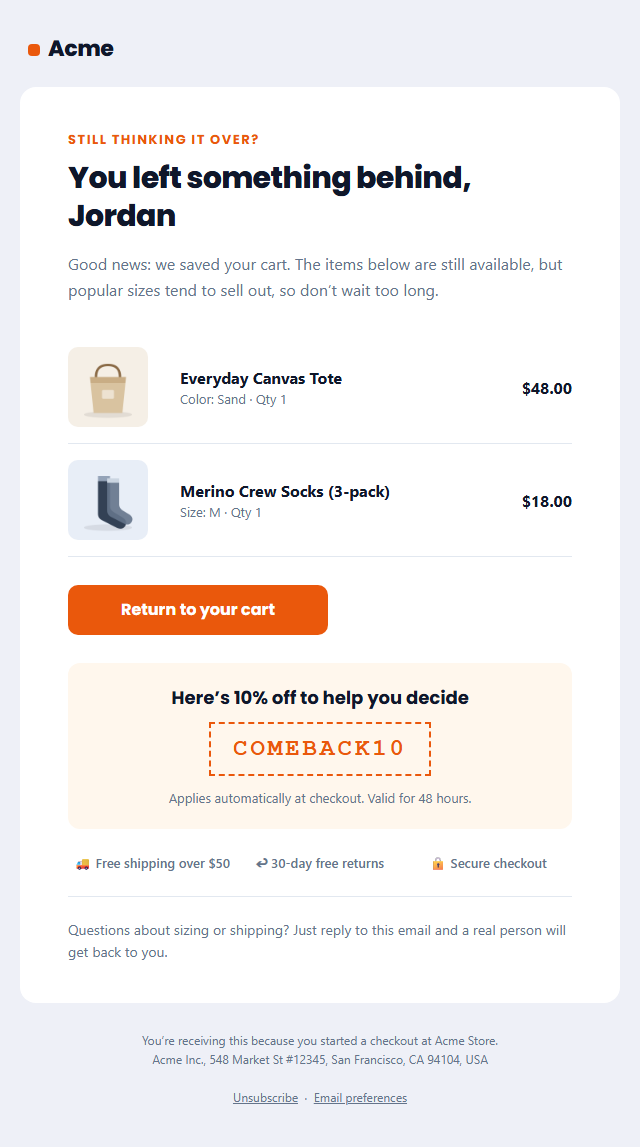
Abandoned Cart Email
Responsive · Dark mode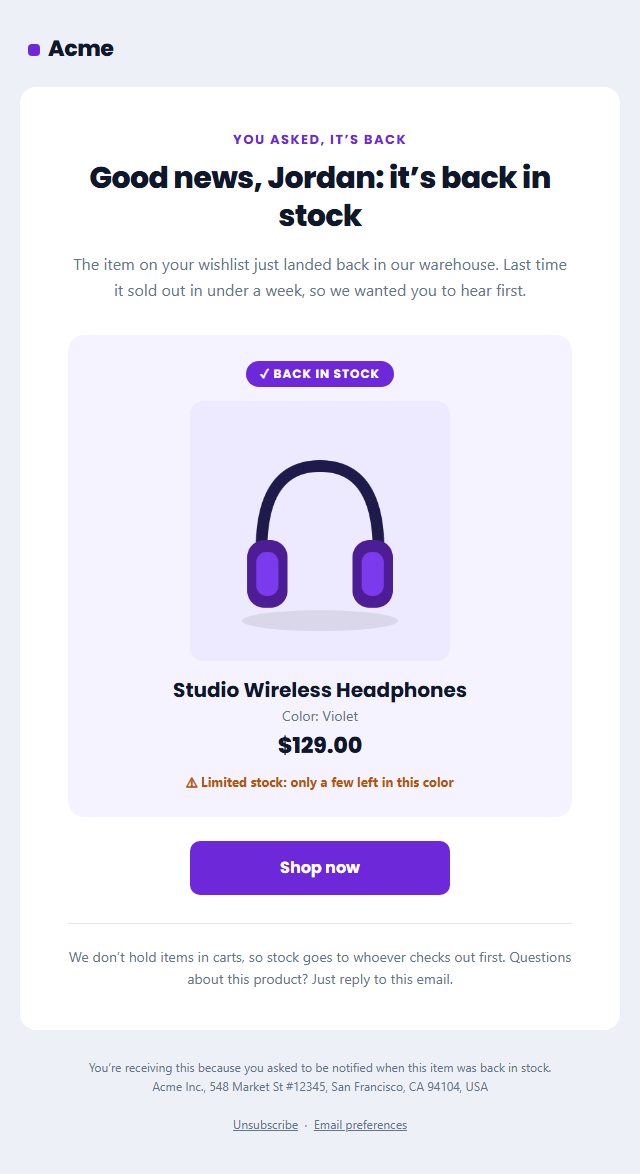
Back in Stock Email
Responsive · Dark mode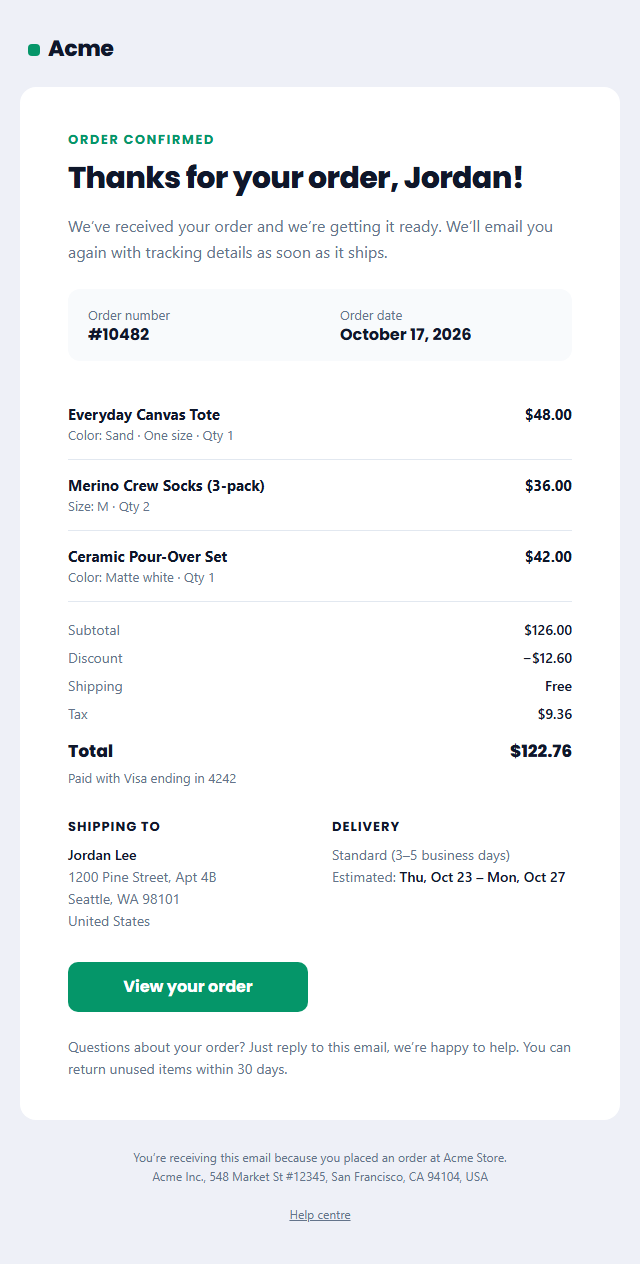
Order Confirmation Email
Responsive · Dark mode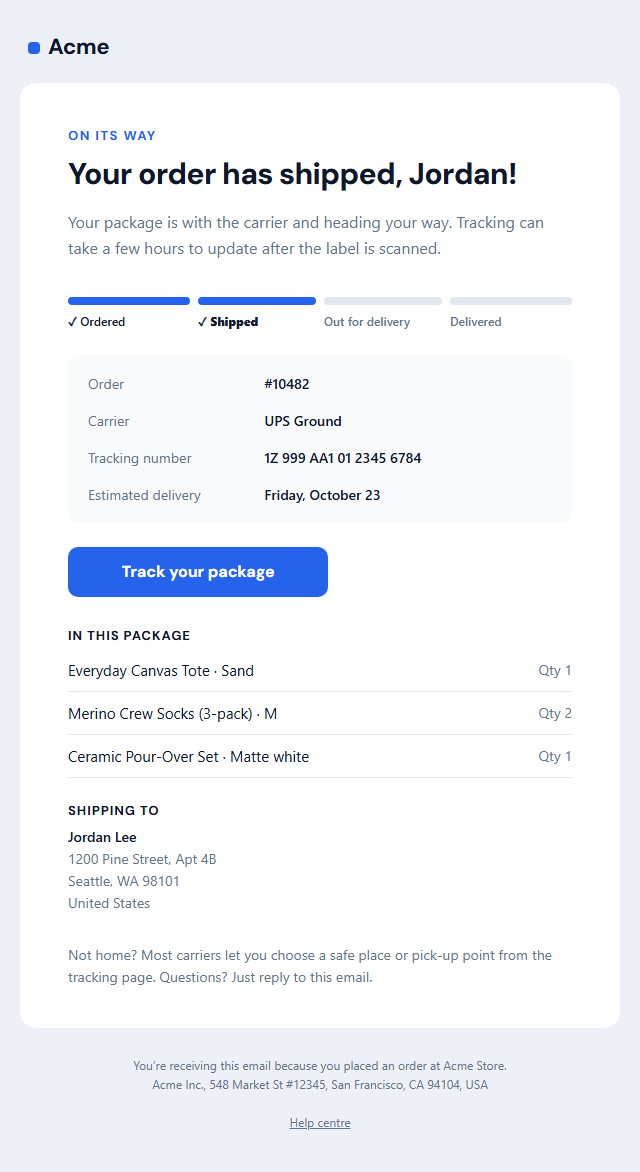
Shipping Confirmation Email
Responsive · Dark mode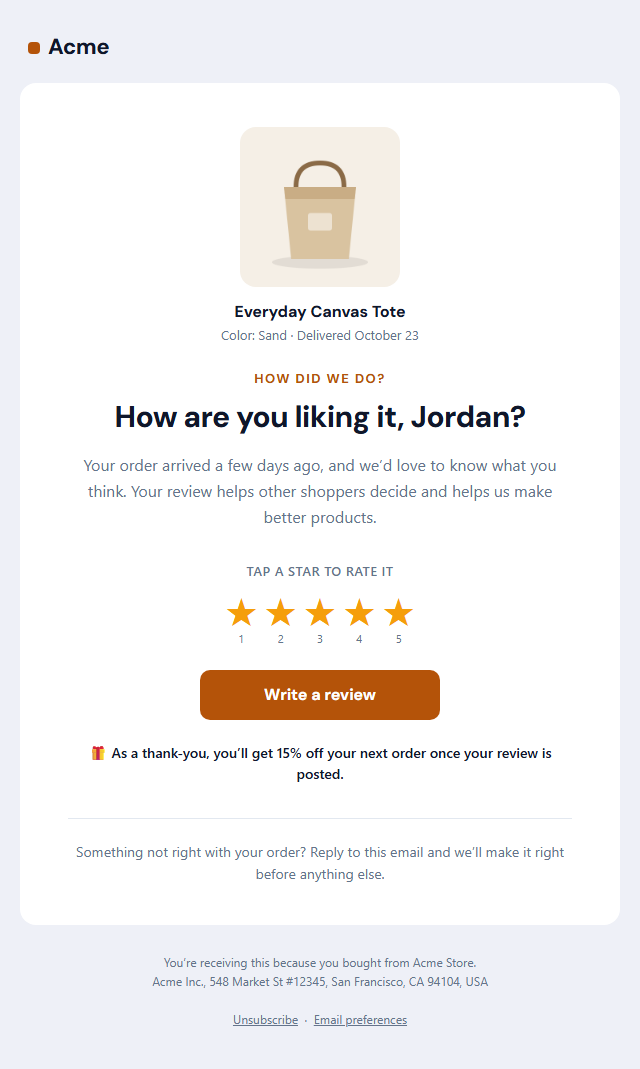
Review Request Email
Responsive · Dark modeRefund Confirmation Email — Free Responsive HTML Email Template
E-commerce · v1.0.0 · Updated 2026-10-20 · Gmail, Outlook & Apple Mail · Dark mode
What's included
Features
About this template
Refund Confirmation Email — Free Refund Processed Email Template
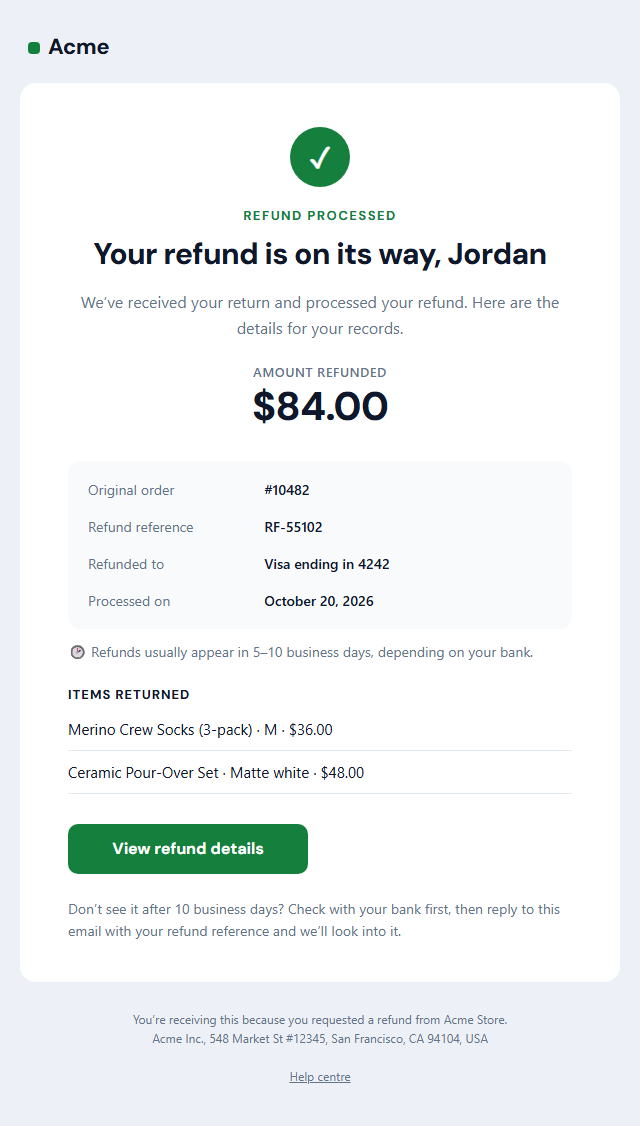
Refund Confirmation Email is a free, responsive HTML template for confirming that a refund has been issued. After a return or cancellation, customers want two answers: how much is coming back and when it will arrive. This template answers both at a glance, which reduces "where is my refund?" support tickets and leaves customers with a good last impression.
What's in the email
A green check badge and a "Refund processed" label, a reassuring headline with the customer's first name, the amount refunded in large type, and a details box with the original order number, the refund reference, the card or payment method it's going back to and the processing date. A short note explains how long refunds take to appear, followed by the items returned, a "View refund details" button and a support note.
Built to prevent follow-up questions
Most refund questions come from timing: banks can take 5 to 10 business days to show a refund. Saying so clearly, and including a refund reference customers can quote, stops many tickets before they start. The tone is warm and simple, because a smooth refund is often what makes a customer willing to buy again.
Works with your store
Copy the HTML into Shopify's refund notification, WooCommerce, Stripe, Postmark or your own order system and swap the sample values for your platform's refund variables. It's transactional, so it doesn't need an unsubscribe link. It completes the post-purchase set alongside the Order Confirmation and Shipping Confirmation templates.
Why use it
Why Use the Refund Confirmation Email Template
How it’s different
How It’s Different From Other Free Email Templates
Step by step
How to Use
- 1Pick your email platformChoose Mailchimp, Klaviyo, HubSpot or Brevo under Merge tags so first names and unsubscribe links export in its syntax, or keep plain {{first_name}} tokens.
- 2Edit the contentFill in the message & button, refund details and items returned, or click any text in the preview to jump to its field. Switch the items returned on or off.
- 3Add your brandUpload or paste your logo, set the brand colour and the light and dark palettes, pick fonts, or apply your saved brand kit.
- 4Preview and checkSwitch between desktop, mobile and dark mode, and fix anything the pre-send checks flag, such as placeholder links or missing alt text.
- 5Export or forkCopy the HTML into Shopify, Klaviyo, Omnisend, Postmark or your own code, copy the plain-text version, download a ZIP with images, or fork it into My Code.
Real-world uses
Common Use Cases
Got questions?
Frequently Asked Questions
The amount refunded, the order it relates to, a refund reference, where the money is going, when it was processed and how long it usually takes to arrive, plus a way to contact support. This template includes all of them.
It depends on the bank and payment method, but card refunds commonly take 5 to 10 business days. Put your typical timing in the arrival note so customers know when to expect it.
Yes. It relates to a purchase and refund the customer made, so it does not need an unsubscribe link under US CAN-SPAM. Keep marketing out so it stays transactional.
Yes. In Shopify admin go to Settings, then Notifications, then the refund notification, replace the code with this HTML and swap the sample values for Shopify's Liquid variables.
Usually not in the refund email itself, which should stay transactional and reassuring. Send a separate follow-up, such as the Re-engagement template, a few weeks later if appropriate.
It saves an editable copy of your Refund Confirmation Email in My Code, the UI Snippets code editor: the email markup goes in the HTML panel and its CSS (mobile and dark-mode rules plus fonts) in the CSS panel, so you can keep refining the code and save your own versions.
Yes. It is free for personal and commercial email, with no sign-up and no watermark. Everything runs in your browser, and your edits are saved locally.