Click any text to edit it right here · click an image or link to jump to its setting
- Replace the placeholder links: Header link, Confirm link, Reschedule link, Cancel link, Help centre link.
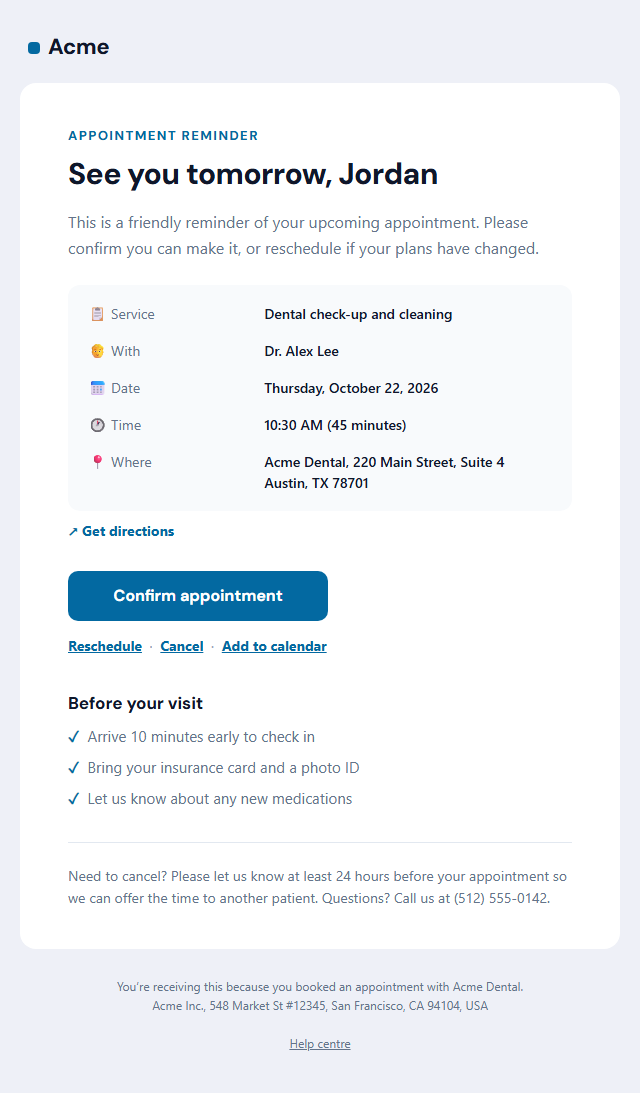
Appointment Reminder Email
Responsive · Dark mode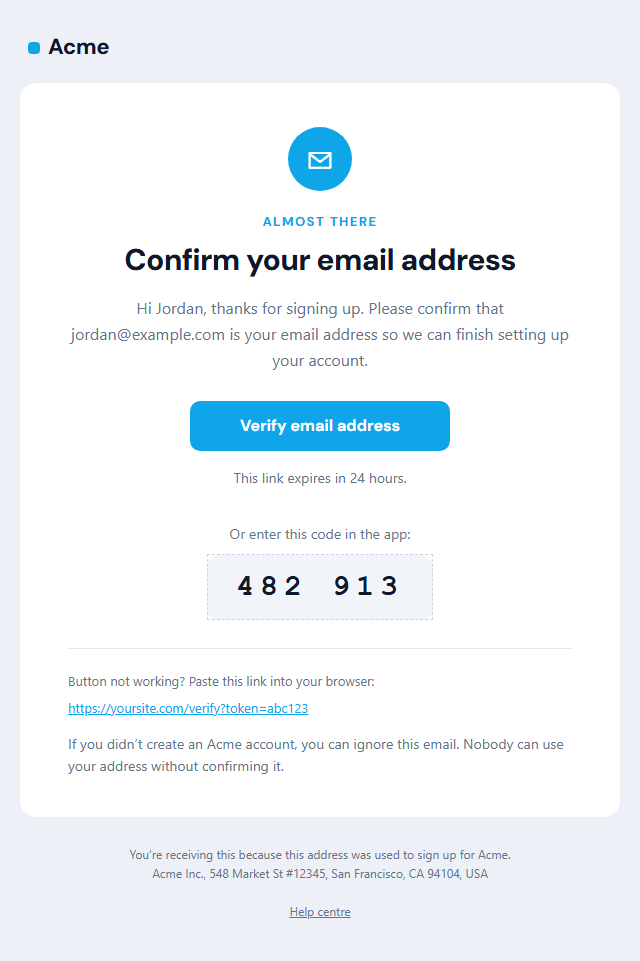
Verify Email Address
Responsive · Dark mode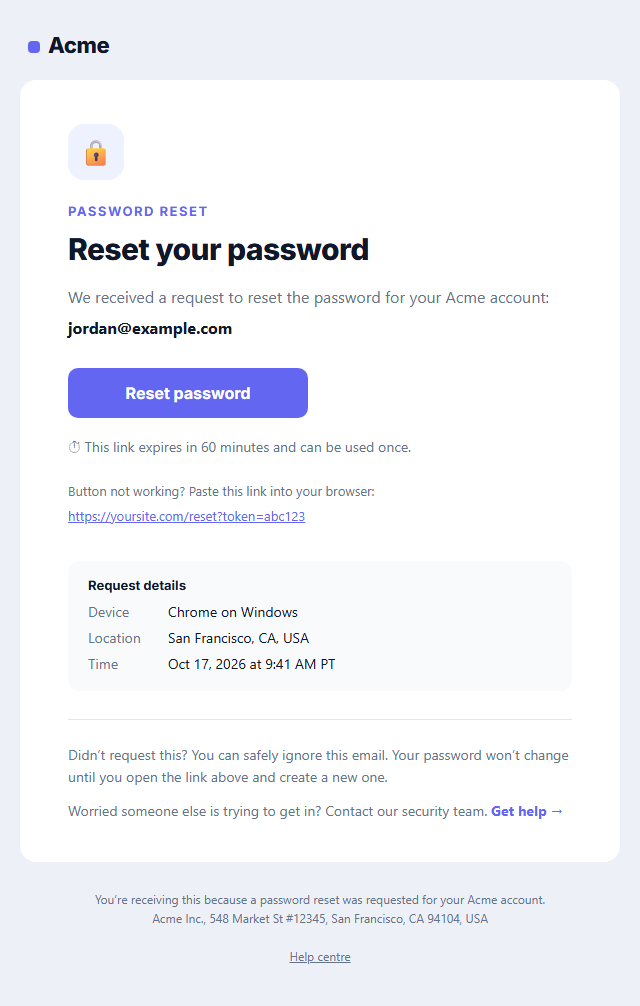
Password Reset Email
Responsive · Dark mode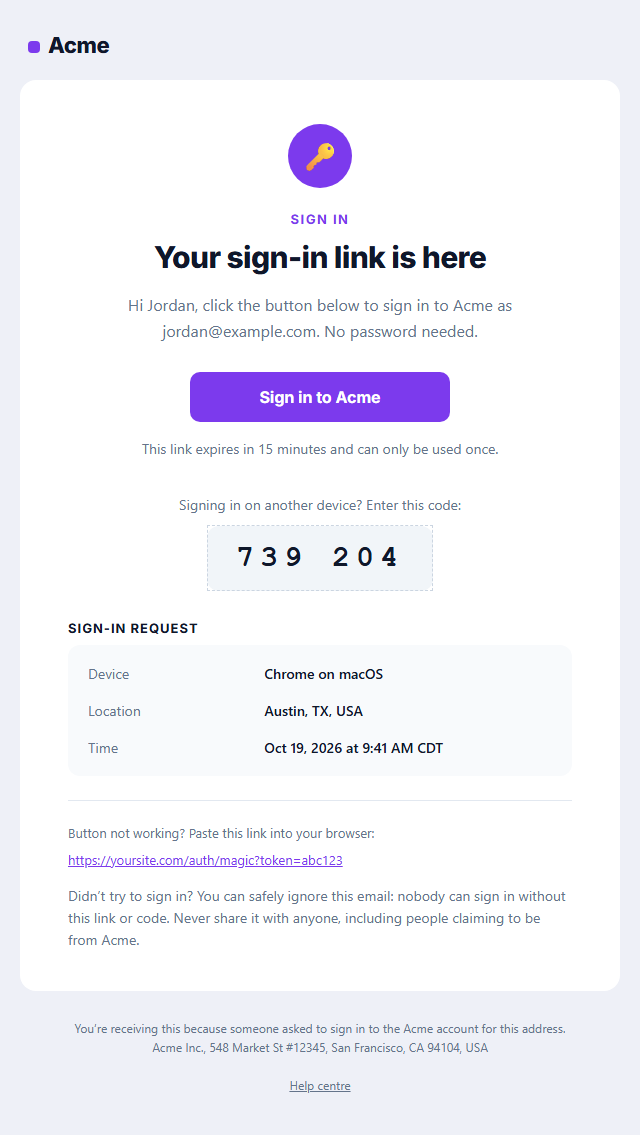
Magic Link Sign-in Email
Responsive · Dark mode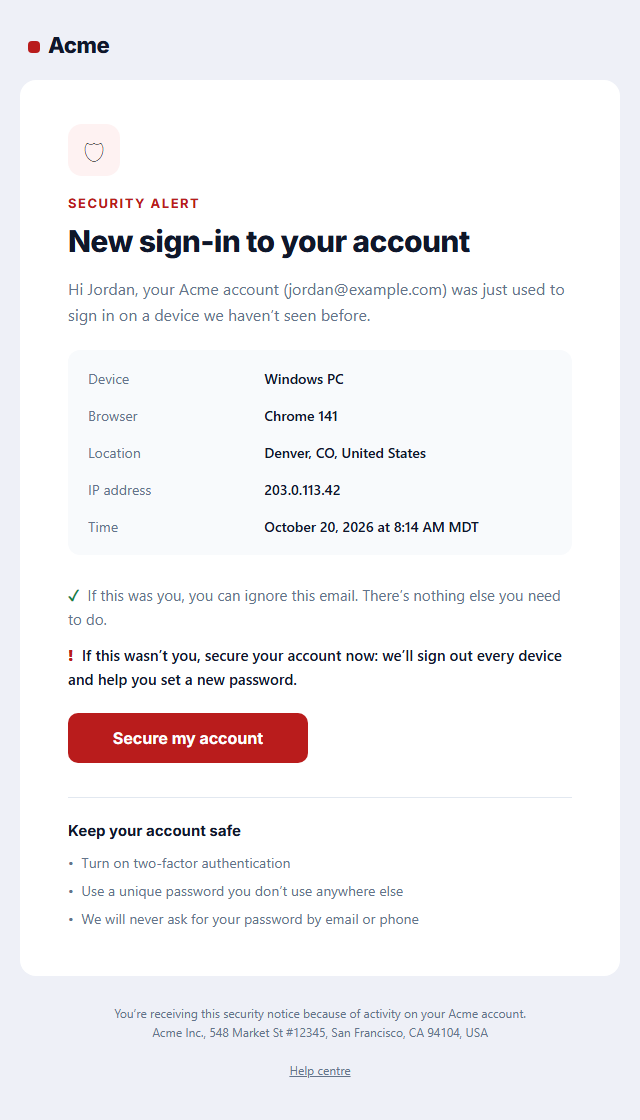
New Sign-in Security Alert
Responsive · Dark mode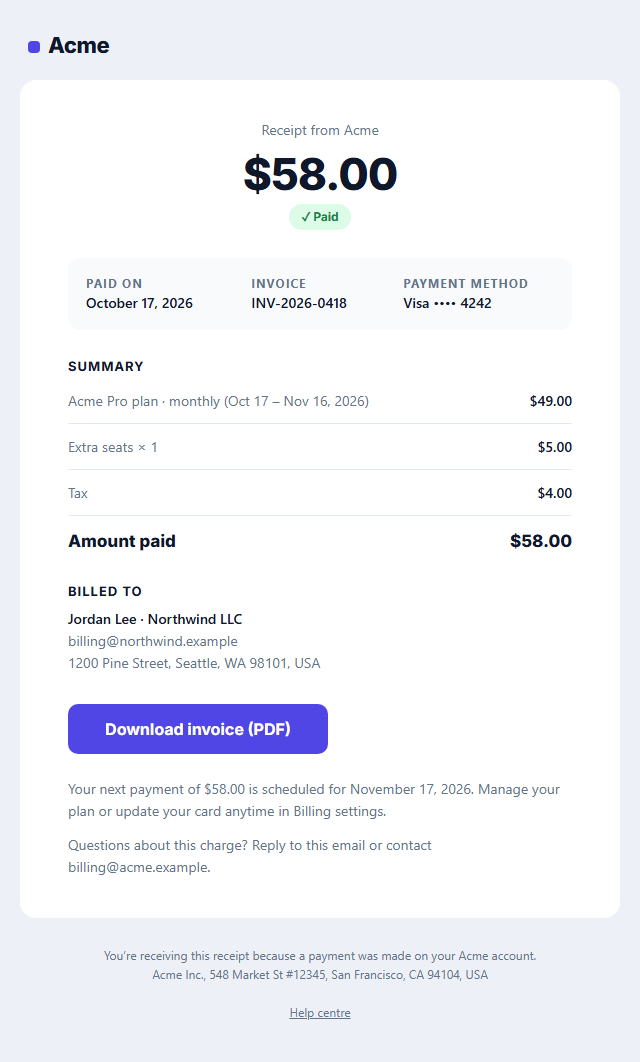
Payment Receipt Email
Responsive · Dark modeAppointment Reminder Email — Free Responsive HTML Email Template
Transactional · v1.0.0 · Updated 2026-10-20 · Gmail, Outlook & Apple Mail · Dark mode
What's included
Features
About this template
Appointment Reminder Email — Free Booking Reminder Email Template
Appointment Reminder Email is a free, responsive HTML template for reminding clients and patients about upcoming bookings. It's designed for clinics, dentists, salons, spas, consultants, coaches, tutors and any service business that loses money when people don't show up. Reminders are one of the simplest ways to reduce no-shows, and making it easy to confirm or reschedule is what makes them work.
Every detail at a glance
A personal headline ("See you tomorrow, Jordan") sits above a details box with the service, who the appointment is with, the date, the time and length, and the address, plus a "Get directions" link to Google Maps. The details use small icons and a two-column layout, so people can scan them on a phone while they're on the way.
Confirm, reschedule or cancel in one tap
A large "Confirm appointment" button sits under the details, with "Reschedule", "Cancel" and "Add to calendar" links beside it. Letting people reschedule easily is better than a no-show: you can offer the time slot to someone else. A short "Before your visit" checklist covers arrival time and what to bring, and the cancellation policy closes the email.
Works with your booking system
The template is built with tables and inline styles, with an Outlook-safe button, a dark palette and a plain-text version. Copy it into your booking or practice-management software (Acuity, Calendly, SimplePractice, Square Appointments, Mindbody or your own system) and replace the sample values with its booking variables. It's transactional, so no unsubscribe link is needed. Send it 24 to 48 hours before the appointment, and use the Webinar Invitation template for online events.
Why use it
Why Use the Appointment Reminder Email Template
How it’s different
How It’s Different From Other Free Email Templates
Step by step
How to Use
- 1Pick your email platformChoose Mailchimp, Klaviyo, HubSpot or Brevo under Merge tags so first names and unsubscribe links export in its syntax, or keep plain {{first_name}} tokens.
- 2Edit the contentFill in the message & buttons, appointment details and before your visit, or click any text in the preview to jump to its field. Switch the before your visit on or off.
- 3Add your brandUpload or paste your logo, set the brand colour and the light and dark palettes, pick fonts, or apply your saved brand kit.
- 4Preview and checkSwitch between desktop, mobile and dark mode, and fix anything the pre-send checks flag, such as placeholder links or missing alt text.
- 5Export or forkCopy the HTML into Postmark, SendGrid, Amazon SES, Resend or your own code, copy the plain-text version, download a ZIP with images, or fork it into My Code.
Real-world uses
Common Use Cases
Got questions?
Frequently Asked Questions
Most businesses send one 24 to 48 hours before the appointment, and some add a second reminder two hours before by SMS. For appointments booked weeks ahead, a reminder a week before also helps.
The service, who it is with, the date, time and length, the address or video link, a way to confirm, reschedule or cancel, and your cancellation policy. This template includes all of them.
Yes. Reminders are one of the most widely recommended ways to reduce missed appointments, especially when they make confirming or rescheduling easy, so the slot can be reused instead of left empty.
Yes. It relates to a booking the customer made, so it does not need an unsubscribe link under US CAN-SPAM. Keep marketing out so it stays transactional.
Yes. Paste a Google Calendar "TEMPLATE" link with the date and time, or a link to a hosted .ics file for Outlook and Apple Calendar, into the add-to-calendar field.
It saves an editable copy of your Appointment Reminder Email in My Code, the UI Snippets code editor: the email markup goes in the HTML panel and its CSS (mobile and dark-mode rules plus fonts) in the CSS panel, so you can keep refining the code and save your own versions.
Yes. It is free for personal and commercial email, with no sign-up and no watermark. Everything runs in your browser, and your edits are saved locally.